



A busy sports photographer with urgent event batches piling up
Carefully hand-drawn clipping paths for crisp, clean product photos delivered fast.
Take tedious image edits off your plate and put your products on any background you need. Outsource your clipping path work to Path’s team of experts and get flawless, ready-to-use images.
You need perfect clipping paths and clean photos to attract customers and help your products stand out. But if you’re launching hundreds or thousands of products a week, spending hours in Photoshop just isn’t sustainable.
Stop losing precious time (and sleep!) trying to keep up. With Path, you can focus on what you do best and leave the nitty-gritty edits to us.
Hand-drawn clipping path services are ideal if you’re…
A busy sports photographer with urgent event batches piling up

An ecommerce expert who wants to spend time growing sales, not editing images

A headshot photographer with relentless client deadlines
See our work: beautiful, precise clipping path projects
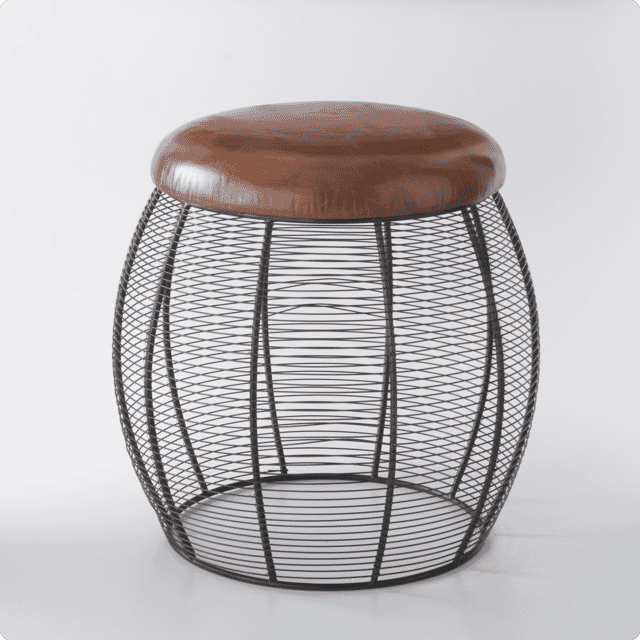
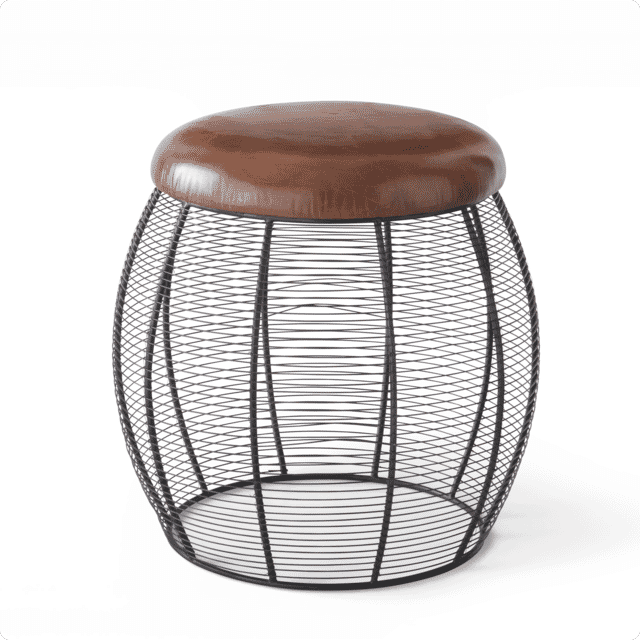
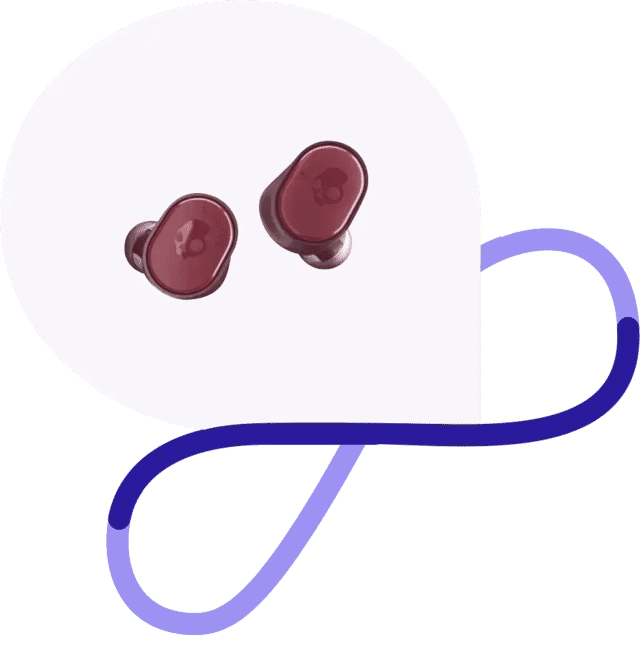
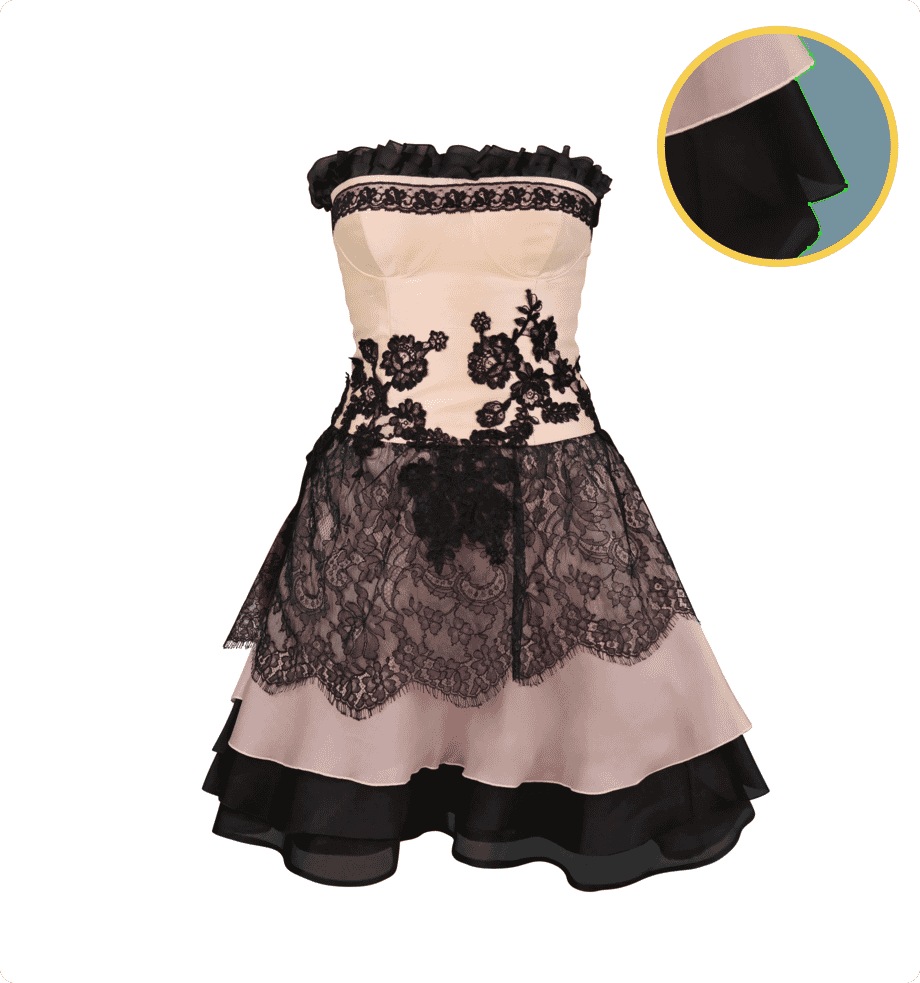
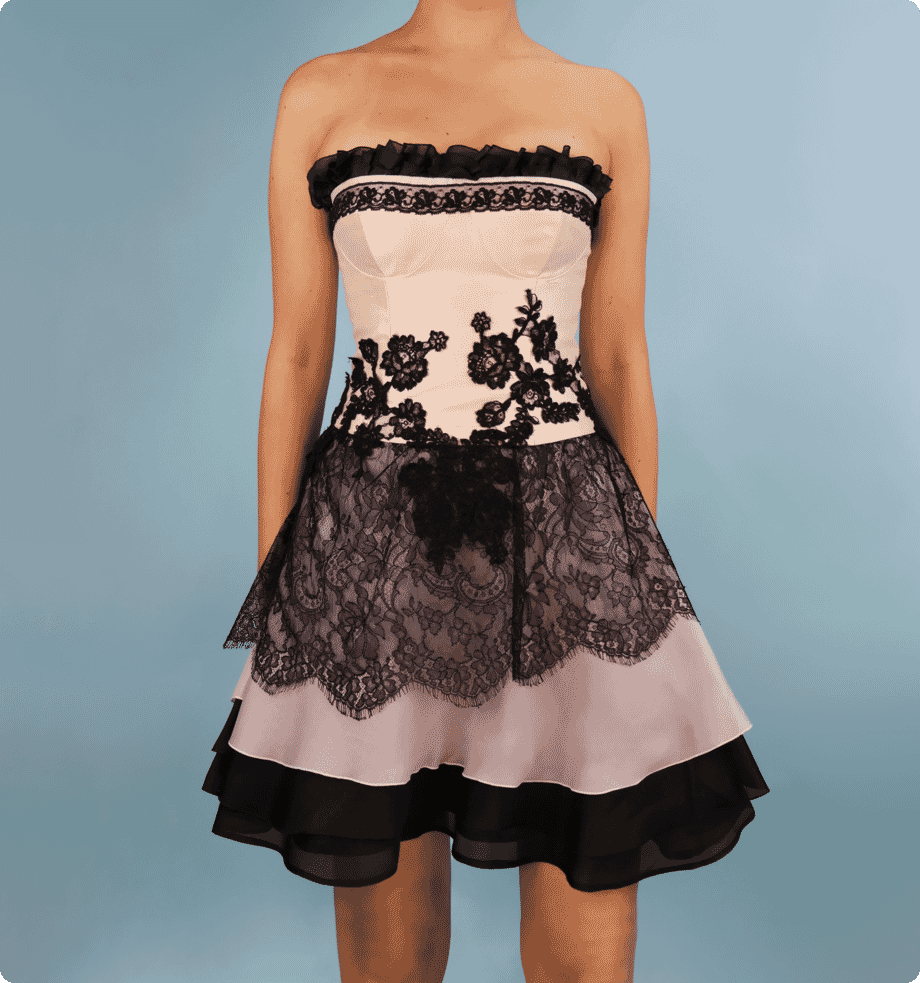
These before-and-after examples show what professional clipping path services look like in practice. Whether the job calls for a clean white-background cutout, a more complex product path, or consistent batch editing across a range, the goal is always the same: crisp edges, cleaner images, and cutouts that look polished and ready to use.
FREE TRIAL
Get 2 Images Clipped - On Us
See the quality for yourself before committing to a full batch. Upload two images and see how Path handles your clipping paths by hand for clean, accurate cutouts that are ready to use.
No automated shortcuts - every image is edited with care
Get large batches back in as little as 6 hours
Starting at just $0.39 per image, with no hidden fees
The cleaner your product photos, the more conversions you’ll drive
Upload images, describe your needs, and get instant, upfront pricing.
Professional editors craft your paths by hand while you focus on your core business.
Get your finished files in as little as 6 hours, double-checked for perfection.



Path Edits has helped brands in the US, UK, Sweden, and beyond save time and boost sales with premium image editing services. Thousands of 5-star reviews prove our commitment to quality and reliability.

hello@pathedits.com
Start chat
Need more than 1,000 photos edited? Talk to us about bulk pricing options.
Get bulk pricingHere’s what other people have asked us:
Clipping paths are the digital way to cut an item out of a photo. Remember cutting out pictures from magazines? It’s just like that, only digital. (A tip: if you’re cutting out a subject with hair or fur, you probably need image masking - another cutout technique that’s used for more intricate edges.) Once our clipping path specialists finish the clipping path, everything on the inside of the path is included, and everything outside is removed.
Clipping path is also called:
Clipping path allows you to manipulate the background of the subject of your image. You can create white backgrounds for selling products online, or display your subjects in any setting.
Not all clipping paths are alike, so the rates for each project vary. Every image is different, but we follow standard pricing guidelines to make sure your rate is always clear and objective, even if you’re working with a different designer.
Here’s an overview of how we price different clipping path projects:
Clipping path allows you to manipulate the background of the subject of your image. You can create white backgrounds for selling products online, or display your subjects in any setting.
At Path, we outline each image by hand. Automatons and AI can lead to Photoshop fails and unhappy customers. Trained (human) graphic designers have the common sense and keen eye to make sure edited photos look just right.
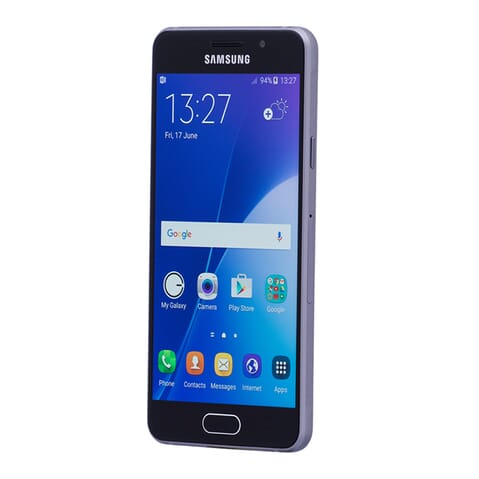
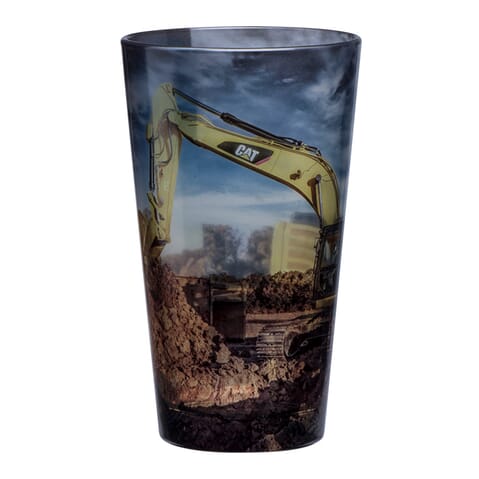
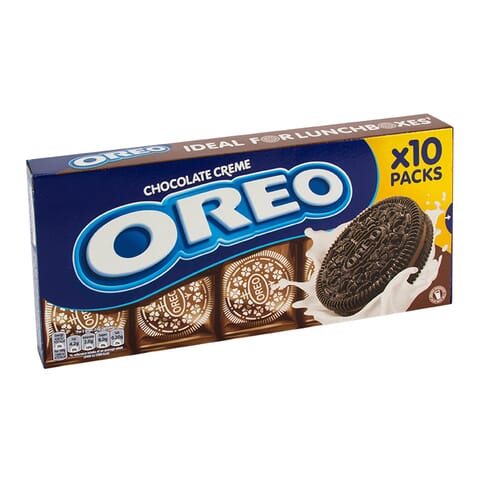
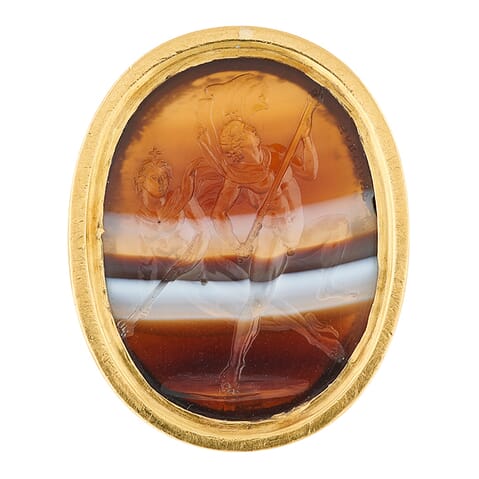
A simple clipping path is slightly more complex, so it takes a bit more time. Simple clipping paths remove objects that have more edges and curves, like a wine bottle or a car. They also work for objects that have a “hole” in them (like the interior of a mug handle or the inside of a ring or necklace).
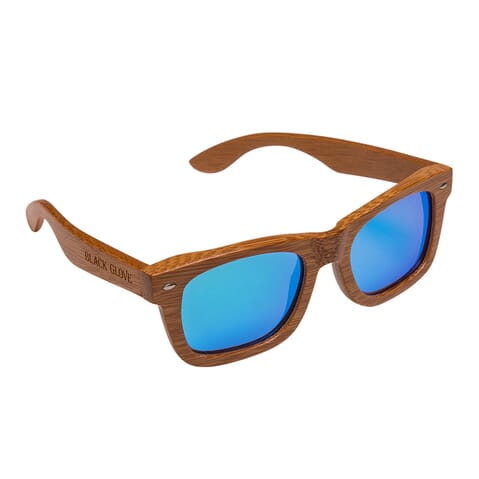
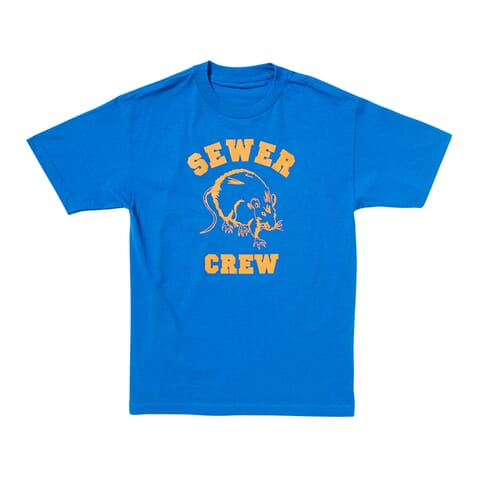
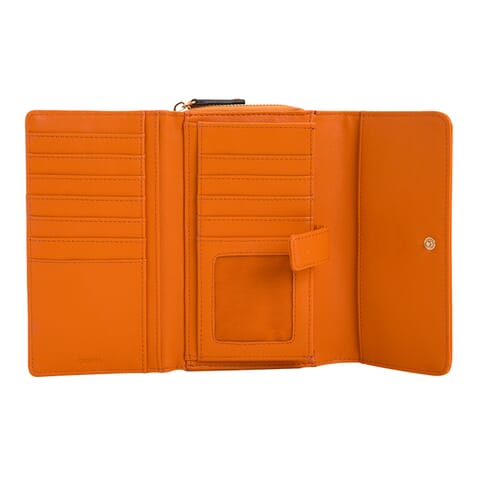
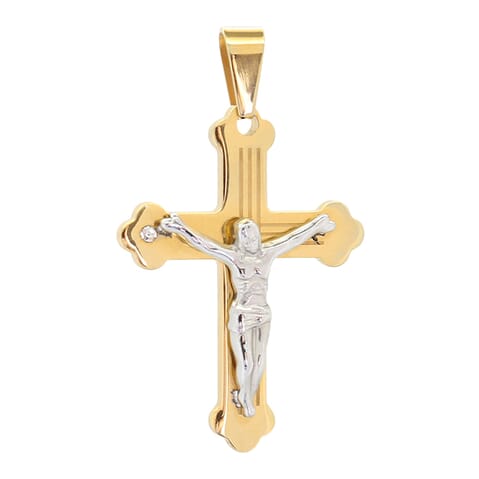
A medium clipping path is used for objects with complicated edges. These are typically complex enough that several paths are created and then merged together to get the final result.
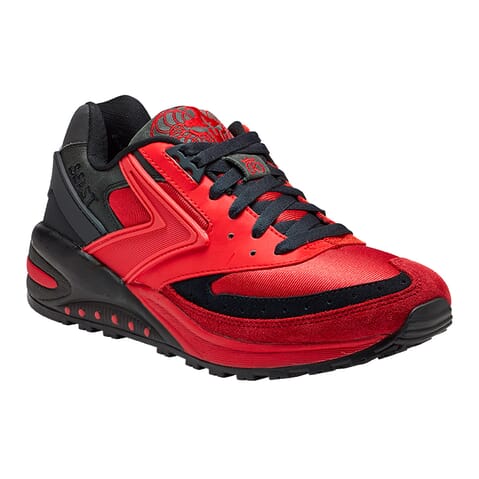
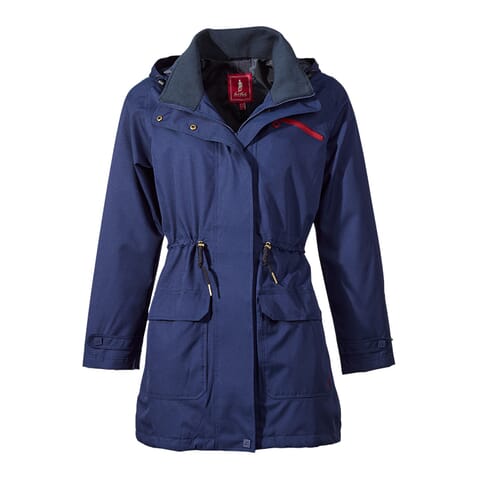
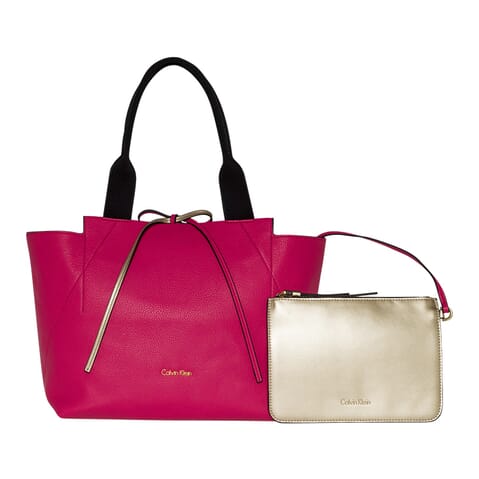
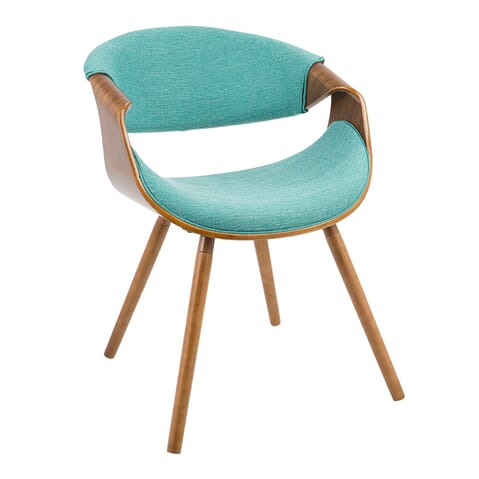
A complex clipping path is applied to objects with very complicated edges, multiple holes, and possibly multiple objects or varied levels of transparency. These types of clipping paths are incredibly time-consuming and call for more advanced skills.
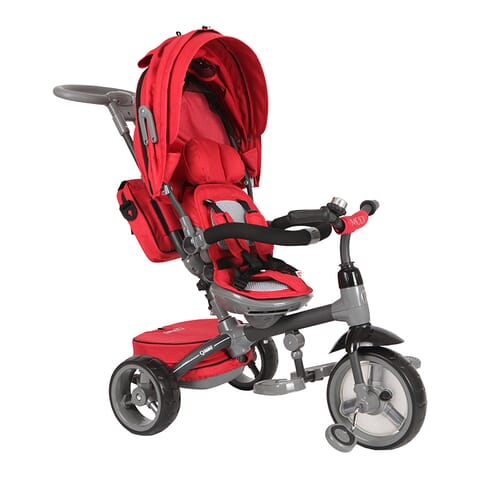
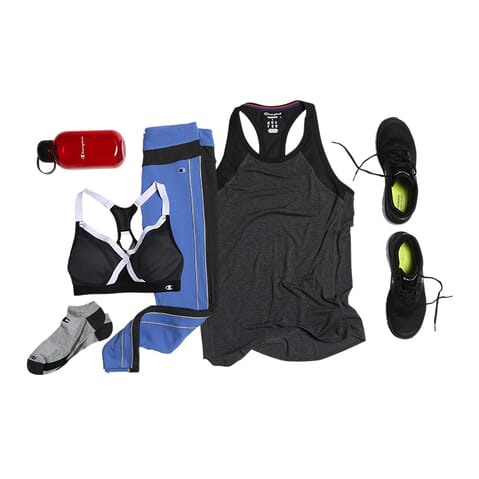
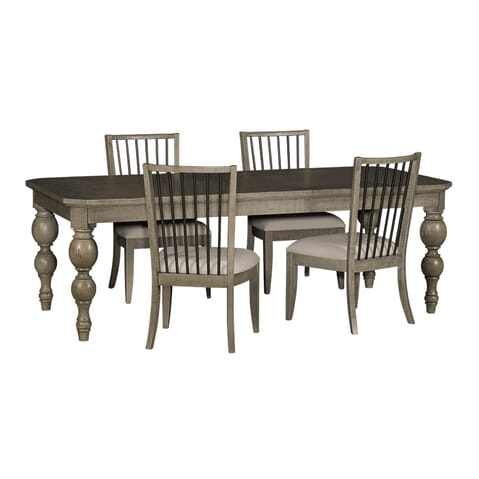
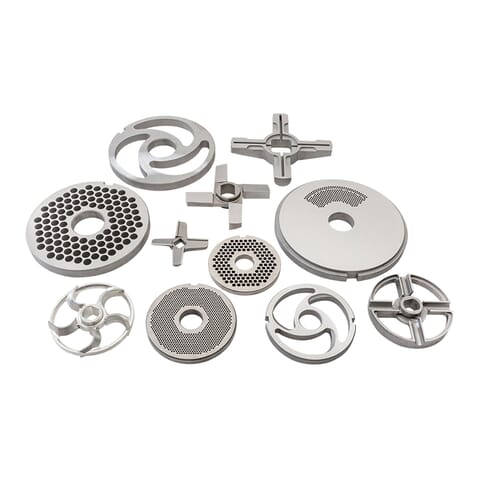
This category includes complex clipping paths with additional paths carefully crafted within the product itself.
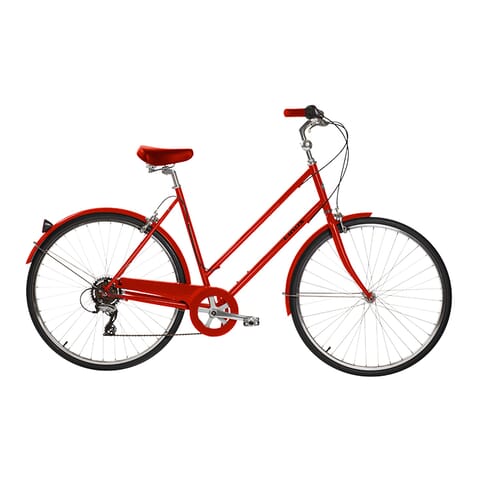
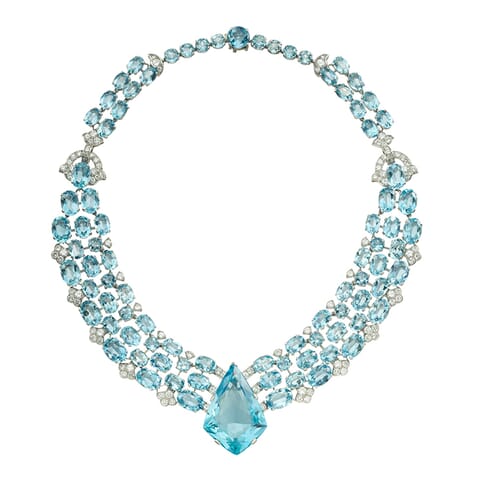
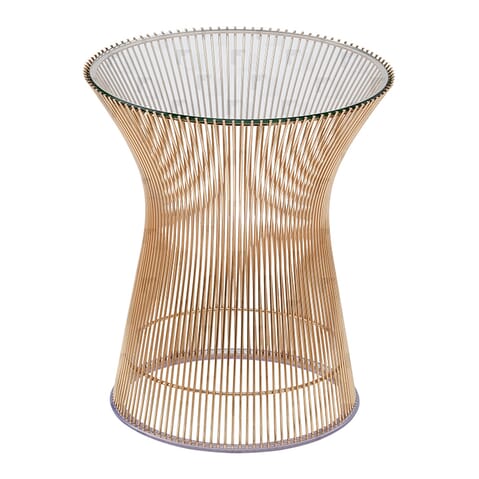
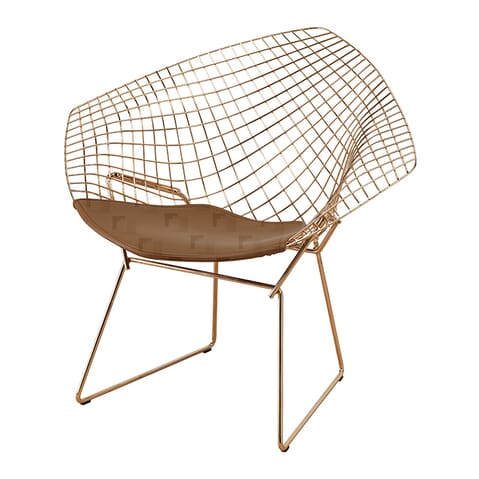
Sometimes, an object requires so many individual clipping paths that a complex or multiple clipping path just isn’t enough. Super complex clipping paths involve three to four different techniques.
This level of detail is necessary for tough product images where nothing else will look natural. In some cases, we need to use super complex, complex, and multiple clipping paths in conjunction with image masking to get to the perfect finished product.
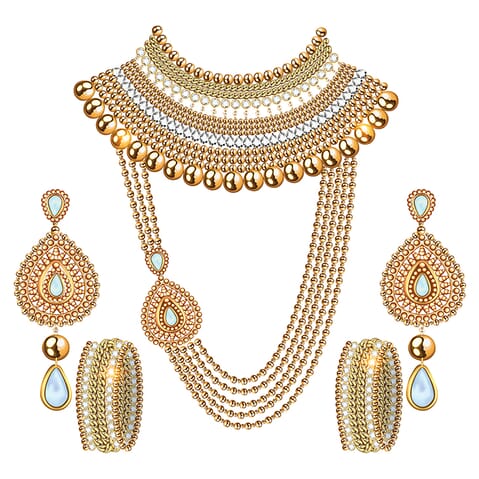
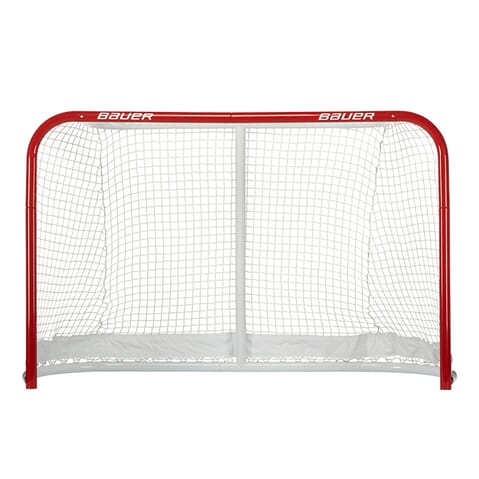
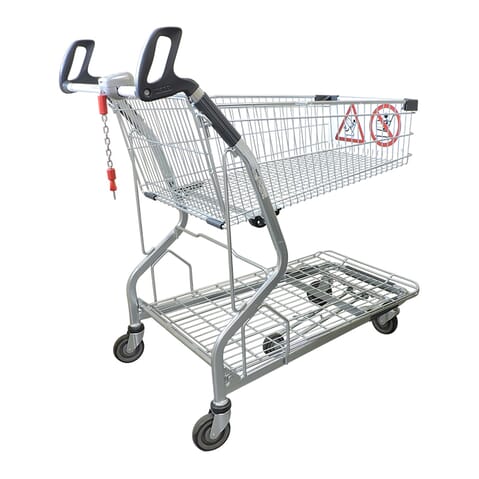
Clipping path services make the most sense when the image needs a clean, finished edge and the subject has hard, defined outlines.
They are commonly used for:
If the image is going live and the edge quality matters, clipping path is often the safer choice.
Clipping paths usually work best on products with hard edges and clear outlines.
That includes images like:
If the edge is soft, fuzzy, transparent, or very intricate, another method like image masking may be more appropriate.
A clipping path is a hand-drawn vector outline used to cut a subject out cleanly. Image masking is a different cutout method used for softer or more complex edges.
In simple terms:
If you are not sure which one your image needs, Path can help guide you to the right method.
Background removal is the broader outcome. It simply means separating the subject from the background.
A clipping path is one specific way of doing that, usually when the edge needs to stay crisp and controlled. Other background removal methods can include image masking, AI cutouts, or automatic selections.
Path offers hand-drawn clipping path services across different levels of complexity, depending on the shape of the product and how detailed the edge needs to be.
These range from:
Pricing varies by complexity so you always know what level of work the image requires.
Turnaround depends on the size and complexity of the job, but large batches can be returned in as little as 6 hours.
If you have a deadline, upload your images and Path can confirm the expected turnaround before work begins.
Yes. Path offers 2 free edits so you can check the quality before committing to a bigger batch.
That is a simple way to review the edge quality, consistency, and finish on your own images before sending more work across.
A clipping path is not always the best answer.
If the image includes:
then image masking or a combined cutout method may be the better fit.
If you want to understand clipping paths in more detail, start with these guides:
Your talent and creative energy are best spent doing what you love — not fiddling in Photoshop for hours figuring out tedious edits.

40,000+
clients have entrusted their image editing needs to us.

8 million+
images enhanced and brought to life.

We don’t use automated software here. Every clipping path is carefully done by hand. We’re not finished until every item of clothing and accessory appears natural, and the colors and textures look just right.


