


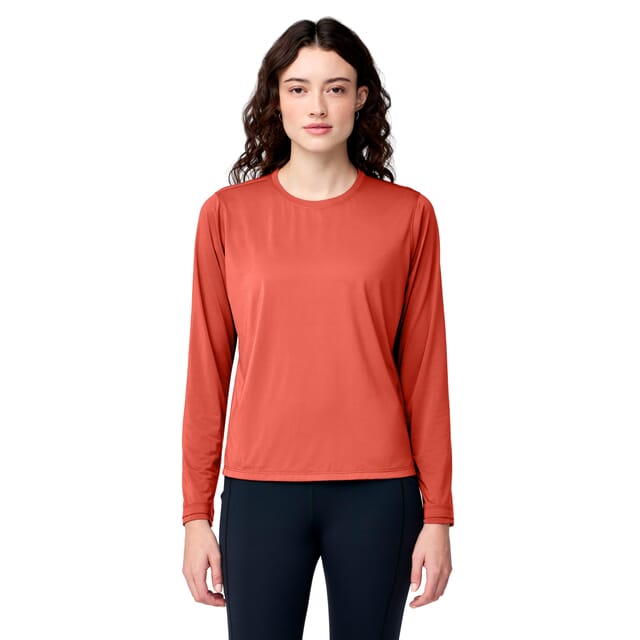
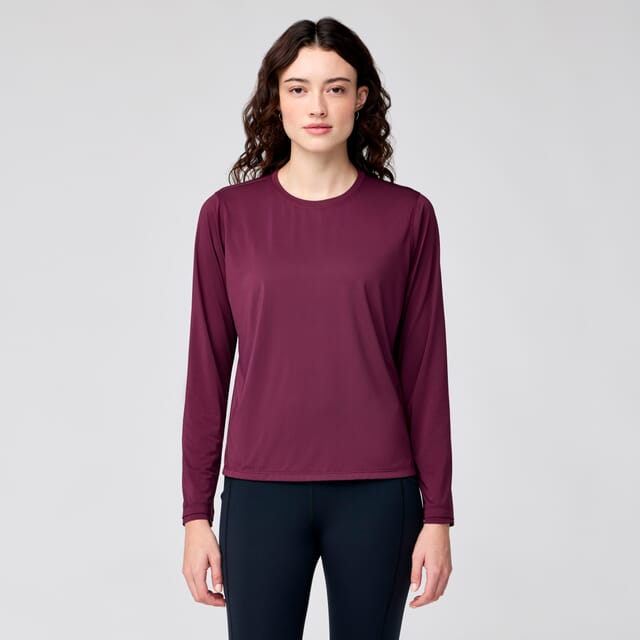

Run an ecommerce store with multiple product colorways and manage hundreds or thousands of SKUs
Create realistic product color variants without photographing every version
Get true-to-life color in any shade you need - without the expense, delays, or logistics of additional product shots.
Turn one strong product photo into multiple ecommerce-ready colorways while keeping the original texture, shadows, highlights, and product detail looking natural.
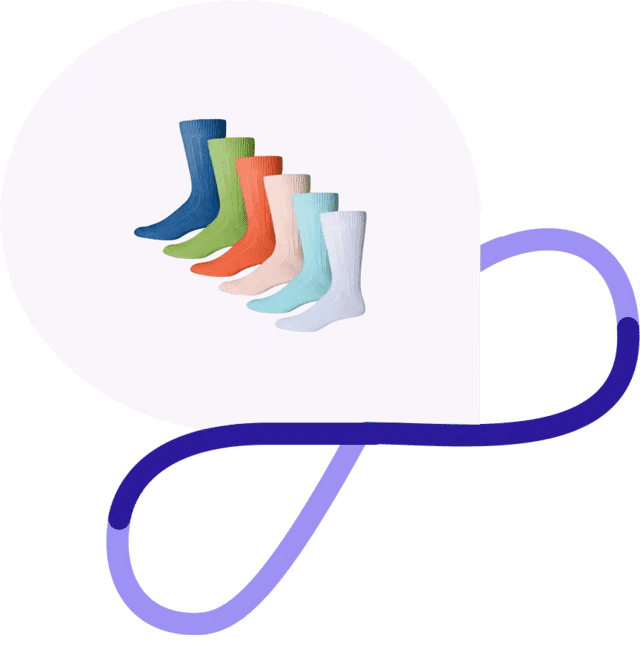
When you have several color variants for a single product, it often makes sense to photograph it once and create the additional colors in post-production.
That lets you make more of your photography investment and reuse the same source image across:
• Product listings • Ecommerce stores • Catalogues
• Marketing campaigns • Seasonal collections • New SKU launches
When you have dozens or hundreds of products, though, those edits quickly pile up. A few simple recolors can turn into a full week in Photoshop - especially when every version needs to look realistic and consistent.
That is where outsourced product color change editing can save time without compromising quality.
If the product itself stays the same and only the color changes, you may not need to photograph every variation separately.
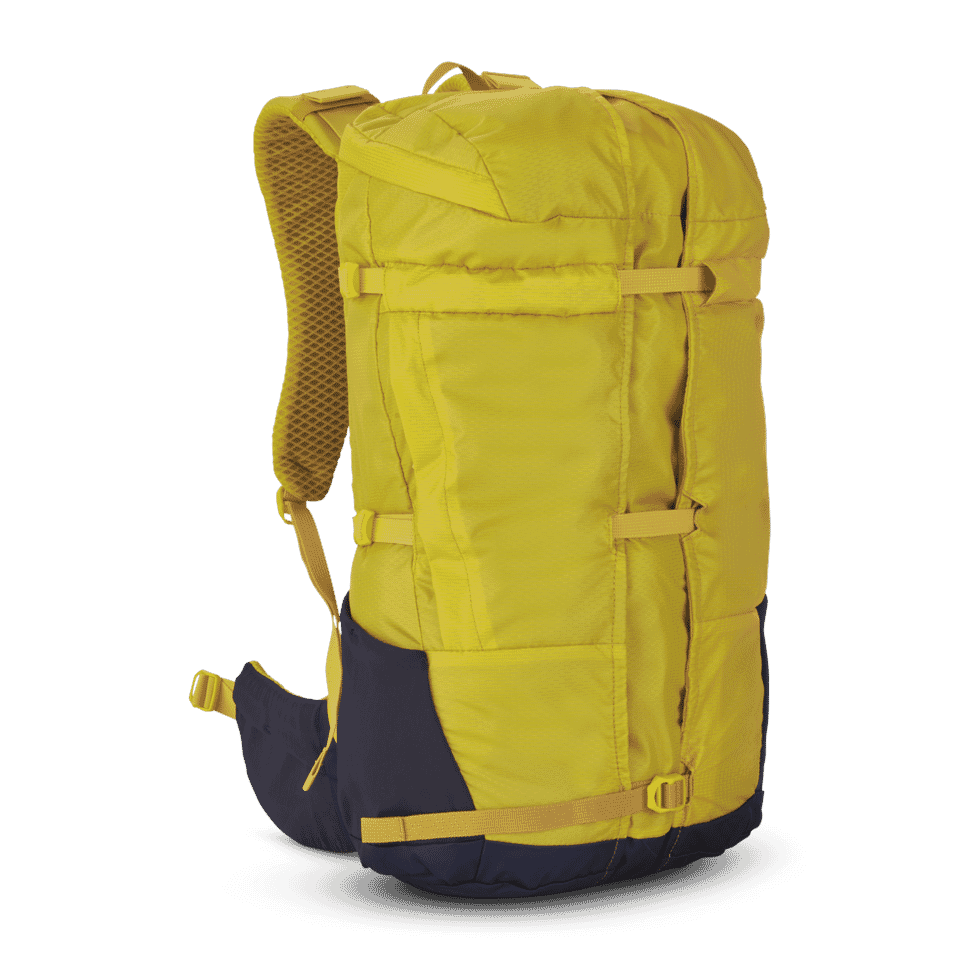
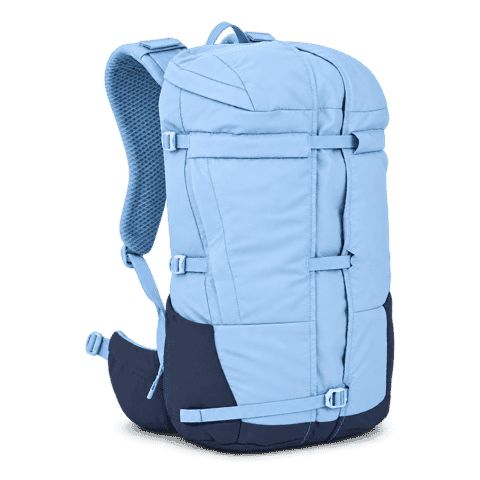
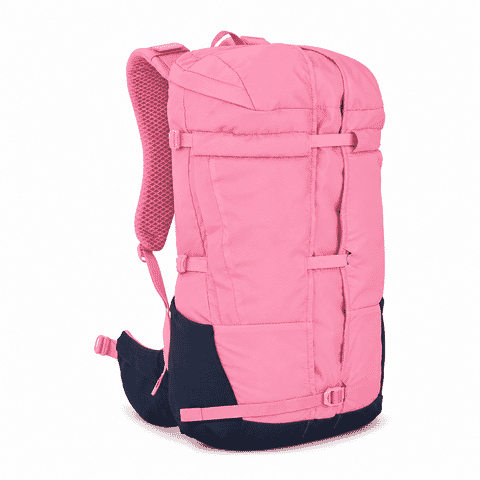
Instead of repeating the entire photography process, you can use one strong base image to create multiple realistic variations.
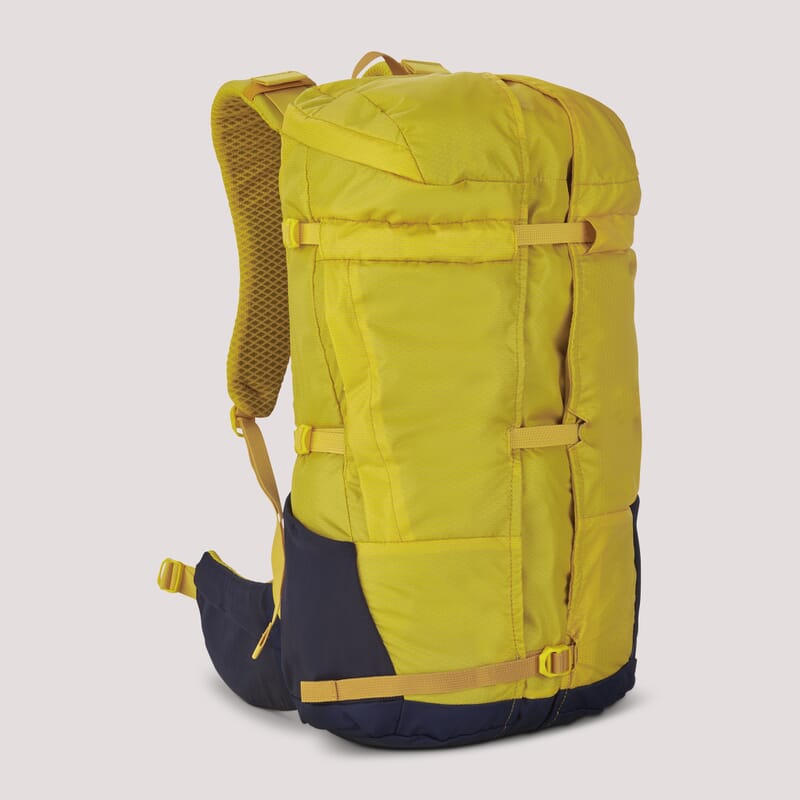
See the spectrum of our recent color change work
Use one source image to create multiple polished, realistic color variations.
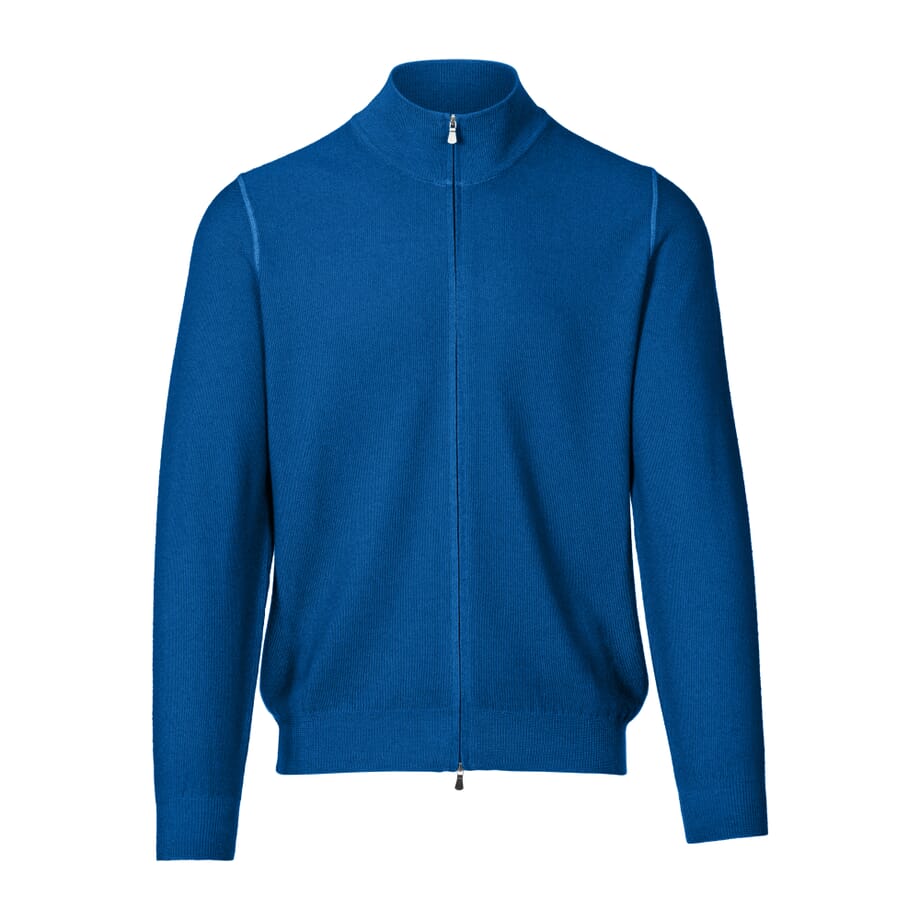
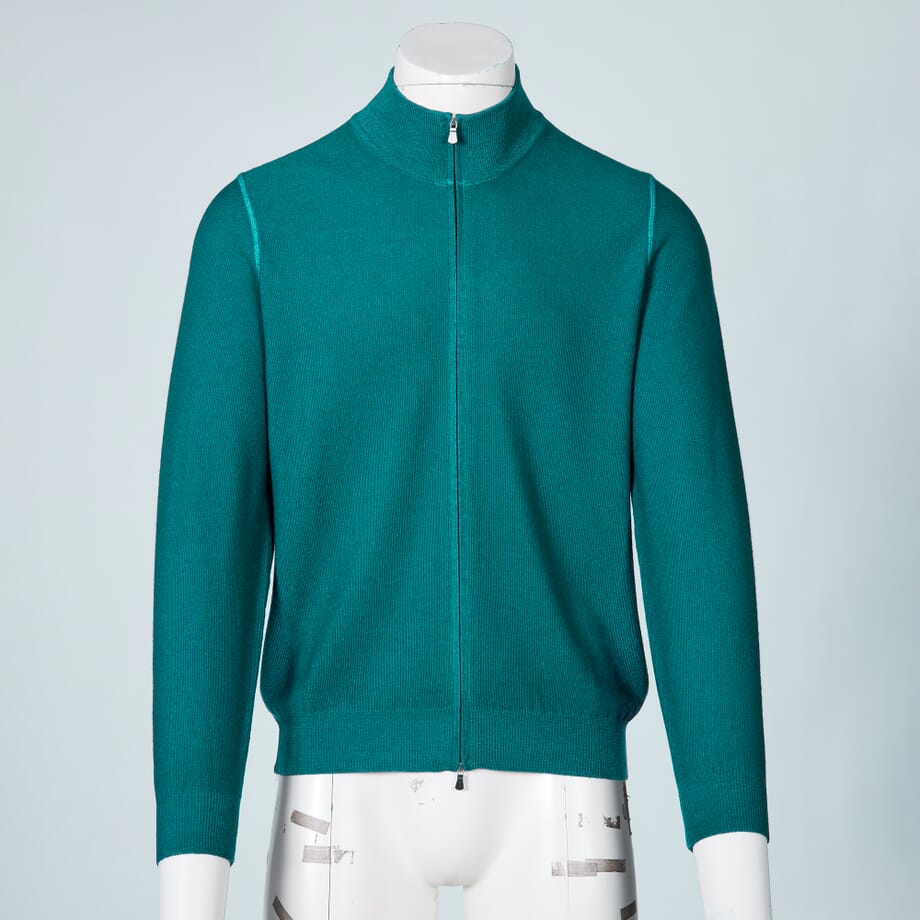
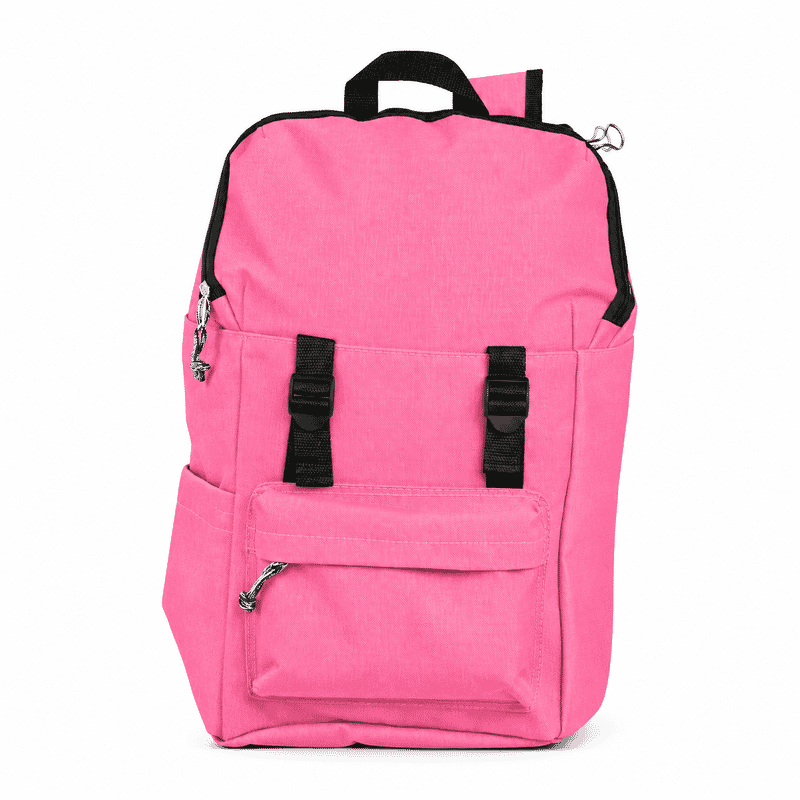
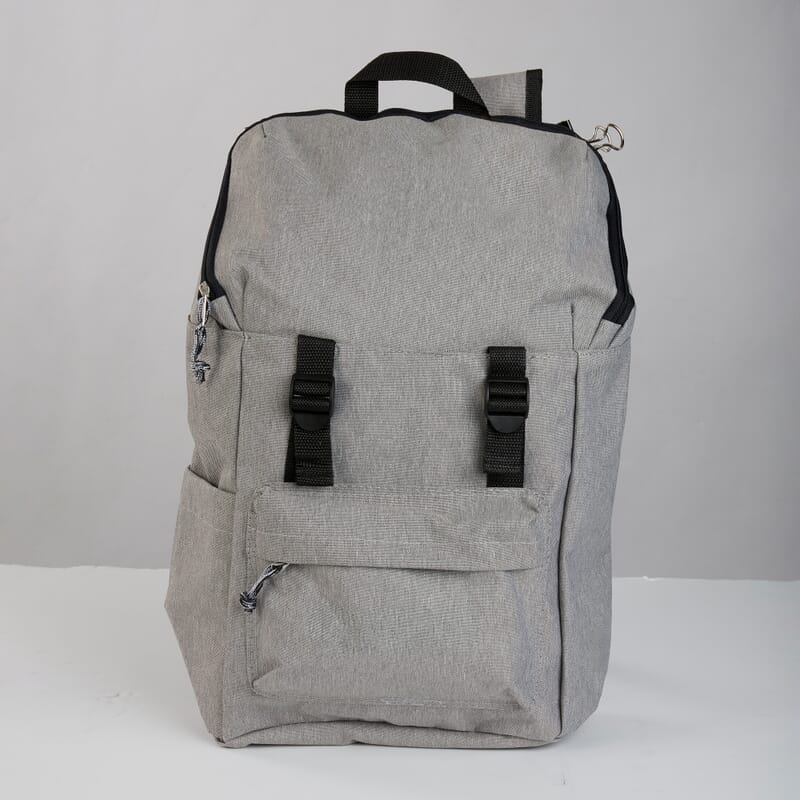
Changing a product’s hue is easy. Making the new color look like it was actually photographed that way takes more care.
Our editors change product colors by hand while preserving the visual details that make the image believable, including:
Texture, stitching, folds and creases, shadows, highlights, reflections, surface grain, fine edges, material detail.
The goal is not simply to create a different color.
The goal is to make the finished product look natural, accurate, and ready to sell.

Outsource your product color changes to our team of expert editors for $0.99 per image, with finished edits available in as little as 6 hours.
If you do not physically have every variant to photograph, receive only limited photos from suppliers, or simply do not have time to create every version yourself, you can still show customers the product in each available color. We edit every color change by hand so your products stay vibrant, realistic, and consistent.
Color variant editing works particularly well for products that share the same shape and construction but are sold in several colors. We can help create variations for:
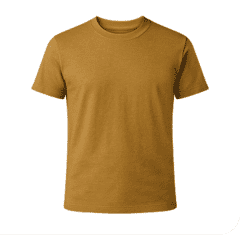
Create additional colors for shirts, jackets, dresses, knitwear, sportswear, trousers, and other garments while preserving fabric texture, stitching, folds, and shadows.
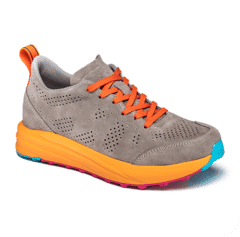
Create new colorways for shoes, handbags, belts, wallets, hats, and similar products.
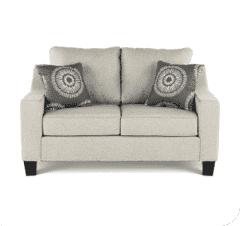
Change upholstery, fabric colors, painted finishes, and surface colors while retaining realistic texture.
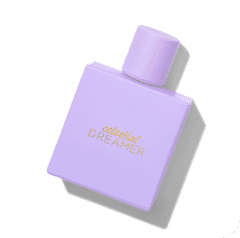
Create color or packaging variants across product ranges and collections.
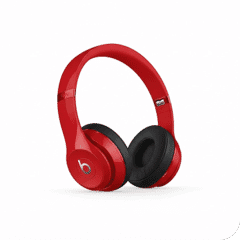
Change casing colors or product finishes while preserving reflections and surface detail.
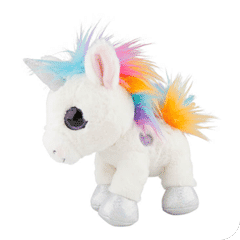
Edit individual parts of a product separately while leaving logos, trims, stitching, or other areas unchanged.
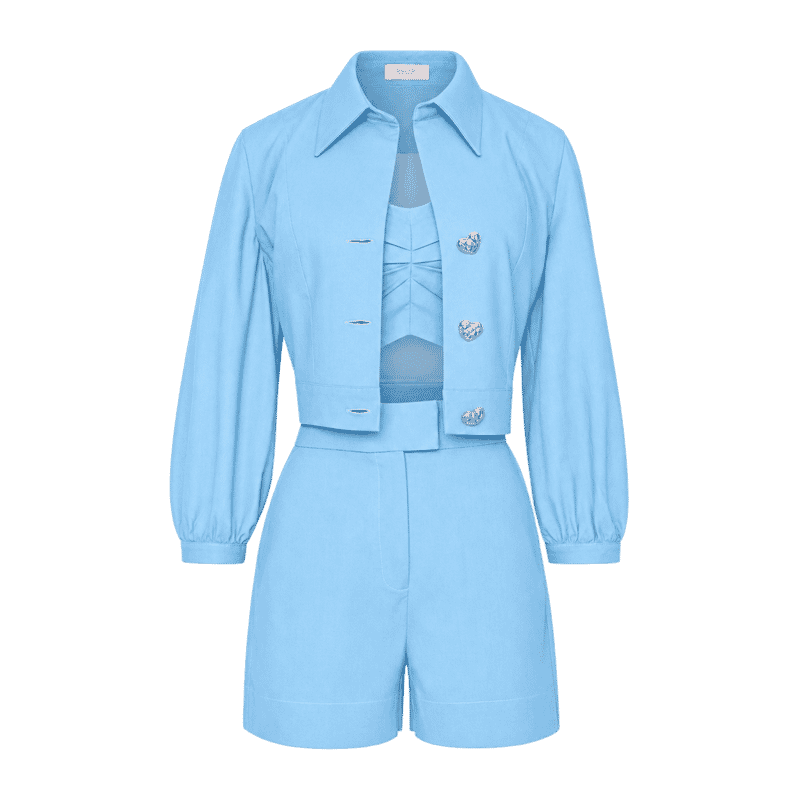
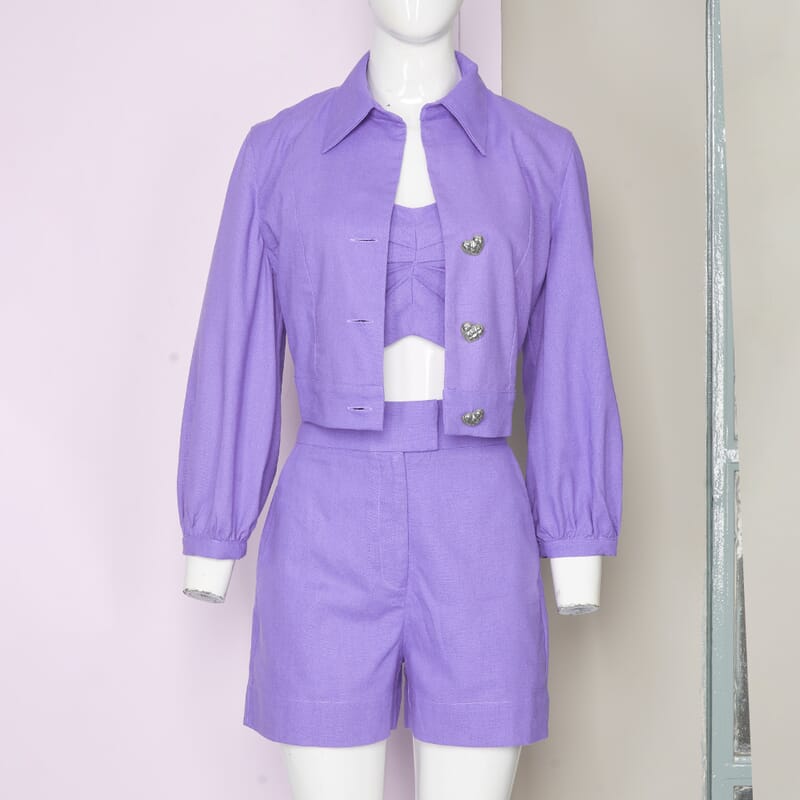
Clothing is one of the most common uses for professional product recoloring. A good edit needs to preserve much more than the basic hue.
Our editors work to maintain:
Fabric texture, folds, creases, stitching, buttons, zips, seams, logos, highlights, shadows.
That helps the finished image look like a genuine photographed colorway rather than a flat digital recolor.
You can change the color of a product in Photoshop. The difficult part is making it look natural.
You can change the color of a product in Photoshop. The difficult part is making it look natural.
Simple hue adjustments can fall short when the product contains:
Textured materials, deep shadows, strong highlights, reflective surfaces, transparent areas, fine edges, multiple color zones, very dark or very light source colors
Professional recoloring often requires careful masking, selective color adjustments, tonal corrections, and preservation of the original lighting.
The difference is not just whether the color changes. It is whether the edited product still looks real.
Need something more precise than “make it blue”?
You can provide a visual color reference or another available specification to help guide the edit. Depending on your project, this might include:
Reference photographs, brand colors, HEX values, RGB values, pantone references, existing product imagery
We use those references to create the closest practical visual match while accounting for the way lighting, photography, screens, and color profiles affect how colors appear.
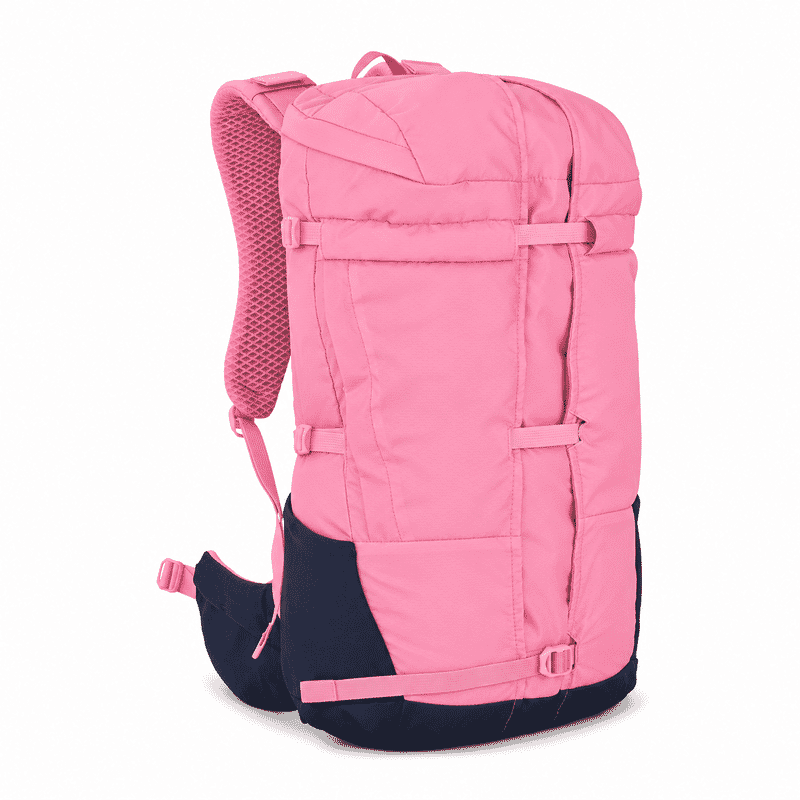
Your reference
HEX #FAA0BE
RGB 250, 160, 190
Upload your images, tell us a bit about what you need, and get a clear, budget-friendly price on the spot.
Our pro designers will tackle those tedious image edits, while you get back to the fun stuff.
We’ll double-check your images to make sure they’re pixel perfect, and then send them right over.

Outsourcing makes sense if you:
Run an ecommerce store with multiple product colorways and manage hundreds or thousands of SKUs

Need new product variants faster than you can reshoot them, receive limited imagery from manufacturers or suppliers, or work with seasonal product ranges

Need consistent imagery across a large catalogue, or spend too much time creating repetitive color edits yourself
Your time is better spent launching products, improving campaigns, serving customers, and growing the business - not creating the same Photoshop adjustment hundreds of times.
Path has saved 40,000+ businesses valuable time and money with premium image editing services.
See Our Reviews On Trustpilot

If you’re not thrilled with your edits, we’ll make it right - no extra fees, no hassle. Path has saved time and money for businesses worldwide. Don’t just take our word for it - read our Trustpilot reviews and see why thousands rate us 5 stars.
Your talent and creative energy are best spent doing the work that grows your business, not spending hours in Photoshop correcting colors and creating variants.

40,000+
clients have entrusted their image editing needs to us.

8 million+
images enhanced and brought to life.

We edit every product color change project by hand. We are not finished until the product looks natural and the colors, textures, lighting, and details look right.
Here’s what other people have asked us:
Yes. We can isolate the product, or a specific part of it, and change the color while preserving texture, lighting, shadows, and other important visual details.
Yes.
If the product design remains the same, one strong source image can often be used to create several additional colorways.
Yes.
Clothing recoloring can work particularly well when the source image has clear lighting and visible fabric detail.
We aim to preserve folds, stitching, texture, highlights, and shadows so the new color still looks natural.
Yes, but realistic product recoloring usually involves more than a simple hue adjustment.
Professional results can require detailed masking, tonal corrections, selective color work, and careful preservation of the original lighting and texture.
You can provide a color reference to guide the edit.
The final appearance can vary depending on lighting, photography, color profiles, and display calibration, so digital colors should be treated as a visual representation rather than an exact physical measurement.
Yes.
Individual parts can often be edited separately while keeping other areas - such as logos, stitching, trims, buttons, or details unchanged.
Not always.
If every version has the same design, shape, material, and construction, product recoloring may allow you to create additional color versions from one source image.
High-resolution images with clear lighting and visible product detail usually give the strongest results.
The more information available in the original image, the easier it is to preserve realism in the edited version.
If you already have a strong product image, you may not need another photoshoot to create the rest of your color range.
Send us your image and the colors you need, and our editors can create realistic product variants for your ecommerce store, catalogue, or marketing campaign.

Just
per image

Turnaround in as little as
6 hours