



A busy sports photographer with batches of edits due from a recent event
Save tons of time and get images that you can print in any size
Convert raster to vector for crisp, clean graphics that you can enlarge as much as you want without losing quality.
Vector conversion is the way to go when you need to enlarge logos or blurry images for print or screen. Converting raster to vector preserves those fine details so you get large images with crisp, clean lines.
Getting vector conversions right takes time and patience. But you don’t have to waste all that time perfecting each vector in Photoshop yourself.
You don’t have to do everything yourself. Outsourced vector conversion services are ideal if you are…
A busy sports photographer with batches of edits due from a recent event

An ecommerce pro who wants to use your time to move the needle instead of fiddling around in Photoshop

A headshot photographer with tight client deadlines and tons of other deliverables to wrangle
Check out our recent vector victories
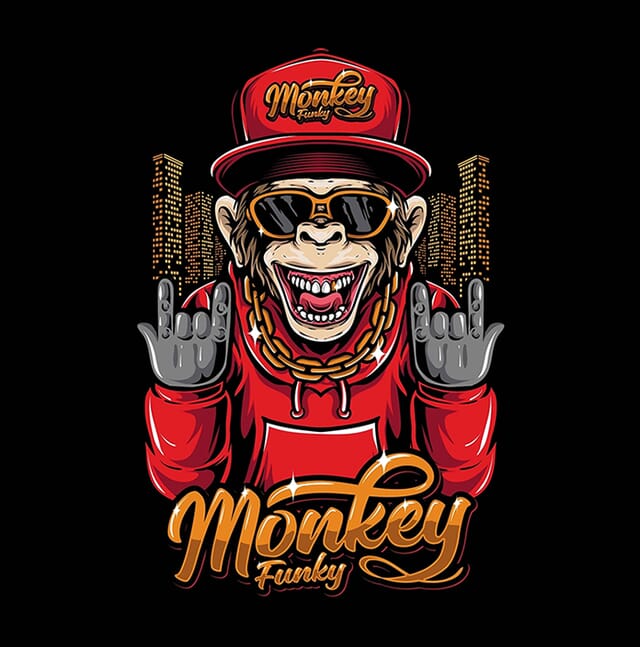
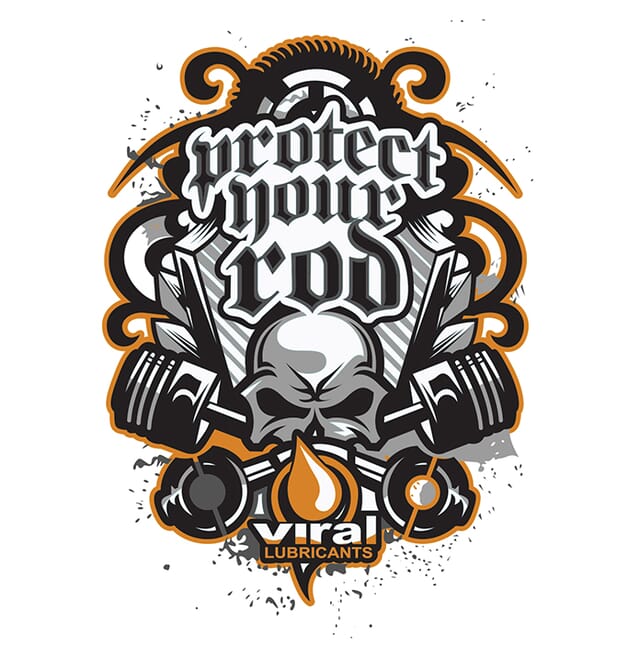
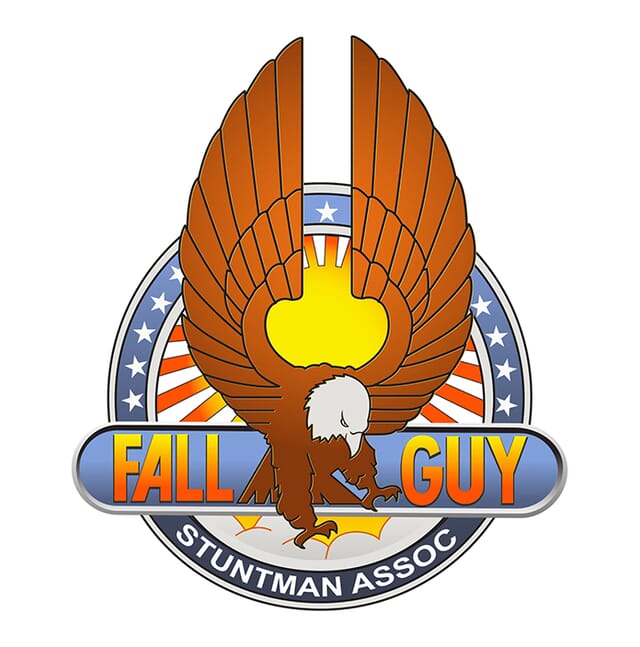
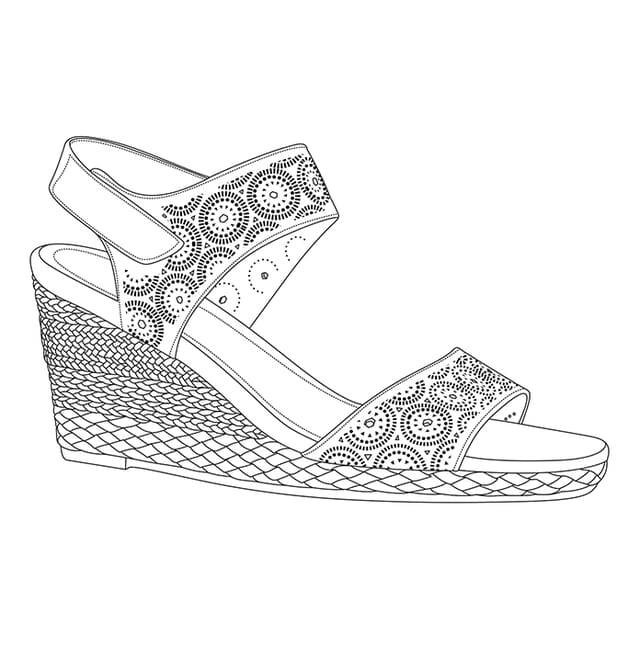
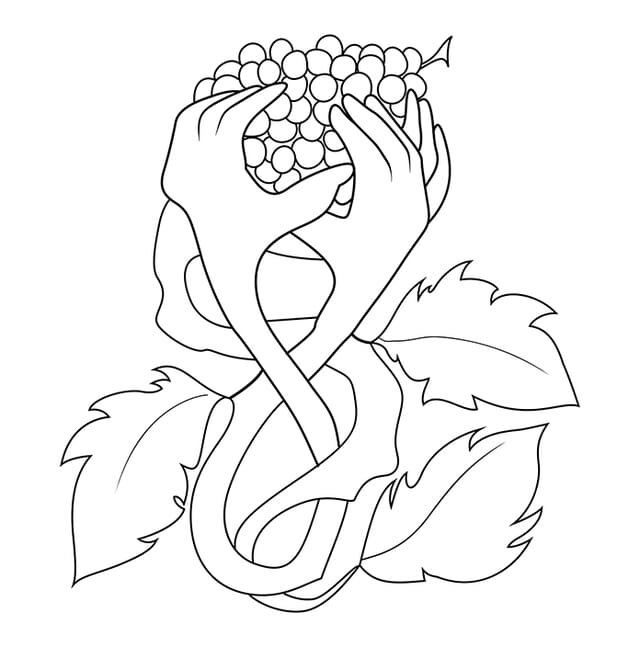
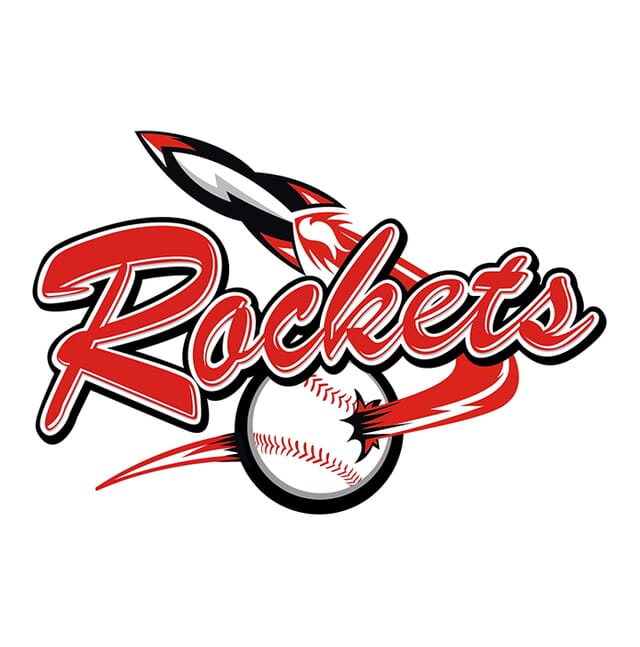
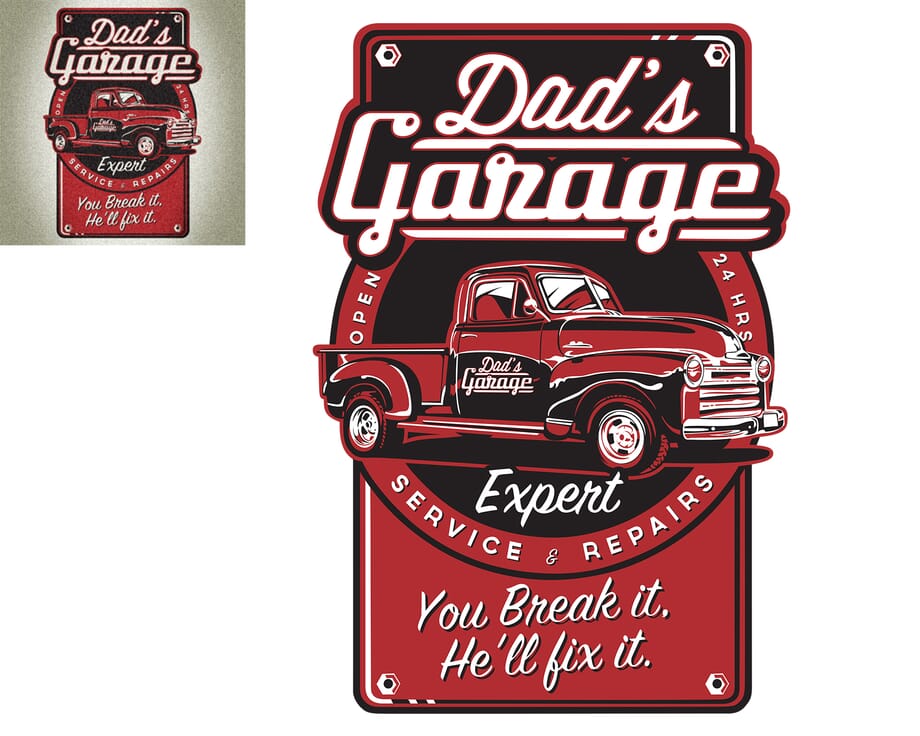
These before-and-after examples show logos, artwork, line drawings, and silhouettes converted into clean, scalable vector files.
No automated shortcuts — every path is recreated with care
Get large batches back in as little as 6 hours
Starting at just $3.99 per image, with no hidden fees
Crisp edges and scalable graphics ready for any print size
Upload your images, tell us a bit about what you need, and get a clear, budget-friendly price on the spot.
Our pro designers will tackle those tedious image edits, while you get back to the fun stuff.
We’ll double-check your images to make sure they’re pixel perfect, and then send them right over.



Path Edits has helped brands in the US, UK, Sweden, and beyond save time and boost sales with premium image editing services. Thousands of 5-star reviews prove our commitment to quality and reliability.

hello@pathedits.com
Start chat
Need more than 1,000 photos edited? Talk to us about bulk pricing options.
Get bulk pricingHere’s what other people have asked us:
Most photos are raster files in their original state, and have filenames that end in .jpg, .png, .gif, .pdf, or .psd. Raster files are made up of a series of pixels, so they’re great for use online in places like your website or online store.
But when you resize raster files — to put on a huge poster, for example — the images can get pixelated because they rely on the resolution of the image.
Vector files are more mathematical. They’re made up of a series of points on a graph with an X and Y axis that create straight and/or curved paths. Since they’re not made up of pixels, vector images can be resized to any size without sacrificing quality.
The best way to truly convert a raster to a vector file is to expertly recreate the original image by hand. Converting an image from raster to vector involves manually recreating the image in vector format. This process can be automated, but the results usually aren’t ideal.
Automated raster-to-vector conversion creates large files with limited colors that tend to be very inaccurate. The software attempts to understand edges and shapes based off of the colors within the image, but it doesn’t usually get it quite right.
Especially with more detailed images, there’s no substitute for the human eye. Only a real person can interpret what the object is, and understand where the line between object edge and shadow — or object and background — exists.
Vector files are great for most printed materials, including banners, business cards, t-shirts and mugs. They’re also a good way to sharpen older, fuzzy graphics or images you can only find in low resolution. And if you’re creating a new graphic or logo, having the vector helps you avoid any distortion or quality loss when it’s enlarged or printed.
Here are some of the top reasons our clients convert raster images to vector images:
Vector images have more detail, so you can easily convert vector images to raster on your own. Here’s how:
That’s it! Once you save your image in one of those formats, it will automatically be saved as a raster image.
Accepted file types:
You can receive vectors in the following file types:
Find out more about how our image editing process works.
Vector conversion projects can be as simple as a single-color logo, and as complicated as a detailed piece of artwork with dozens of colors — and the price is set to match the level of complexity and work involved.
Every image is different, but we follow standard pricing guidelines to make sure your rate is always clear and objective, even if you’re working with a different designer. Here’s an overview of how we price vector conversion projects:

These vector conversions involve slightly more complex shapes, often with multiple objects, detailed and curving lines, three or more colors, or more text.
Complex vector conversion is used for logos with lots of detail, intricate edges, and multiple colors or shades.
Simple artwork vector conversion is used to convert illustrations with simple shapes, basic typography and a few different colors into vector files.
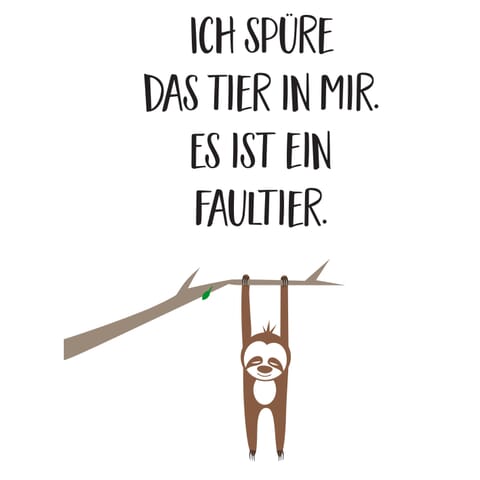
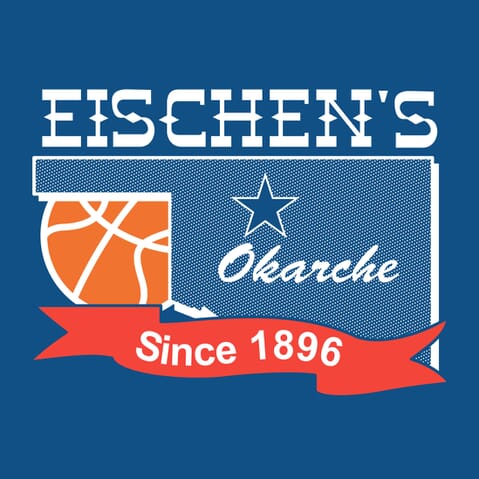
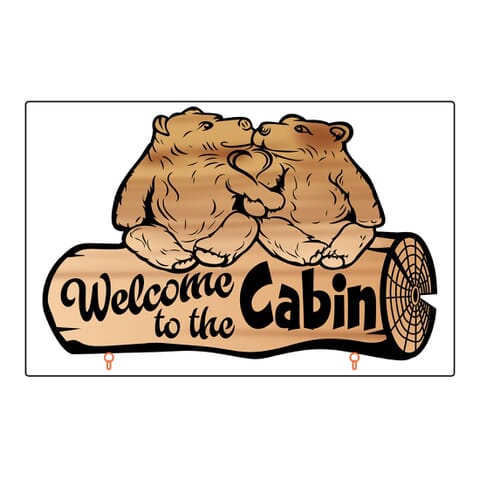
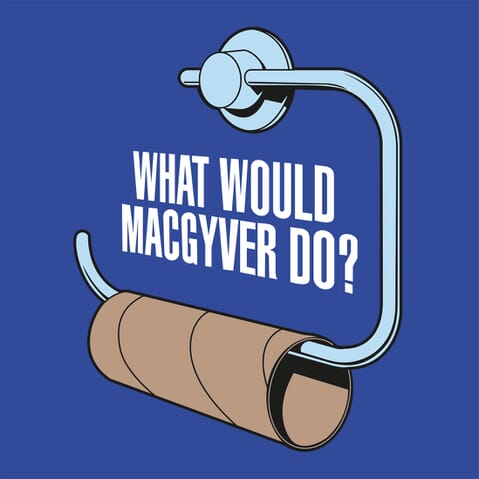
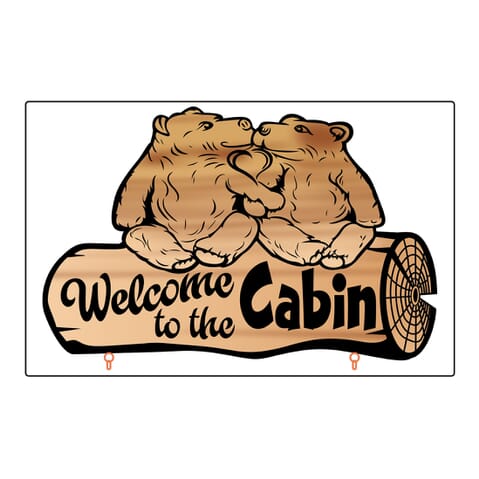
Medium complexity artwork conversion is used for illustrations and graphics with lots of detail, complex shapes, and multiple colors and shading. These images also often include words with complex lettering or typography.
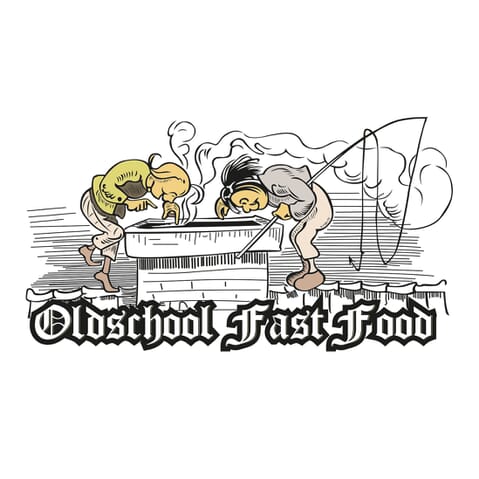
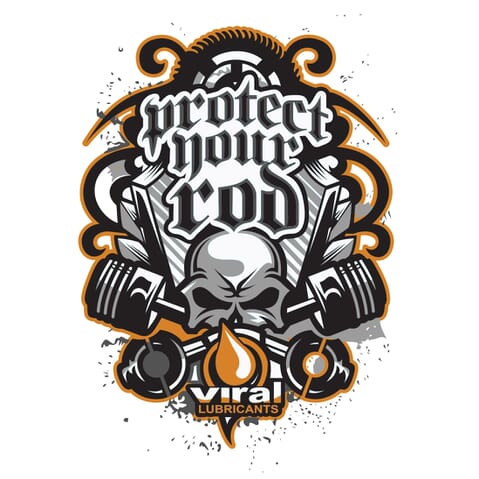
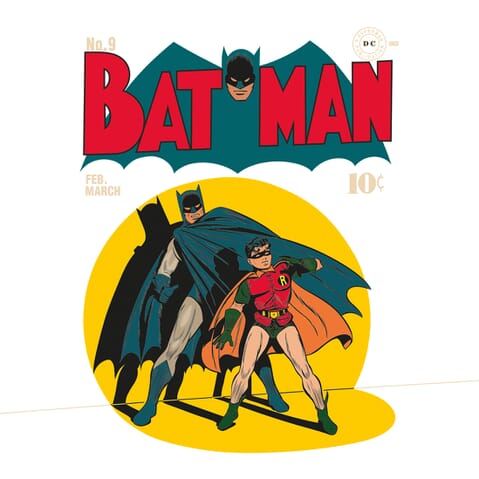
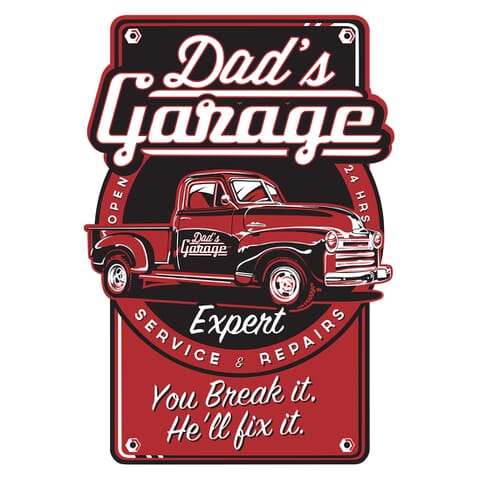
Finely detailed illustrations and artwork require high complexity vector conversion. These images are quite intricate, with complex shapes and linework, as well as many colors and shading.
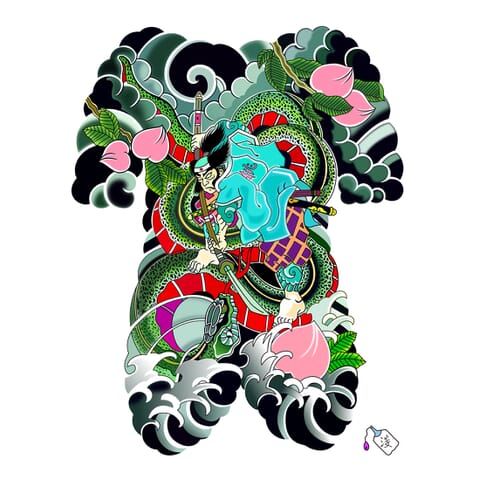
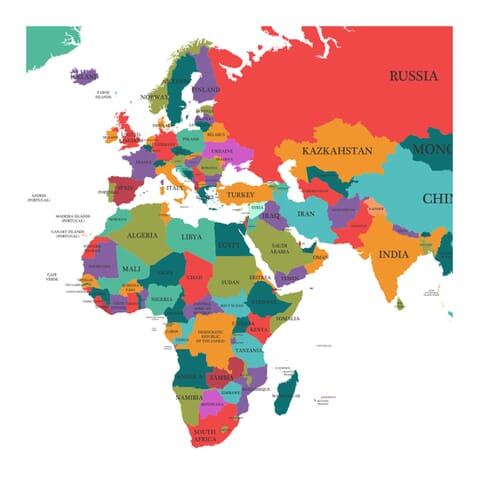
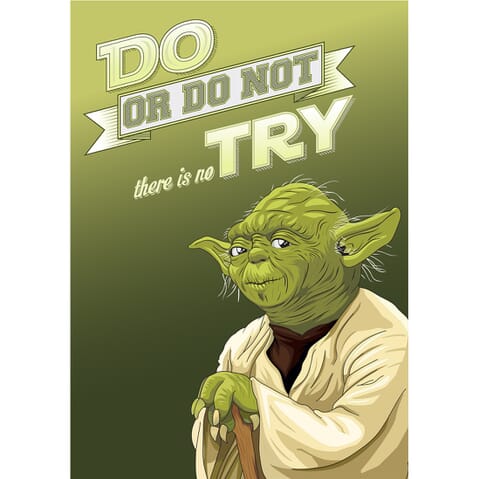
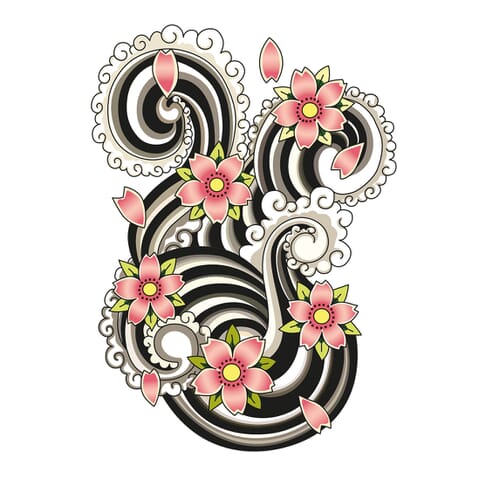
If you’re starting with an image or photograph and want to convert it into a simple line drawing, this is the way we’ll do it. Simple line drawings include a basic outline and major components of an object, but won’t include intricate linework or fine details.
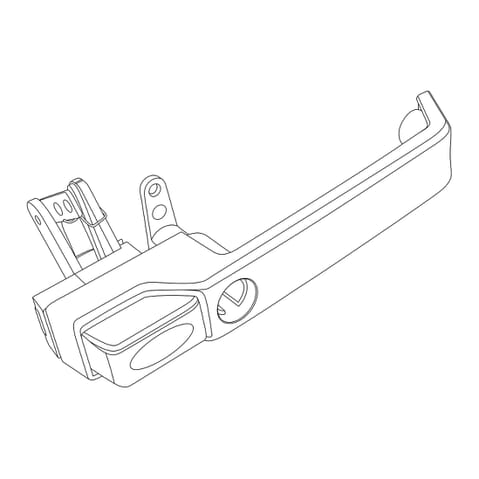
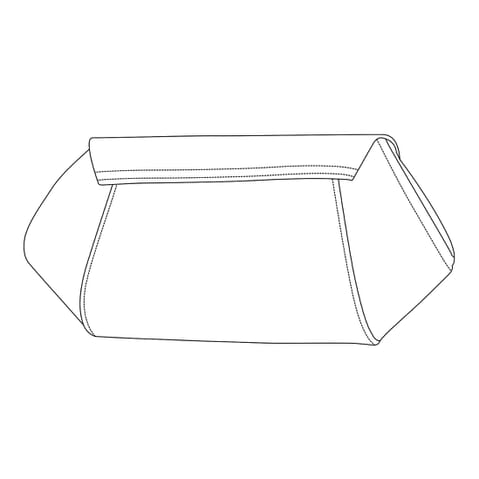
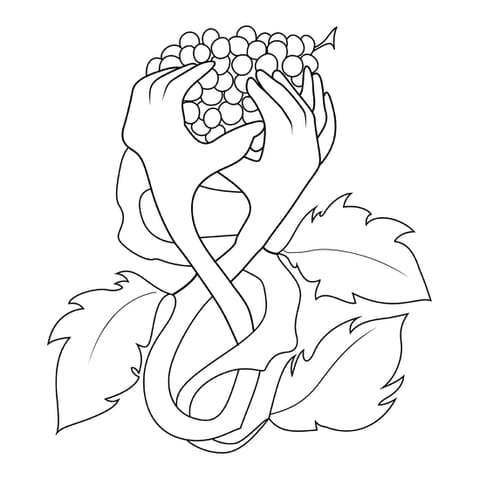
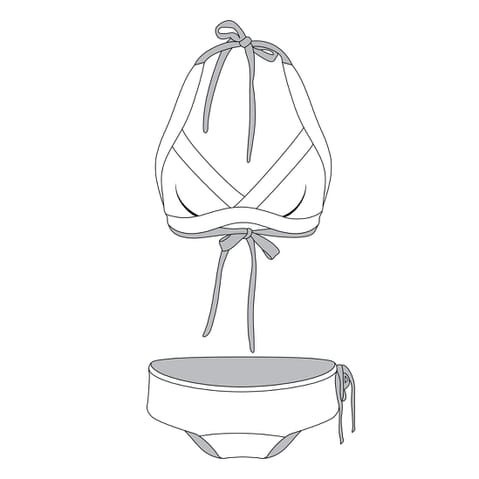
If you want to capture more detail or convert a complex image into a line drawing, this is how we’ll do it.
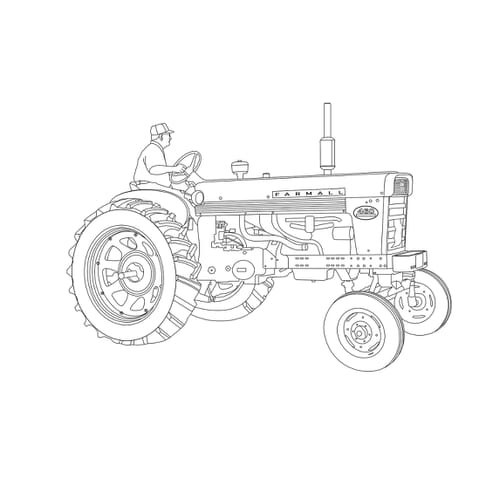
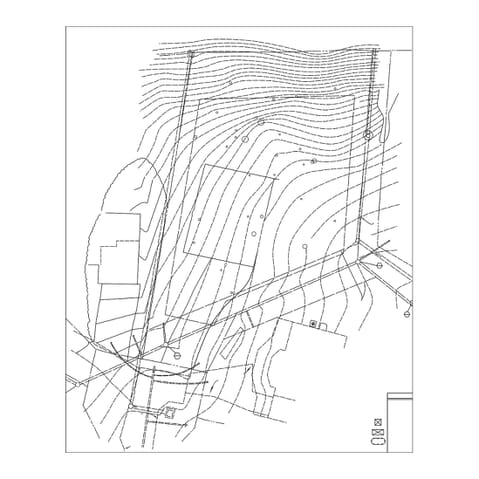
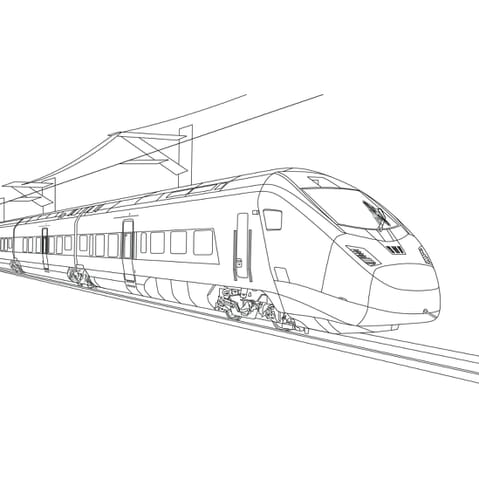
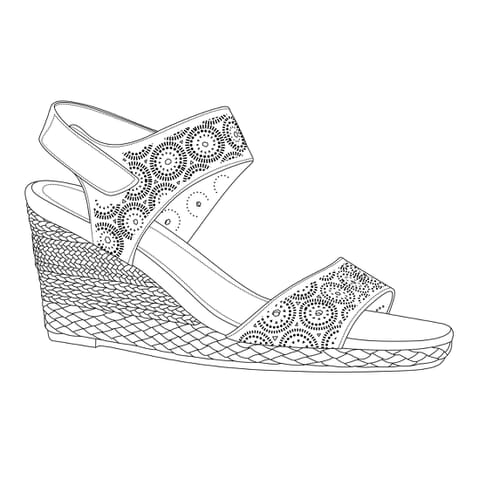
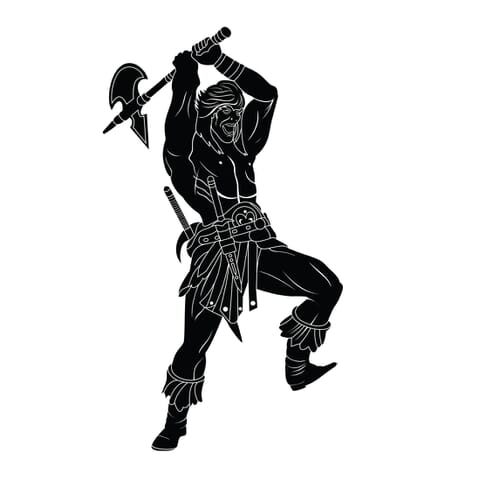
Convert a photograph or other image into a simple, one-color silhouette image with a detailed outline and solid fill.
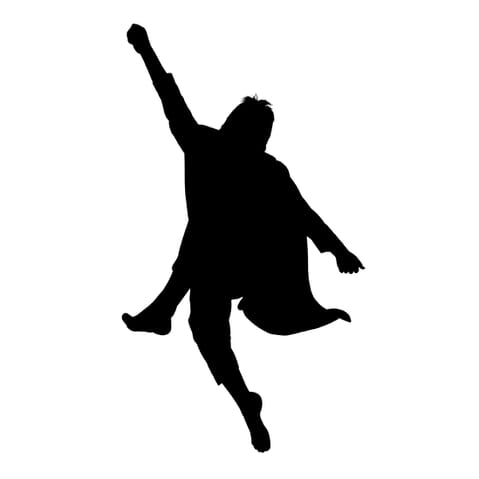
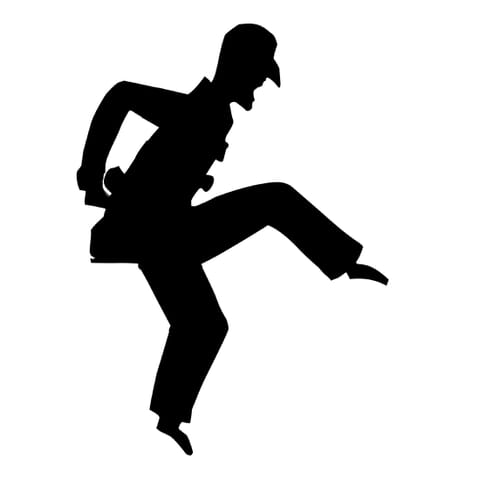
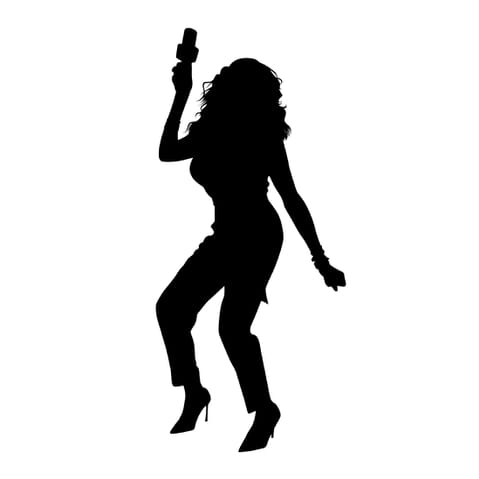
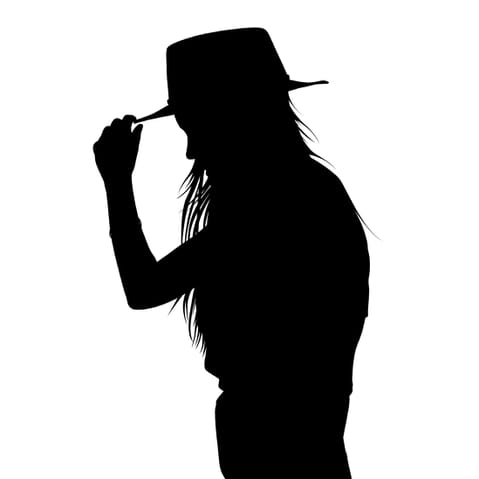
Convert a photograph or other image into a simple, one-color silhouette image with a detailed outline and solid fill.
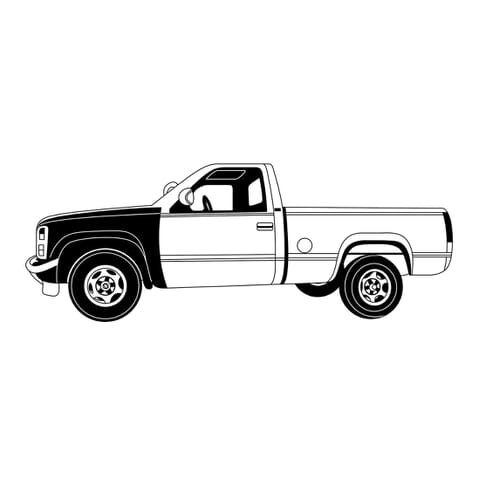
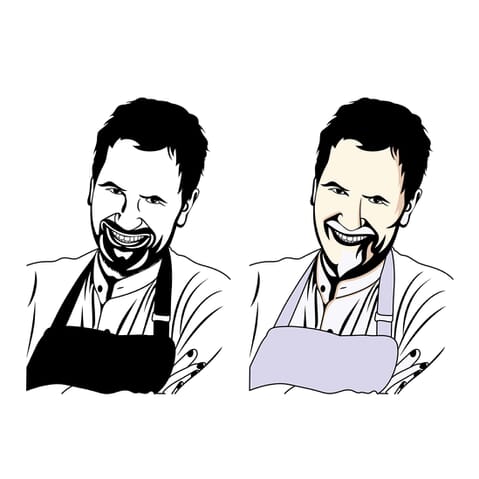
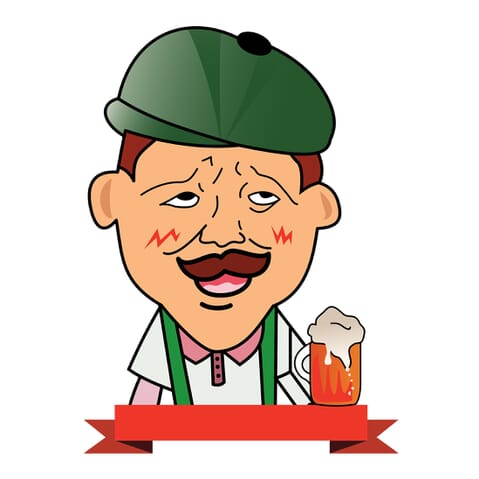
If your image or illustration is quite detailed, includes intricate lines or lots of complex colors — including color gradients — it will fit into this category. This category will also fit if you want to convert a photograph into a semi-realistic illustration.
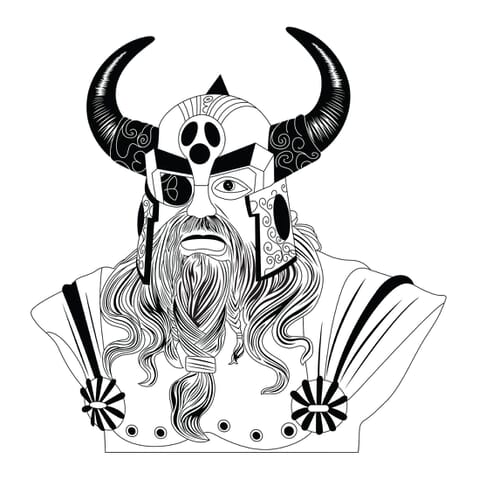
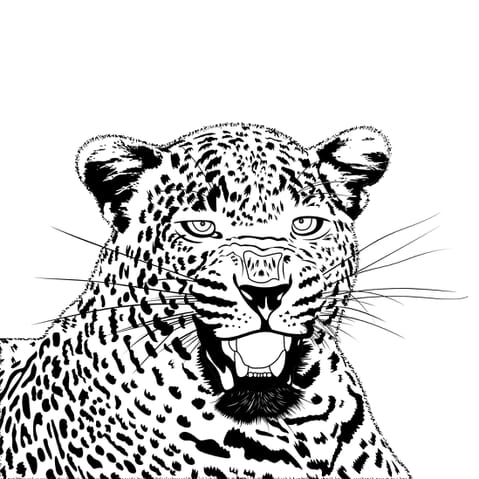
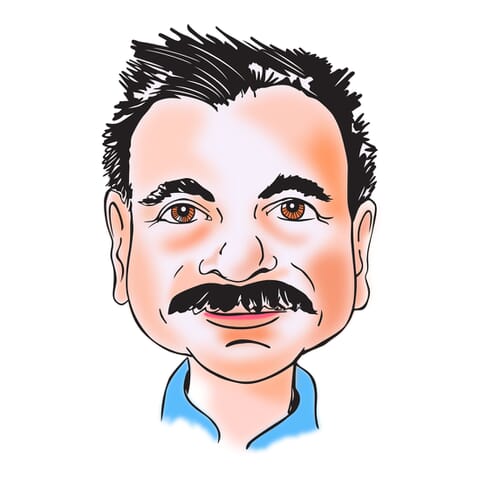
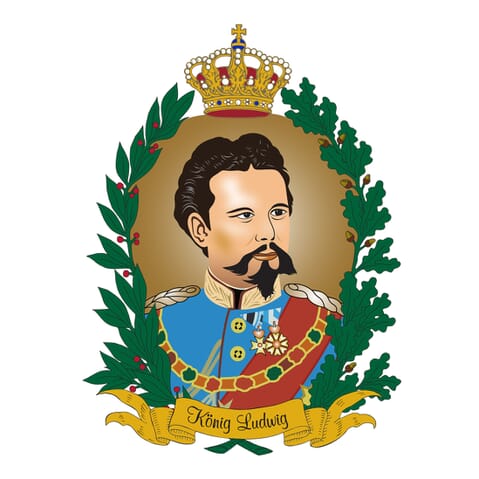
Your talent and creative energy is best spent on doing what you love — not fiddling in Illustrator for hours converting vectors by hand.

40,000+
clients have entrusted their image editing needs to us.

8 million+
images enhanced and brought to life.

We vectorize every image by expertly recreating the original image by hand. We’re not finished until every edge is sharp and smooth, and every little detail captured.


