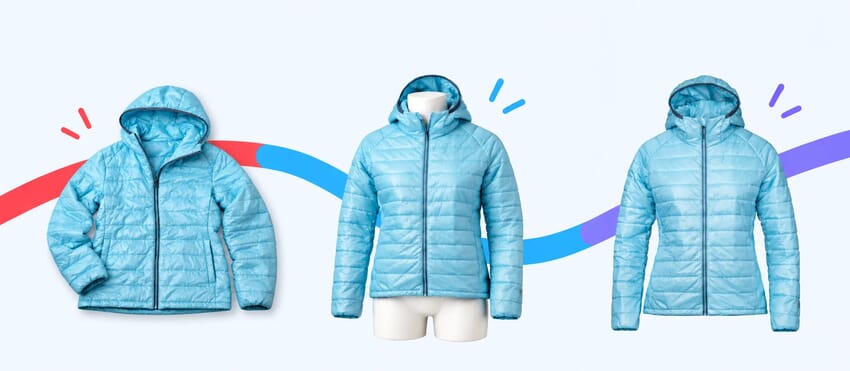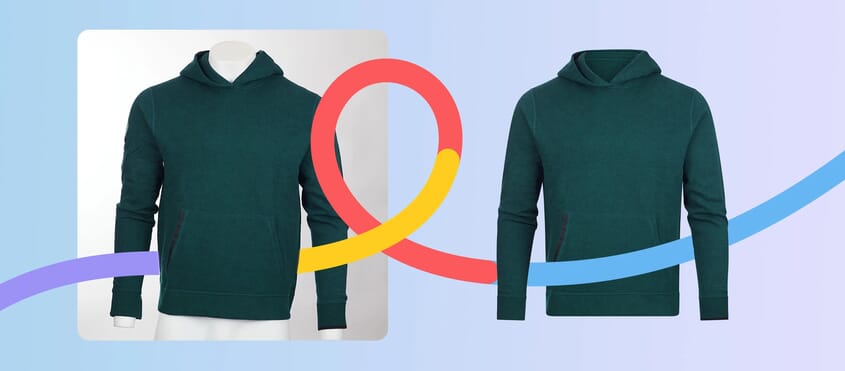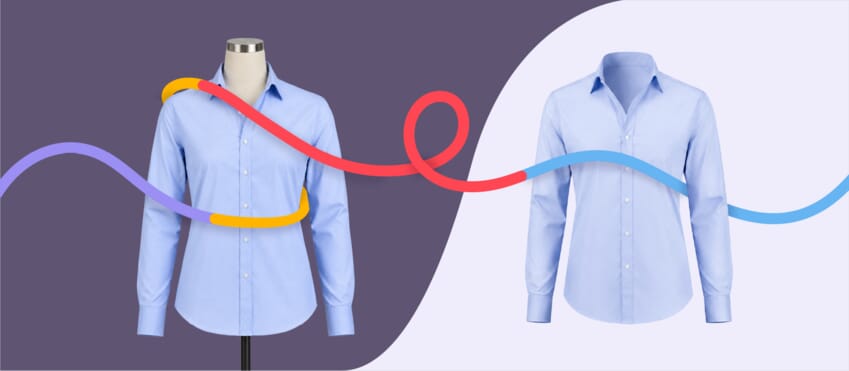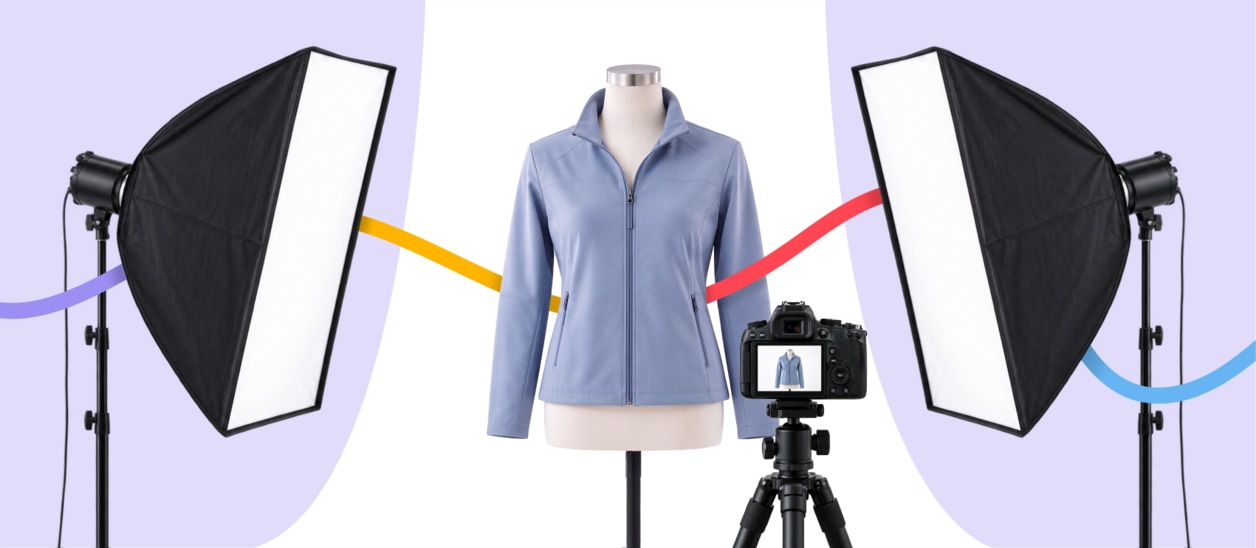
Creating professional ghost mannequin images doesn’t begin in Photoshop – it begins before you even pick up the camera.
Many of the problems that make ghost mannequin editing difficult, such as twisted garments, inconsistent lighting or missing neckline details, are caused during the photography stage rather than during post-production.
A little preparation before each shoot can dramatically improve the final result, reduce editing time and help create a more consistent ecommerce catalogue.
Use this checklist before every ghost mannequin photography session to make sure you’re setting yourself up for success.
Ghost Mannequin Photography Checklist
Working through these simple checks before every shoot can help reduce editing time, improve consistency and produce cleaner ecommerce images from the outset.
✓ 1. Prepare Every Garment
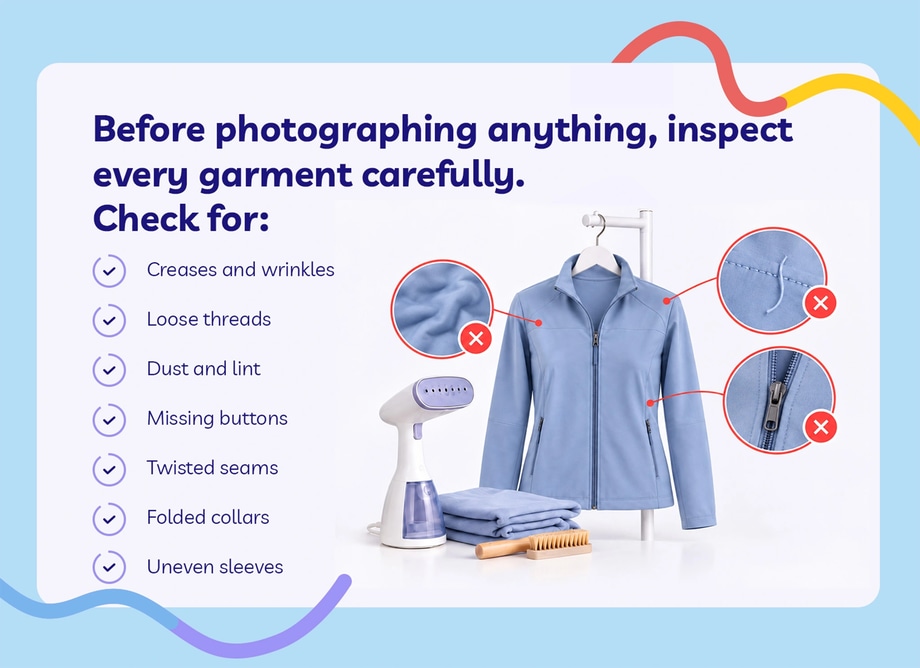
Before photographing anything, inspect every garment carefully.
Check for:
- Creases and wrinkles
- Loose threads
- Dust and lint
- Missing buttons
- Twisted seams
- Folded collars
- Uneven sleeves
Spending a few extra minutes steaming and preparing each garment usually produces much cleaner product images and reduces the amount of retouching needed later.
✓ 2. Choose the Right Mannequin
Not every mannequin produces a convincing ghost mannequin effect.
Ideally, use a mannequin with:
- Removable neck pieces
- Detachable arms where required
- A clean, neutral finish
- A shape that matches your garment sizing
These features make it much easier to reconstruct hidden areas such as collars and necklines during editing.

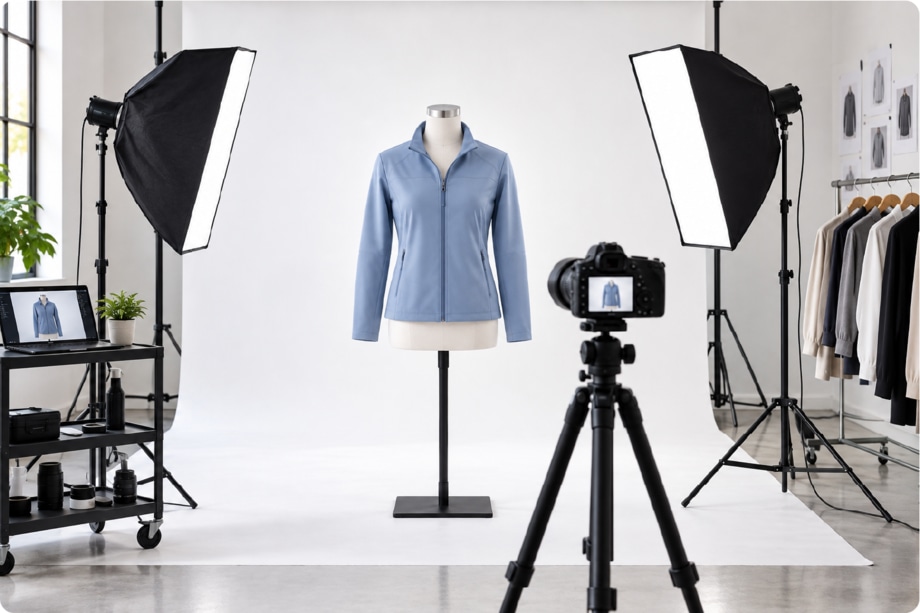
✓ 3. Create Consistent Lighting
Lighting consistency is one of the biggest factors affecting the quality of ghost mannequin photography.
Aim to keep:
- Light direction identical
- Exposure consistent
- White balance fixed
- Shadows controlled
- Camera position unchanged
Consistent lighting produces a catalogue where every garment looks like it belongs together.
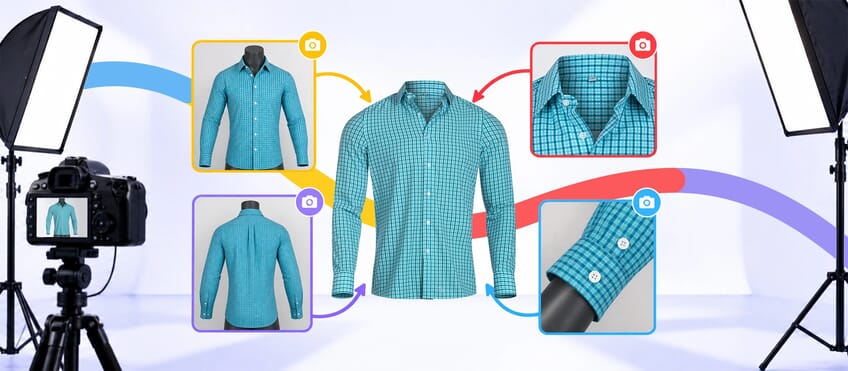
✓ 4. Capture Every Angle You Need
One of the most common mistakes is forgetting to photograph the areas hidden by the mannequin.
For most garments you’ll need:
- Front view
- Back view
- Inside collar
- Back neckline
- Hood interior (where applicable)
- Sleeves if hidden
Without these additional photographs, editors have to recreate missing details manually, increasing both editing time and cost.
Want to see the complete editing process? This Photoshop tutorial demonstrates how multiple images are combined to create a professional ghost mannequin effect. Embed video:

✓ 5. Keep Camera Settings Locked
Changing camera settings during a shoot can create noticeable differences between products.
Once you’ve found the correct setup, avoid changing:
- Camera height
- Lens
- Focal length
- Aperture
- White balance
- Exposure
Keeping your camera settings consistent makes batch editing faster and helps every product image look like part of the same collection.
✓ 6. Review Before Packing Away
Before removing garments from the mannequin, zoom in and inspect every image.
Check for:
✓ Missing details
✓ Focus issues
✓ Creases
✓ Incorrect positioning
✓ Crooked garments
✓ Lighting changes
✓ Dust or lint
Reshooting a product immediately is far easier than discovering problems after the studio has been packed away.
Why This Checklist Saves Time
Most people think ghost mannequin editing begins once the photographs reach Photoshop.
In reality, the editing process becomes much faster and more accurate when the photography has been planned properly from the start.
A consistent workflow means editors spend less time correcting avoidable problems and more time creating clean, realistic invisible mannequin images that are ready for ecommerce.
Whether you edit product images in-house or outsource ghost mannequin editing, following the same checklist before every shoot helps improve image quality, reduce production time and create a more consistent ecommerce catalogue.