How to Create Multiple Product Color Variants From One Photo
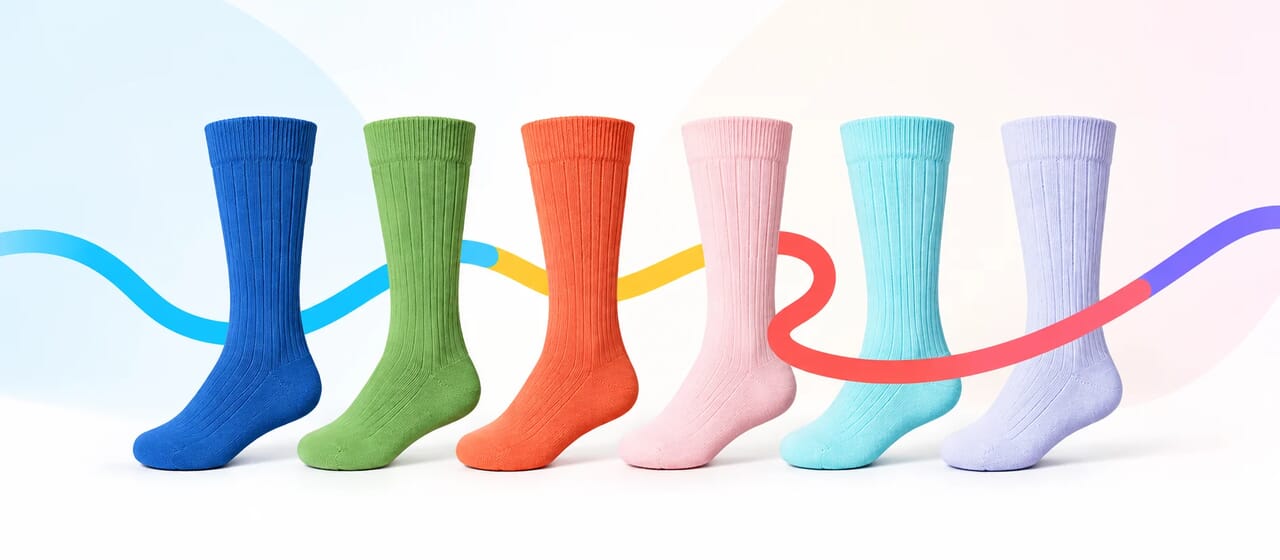
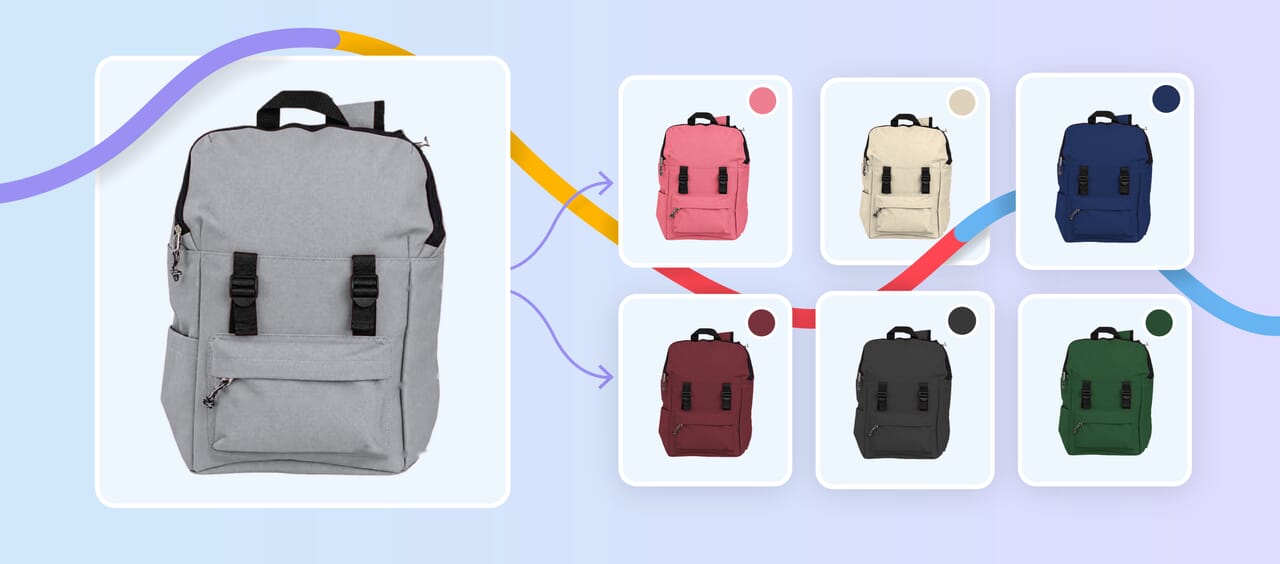
Learn how to create multiple product color variants from one photo while maintaining accurate colors, natural textures, consistent lighting, and professional ecommerce quality.

Learn how to create multiple product color variants from one photo while maintaining accurate colors, natural textures, consistent lighting, and professional ecommerce quality.
94 more articles in Photo editing

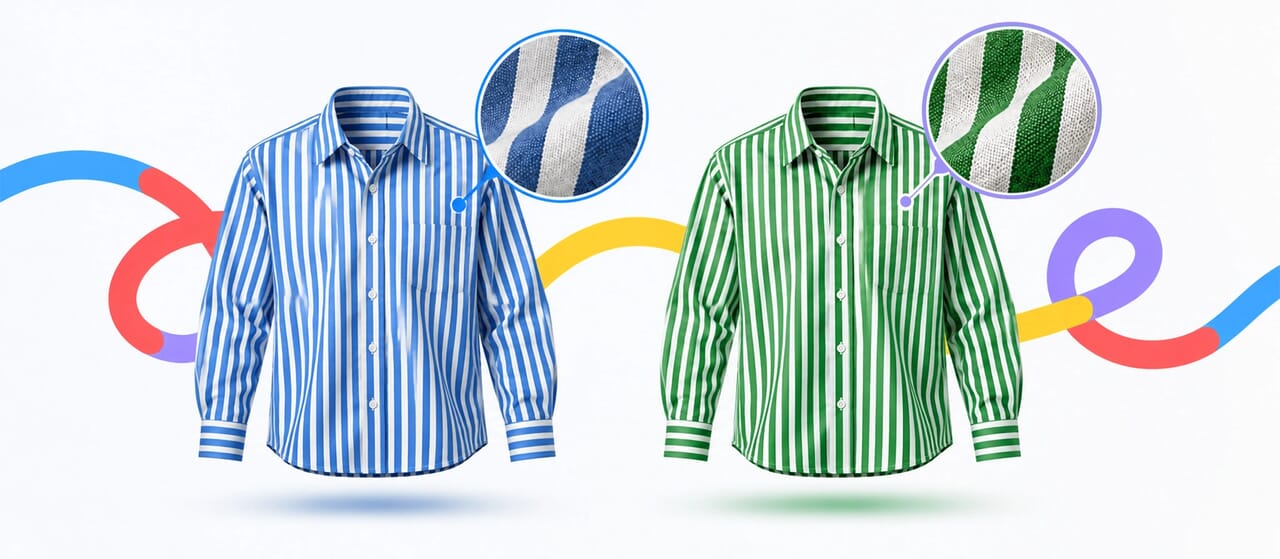
Learn how to change clothing colors while preserving fabric texture, folds, highlights, shadows, patterns, and fine details for realistic, professional results.

Learn how to change one specific color in Photoshop using Color Range, Hue/Saturation, and layer masks while protecting similar colors, product details, and the rest of your image.

Learn how to change color in Photoshop using Hue/Saturation, adjustment layers, and masks. Follow this step-by-step guide to achieve realistic, natural-looking color changes while preserving product textures, shadows, and details.

Artificial intelligence is changing almost every aspect of image editing. 30,000 sales and marketing pros get our insights, tips, and best practices delivered weekly. From automatic background removal to one-click retouching, AI-powered...

Learn how to recolor products realistically while preserving texture, highlights, shadows, and material details for natural, consistent ecommerce images.

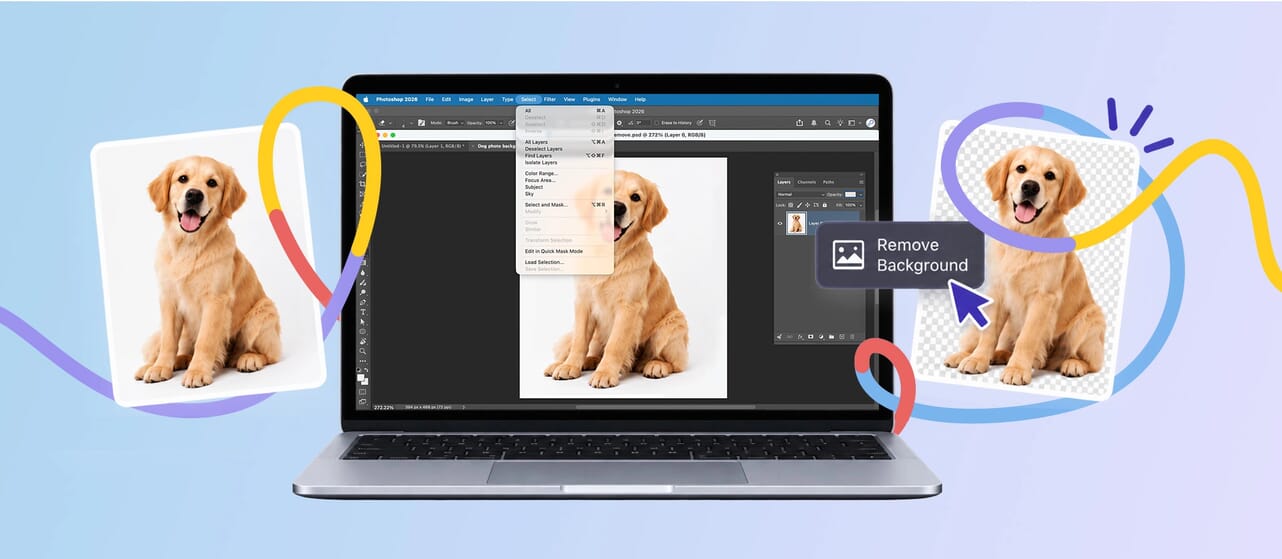
A practical guide to when photo masking works better than background removal shortcuts, especially on edges that need to look soft, believable, and finished.
94 articles