



A busy sports photographer with hundreds of action shots to process after an event in New York, London, or Stockholm.
Say goodbye to tedious background removal on hair, fur, and tricky edges - focus on the creative work you love while we handle the rest. Outsource your photo masking to Path’s experts and reclaim your time for shooting, planning, and advanced edits.
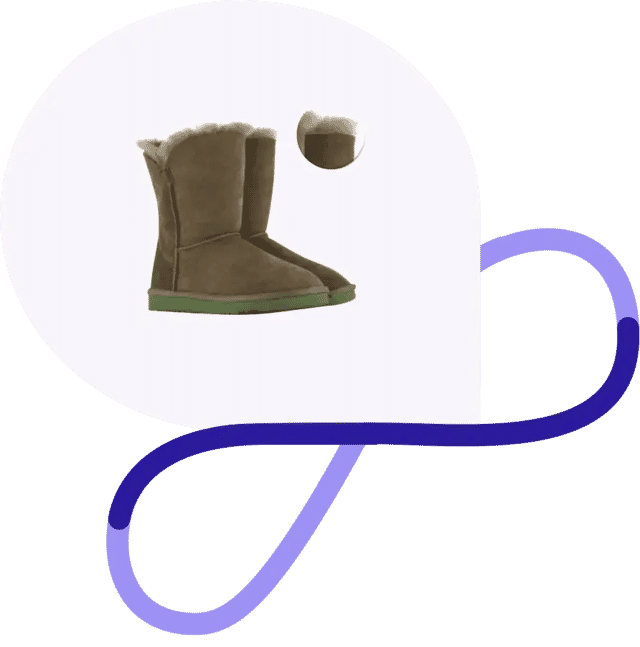
You need clean, believable cutouts to make your images look polished and professional. But when you’re dealing with hair, fur, fringes, veils, transparency, or soft borders, spending hours in Photoshop just is not sustainable.
Stop losing time to the most tedious part of the job. With Path, you can focus on shooting, retouching, creative work, or growing your business while we handle the intricate masking.
Hand-edited image masking services are ideal if you’re…
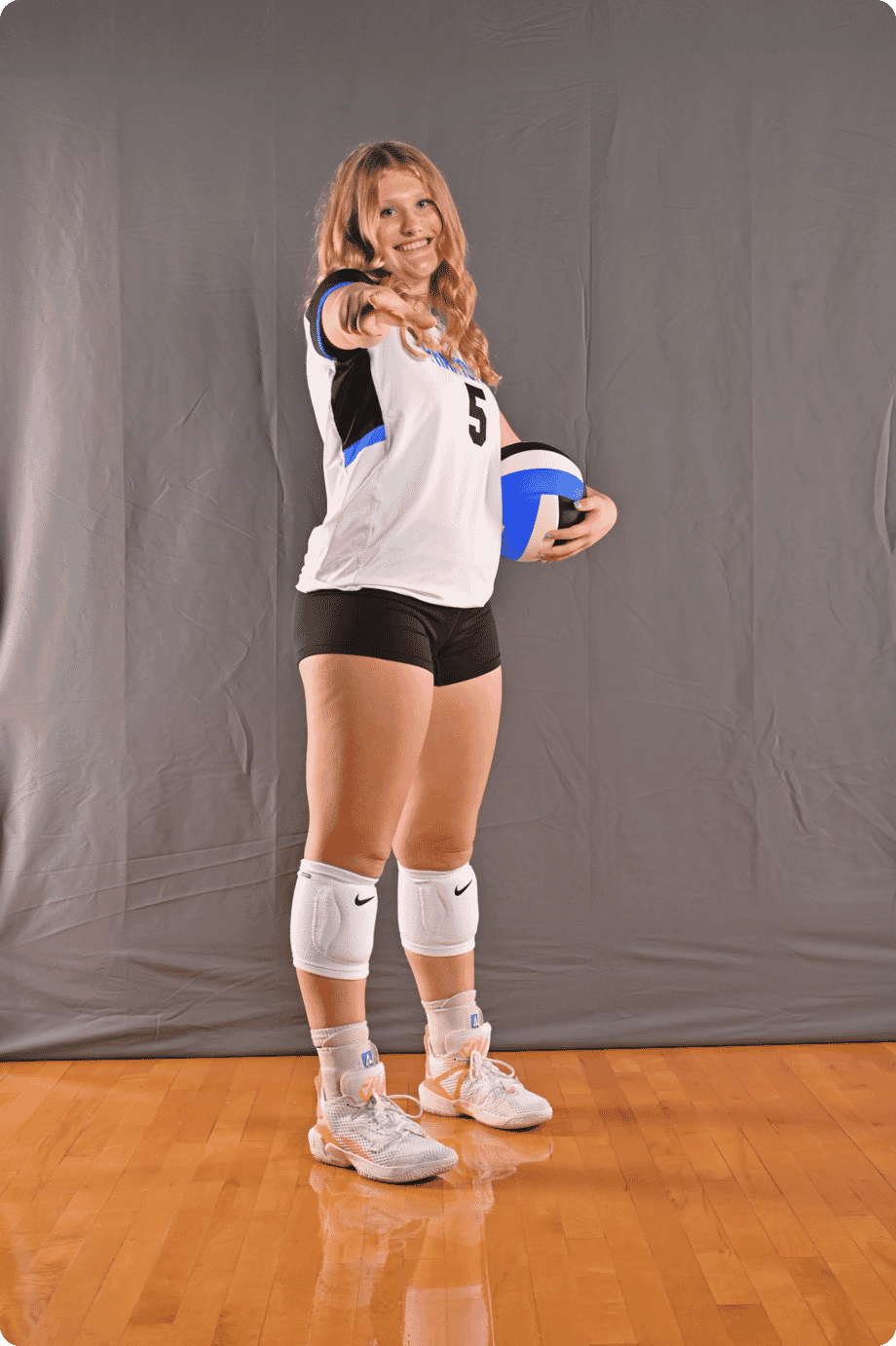
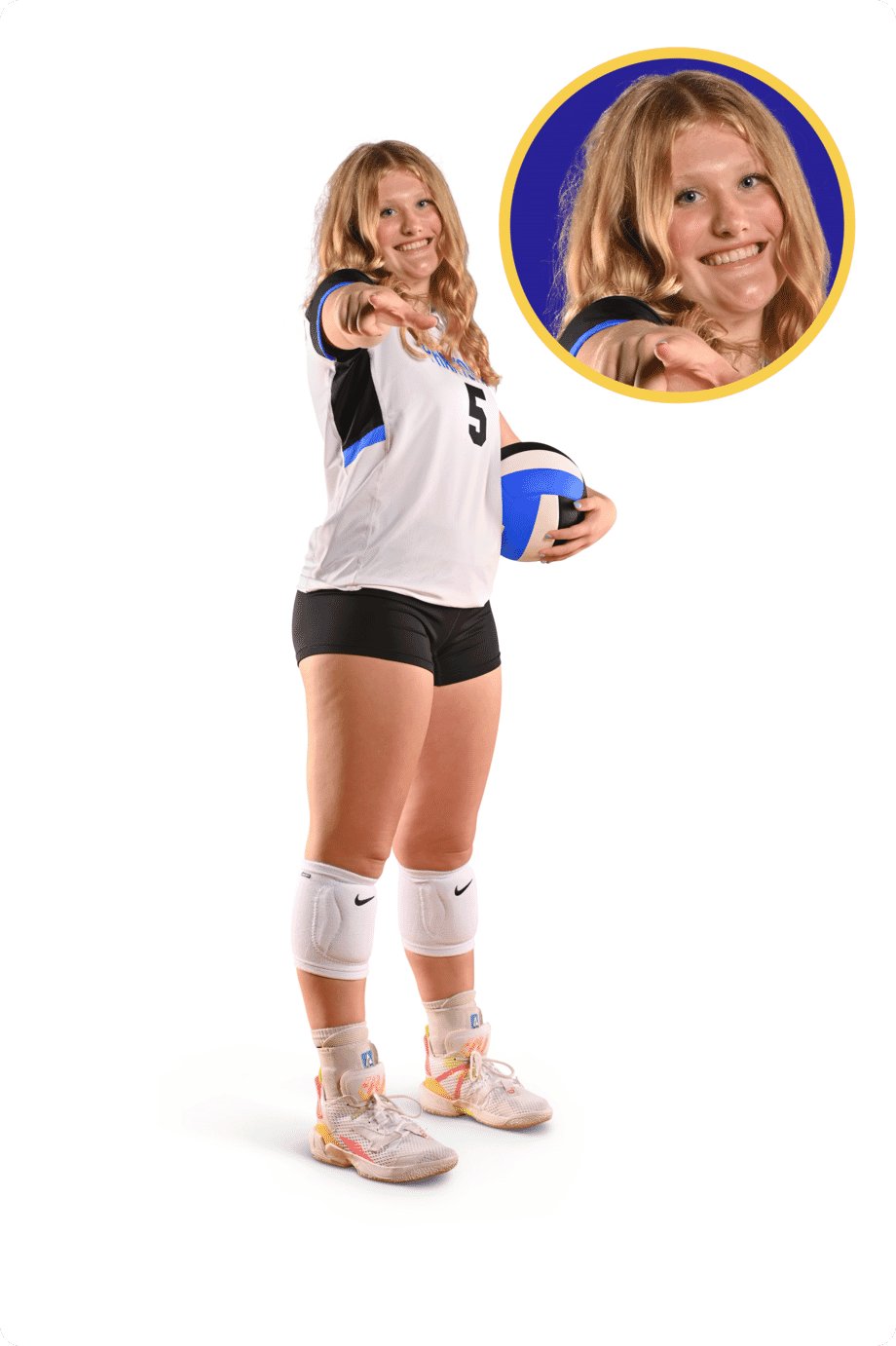
A busy sports photographer with hundreds of action shots to process after an event in New York, London, or Stockholm.

An ecommerce pro who’d rather grow sales than spend late nights fiddling in Photoshop.

A headshot photographer juggling tight client deadlines and high-volume deliverables.
See our work: clean, natural image masking projects
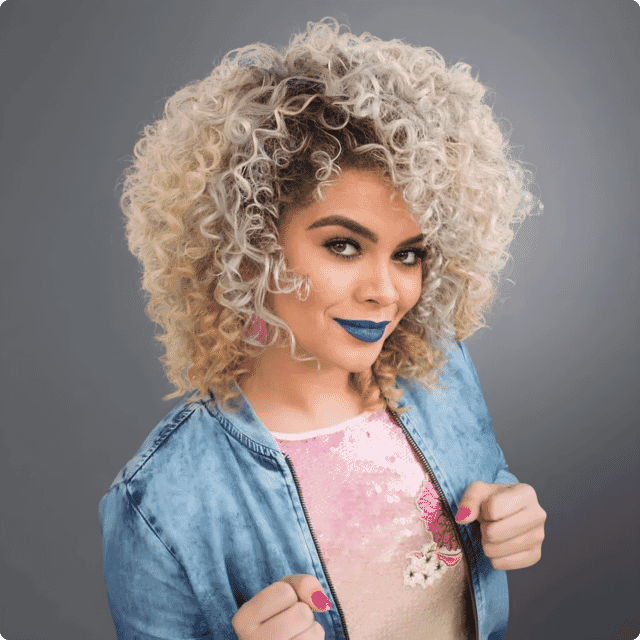
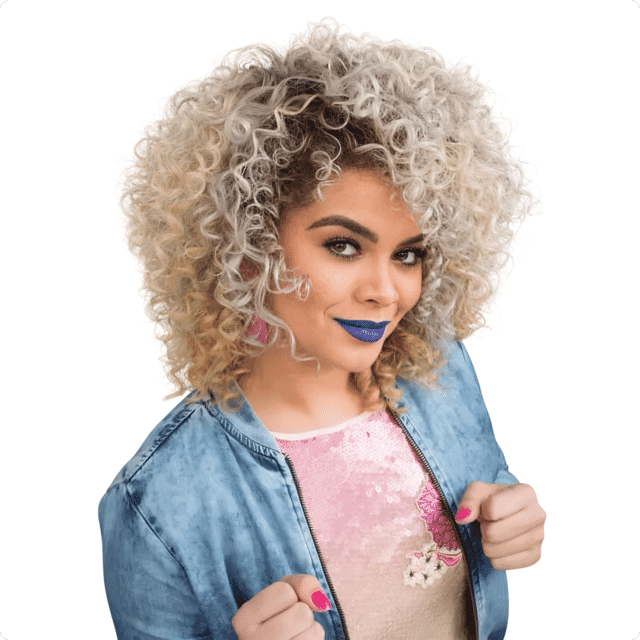
These before-and-after examples show what professional image masking looks like in practice. Whether the job calls for hair masking, fur refinement, transparency, or a more difficult edge that cannot be handled by a simple path, the goal is always the same: cleaner edges, more believable detail, and finished images that still look natural.
FREE TRIAL
Get 2 Images Masked - On Us
See the quality for yourself before committing to a full batch. Upload two images and see how Path handles difficult edges by hand for clean, accurate masking that is ready to use.
No automated shortcuts - every image is refined with care.
Get large batches back in as little as 6 hours.
Starting at just $1.19 per image, with no hidden fees.
Hair, fur, lace, transparency, veils, fringes, and reflective detail all handled by experienced designers.
Clean, believable results: The edge should not just be removed - it should still look natural.
Upload photos, specify your requirements, and see your price instantly.
Our pro designers hand-edit your images with careful attention to every pixel.
Receive your flawless images - double-checked for quality - in as little as 6 hours.

Path has helped brands in the US, UK, Sweden, and beyond save time and improve image quality with premium hand-edited photo services. Thousands of 5-star reviews reflect our commitment to quality, reliability, and fast turnaround.
See Our Reviews On Trustpilot

If you’re not thrilled with your edits, we’ll make it right - no extra fees, no hassle. Path has saved time and money for businesses worldwide. Don’t just take our word for it - read our Trustpilot reviews and see why thousands rate us 5 stars.
hello@pathedits.com
Start chat
Need more than 1,000 photos edited? Talk to us about bulk pricing options.
Get bulk pricing
Outsource even your most intricate photo masking projects to Path’s pro retouchers, starting at $1.19 per image. You can get large batches of images edited quickly and affordably, in as little as 6 hours.
Hand-edited photos and careful attention to detail mean you get perfect image masking services every time. The cleaner the photos, the more they’ll sell — and the happier your clients will be.
Here’s what other people have asked us:
Image masking is a background removal technique used for subjects with soft, fuzzy, semi-transparent, or highly detailed edges. It is commonly used when simple clipping path services would not be enough to preserve natural-looking detail around hair, fur, feathers, lace, mesh, veils, fringes, glass, or reflective surfaces.
Once the masking is complete, you can place the subject on a white background, a transparent background, or any new setting you need.
Image masking services make the most sense when the image needs a clean, finished result but the subject has edges that would look wrong if cut too tightly.
They are commonly used for:
If the image is going live and the edge quality matters, image masking is often the safer choice.
Image masking usually works best on images with:
If the subject has hard, clearly defined edges, clipping path services may be more appropriate.
A clipping path is a hand-drawn vector outline used to cut out subjects with hard, clearly defined edges. Image masking is a different cutout method used for softer or more complex edges.
In simple terms:
If you are not sure which one your image needs, Path can guide you to the right method.
Background removal is the broader outcome. It simply means separating the subject from the background.
Image masking is one specific way of doing that when the edge needs to stay soft, detailed, transparent, or natural-looking. Other background removal methods can include clipping paths, AI cutouts, or automatic selections.
Super complex masking is our go-to when you need incredibly smooth transitions between your subject and the background - think flowing hair, wispy fur, or fine fabrics that shouldn’t look pasted-on or stiff. While our classic clipping path handles hard edges, super complex masking is perfect for images where a natural blend matters.
Why choose super complex masking?
If you want your images to look flawless, even up close, super complex image masking is how we make it happen.
Layer masking steps in when you need flexibility - maybe you want to fine-tune only a section of your photo, like adjusting the exposure on just the background while keeping your subject untouched. With layer masking, you can reveal or hide parts of a layer with pixel-level precision, without permanently altering your original image.
Here’s why and when layer masking comes in handy:
Whether you’re lightening a shadow behind a product shot or creating seamless head swaps for team photos, layer masking gives you an extra degree of control that you won’t get with simple selections or erasers. Think of it like working with transparent overlays in Photoshop - paint on what you want visible, and with a quick swap of your brush, bring back any part you accidentally hid.
No. Just tell us how you want the final image to look, and our expert retouchers will select the best technique for each photo. Some images need a combination of clipping paths and masking to get the cleanest possible result.
Not all image masking projects are the same, so the rates for each project vary.
Pricing is based on the total number of sections that need masking, the difference between the object and its background, and the background color (because it’s more complicated to separate objects that are similar in color to the background).
Every image is different, but we follow standard pricing guidelines to make sure your rate is always clear and objective, even if you’re working with a different designer. Here’s an overview of the different categories of image masking projects:
The simplest images fall into this category. These images have simple, smooth edges around most of the object, with a small portion of the image containing fur, hair, or transparency.
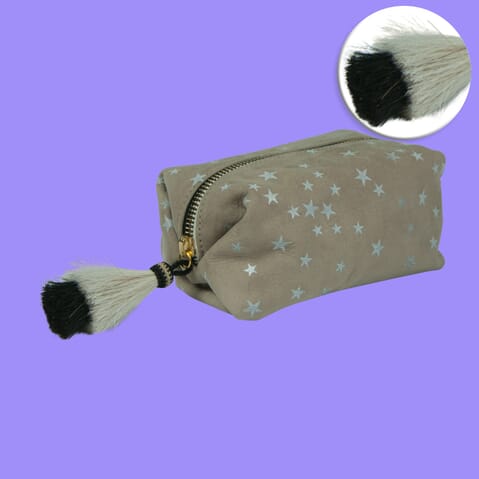
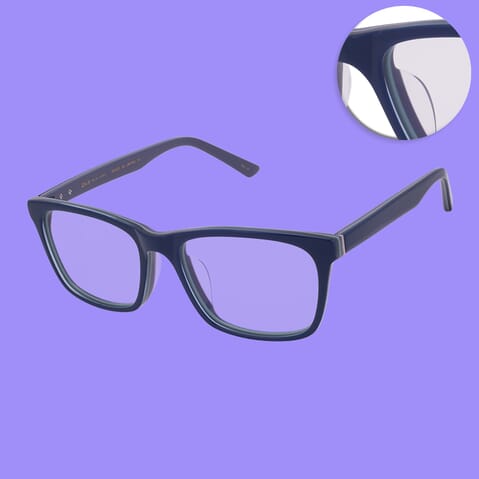
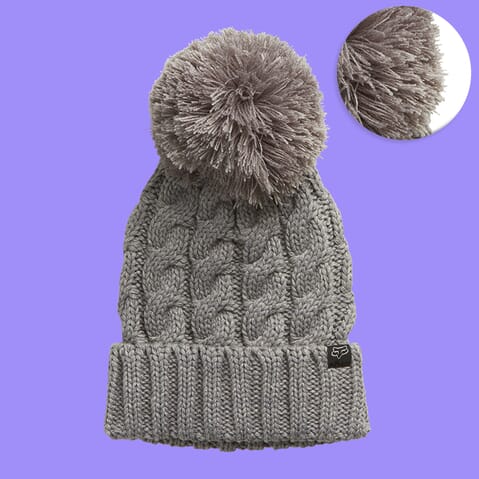
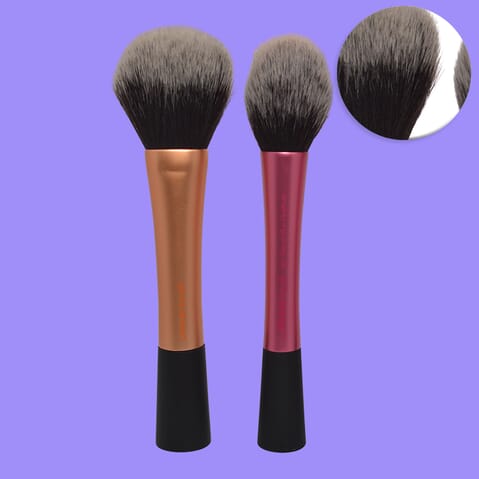
Most images fall into this category — almost 50% of image masking orders at Path. These images are a little more involved than “basic” images because more of the object’s area has furry or fuzzy edges, or the object has complex, smooth edges.
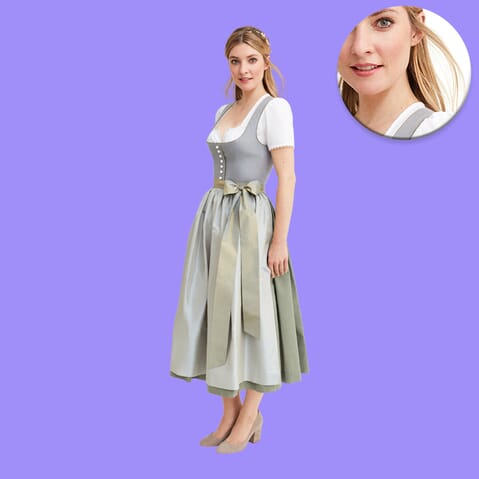
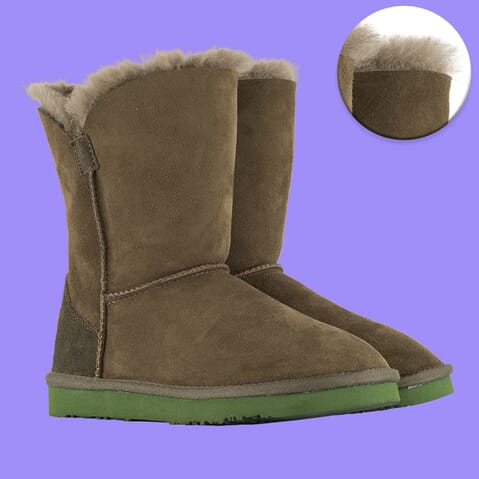
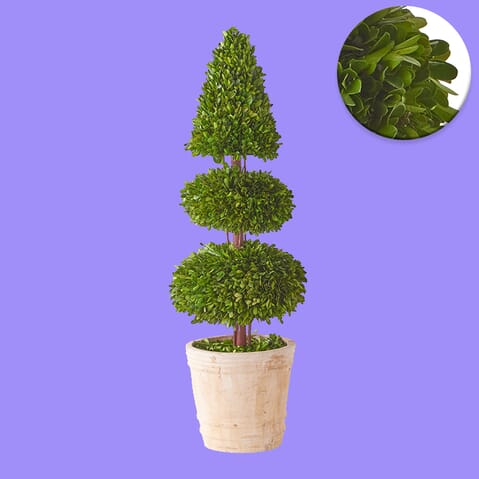
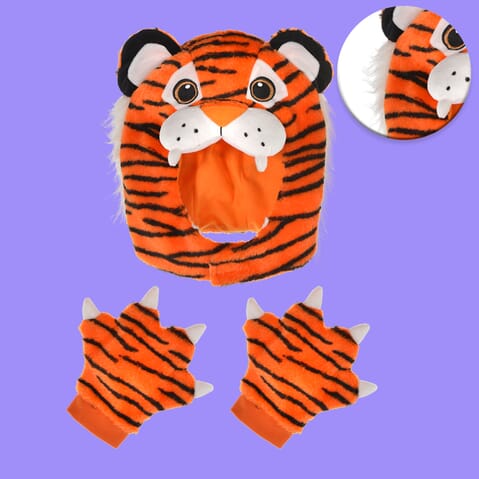
This is the second most common category for image masking projects. These images may have fur or hair covering the entire subject, or contain varying levels of transparency throughout the object’s edges or area.
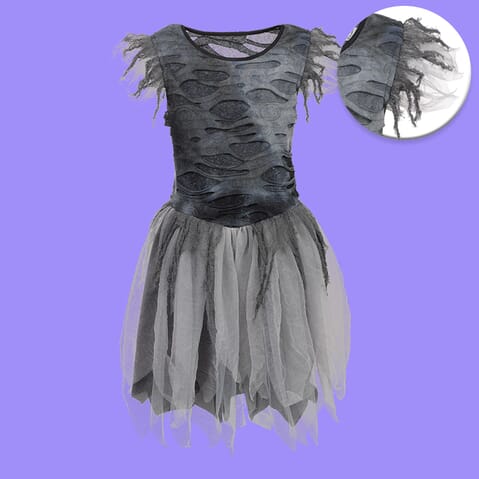
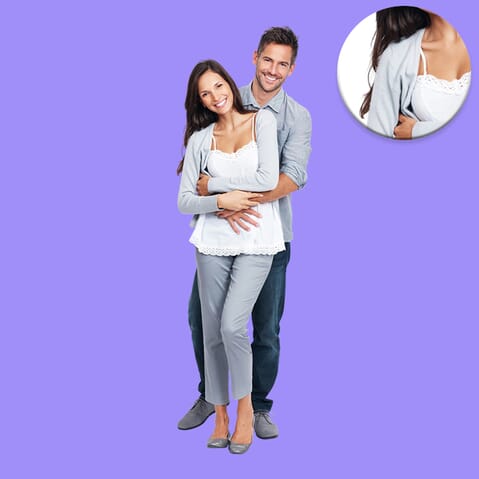
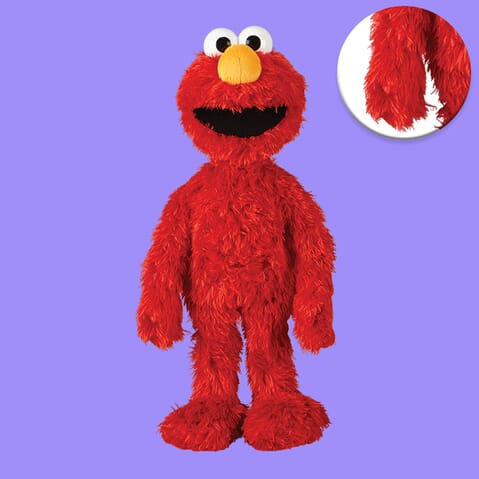
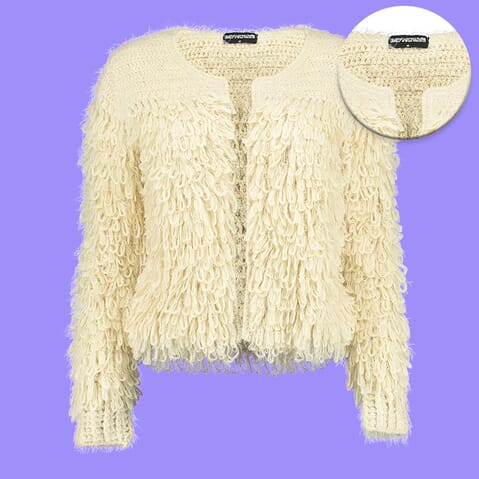
Images in this category might have multiple people (or animals) in a single photo. Sometimes images with shadows or multiple background colors fit in this category too, because they require a combination of image masking techniques
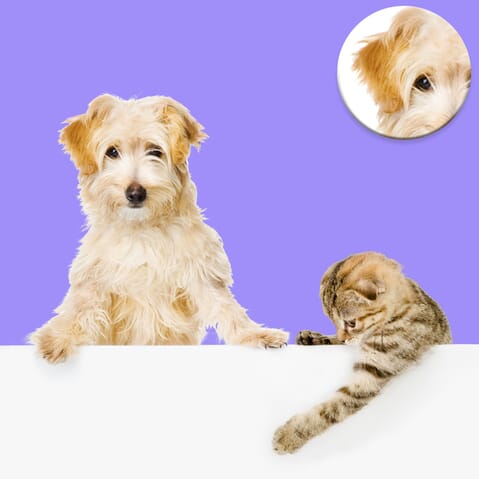
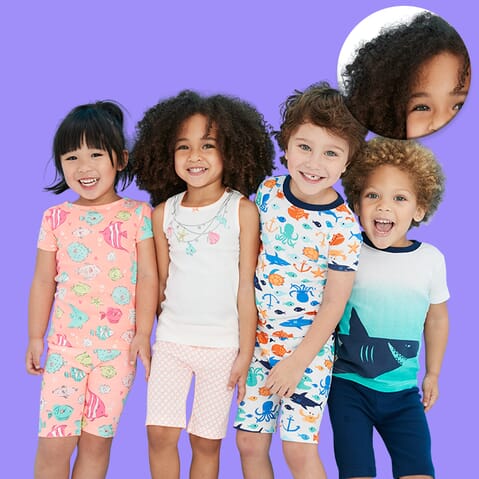
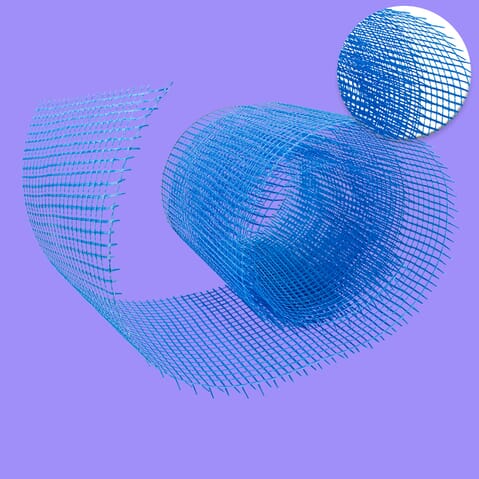
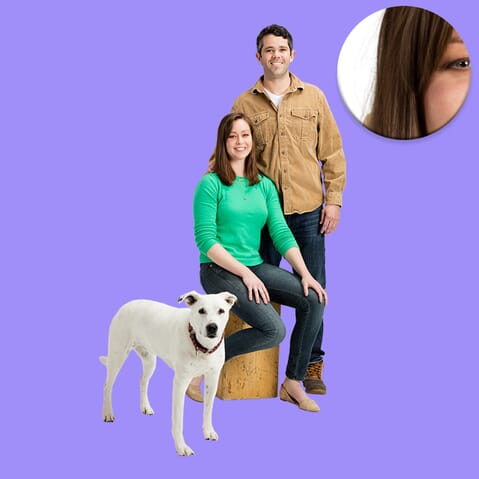
A very small number of image masking projects fall into the super complex category. These images have highly intricate borders and require a variety of image masking techniques.
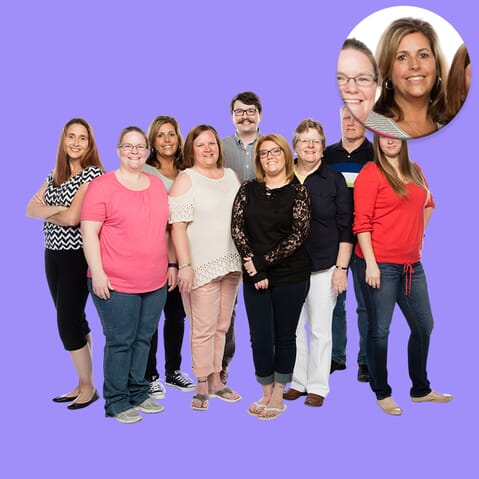
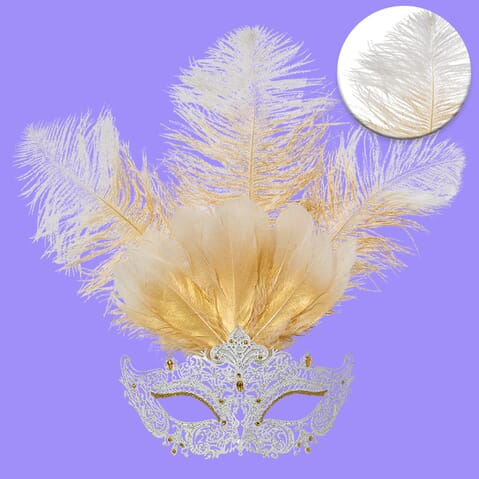
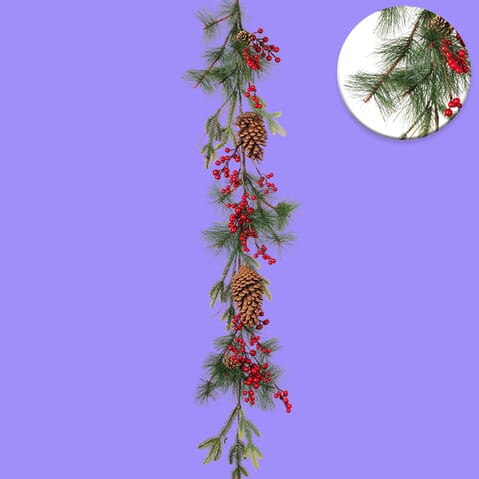
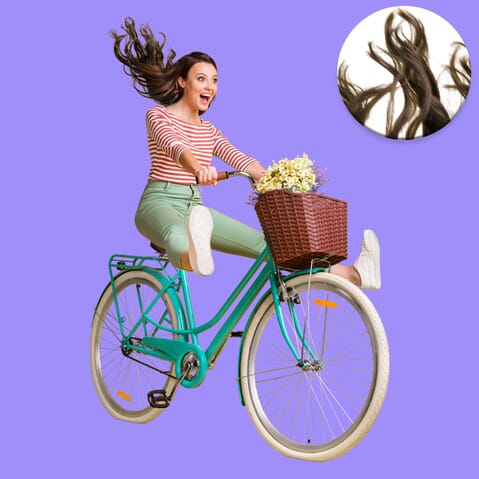
If you are unsure which category your image falls into, Path can provide a clear quote before work begins.
Turnaround depends on the size and complexity of the job, but large batches can be returned in as little as 6 hours. If you have a deadline, upload your images and Path can confirm the expected turnaround before work begins.
Yes. Path offers 2 free edits so you can check the quality before committing to a bigger batch. That is a simple way to review the edge quality, finish, and consistency on your own images before sending more work across.
We make things easy - simply upload your images in whatever format works best for you. We’re compatible with industry standards like JPG, PNG, TIFF, PSD, and RAW. Whether you shoot with Canon, Nikon, or that trusty old smartphone, just send your files and we’ll take care of the rest.
We can match your unique style across every masked image. Simply provide a style guide or a few reference images (think: Chanel’s crisp black-and-white or Apple’s softer, minimalist palettes), and we’ll keep every detail spot-on. Consistency isn’t just possible - it’s part of our process.
If you want to understand image masking in more detail, start with these guides:
Your talent and creative energy is best spent on doing what you love — not fiddling in Photoshop for hours figuring out tedious edits.

40,000+
clients have entrusted their image editing needs to us.

8 million+
images enhanced and brought to life.

No automated software at this photo masking company. We do every single project by hand. Customize your image masking order to fit your timeline and budget, no matter how tight.


