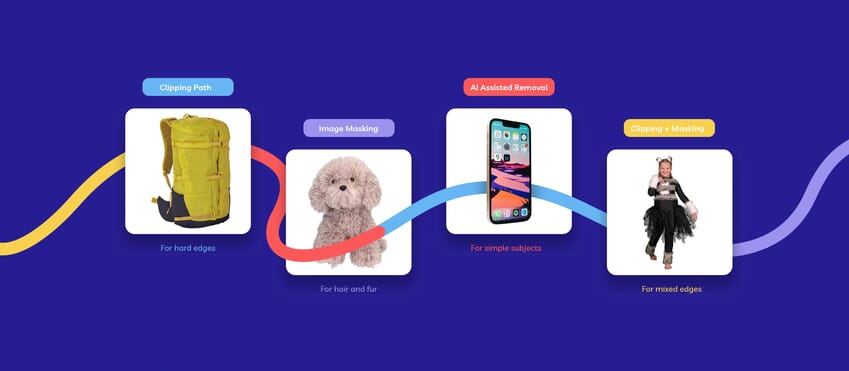
Some image edges are easy to cut out cleanly. Others really are not.
A bottle, box, or shoe usually gives you a clear outline to work with. Hair, fur, lace, sheer fabrics, textured trims, and semi-transparent materials do not. That is usually where a simple cutout starts to show its limits. The background may be gone, but the edge can still look rough, clipped, or obviously edited.
That is where image masking in photography starts to make more sense than a standard cutout. Professional image masking services provide more control over soft, fine, or irregular edges, especially when the result needs to look believable rather than just separated.
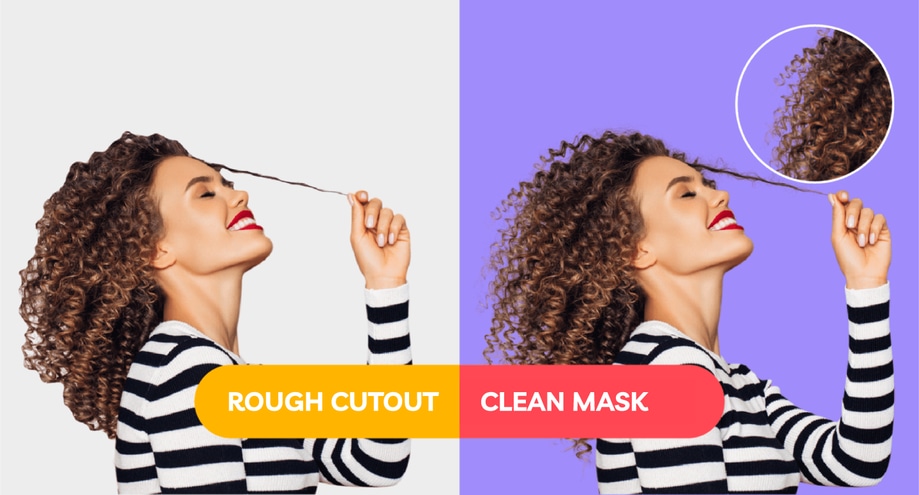
What Image Masking Means in Photography
In photography, image masking is used when the edge of the subject is too soft or detailed for a basic cutout to handle cleanly.
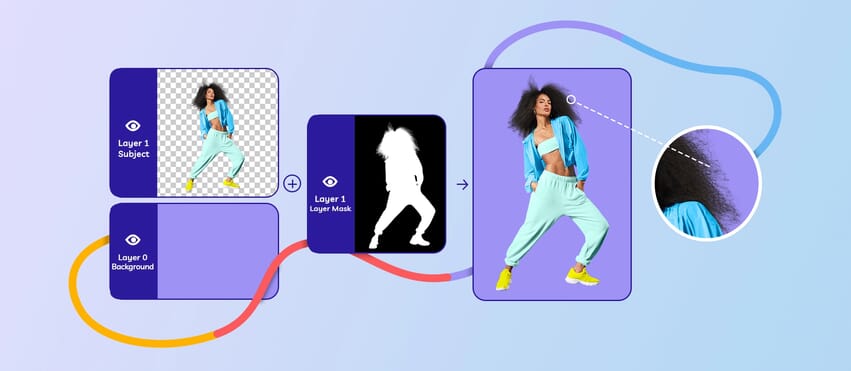
Instead of treating the whole outline like one hard shape, masking gives the editor a way to preserve the parts of the edge that need softer transitions or finer detail. That is why it comes up so often in portrait, beauty, fashion, and textured product photography.
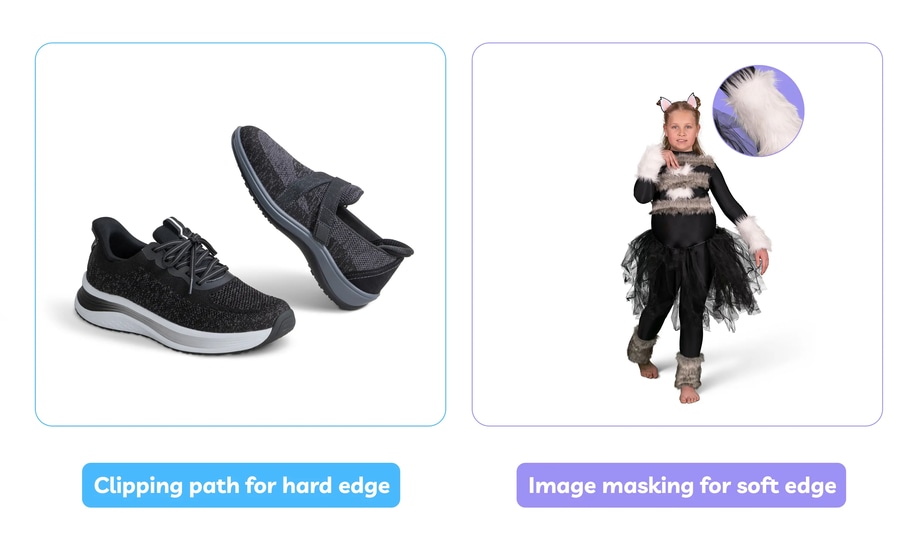
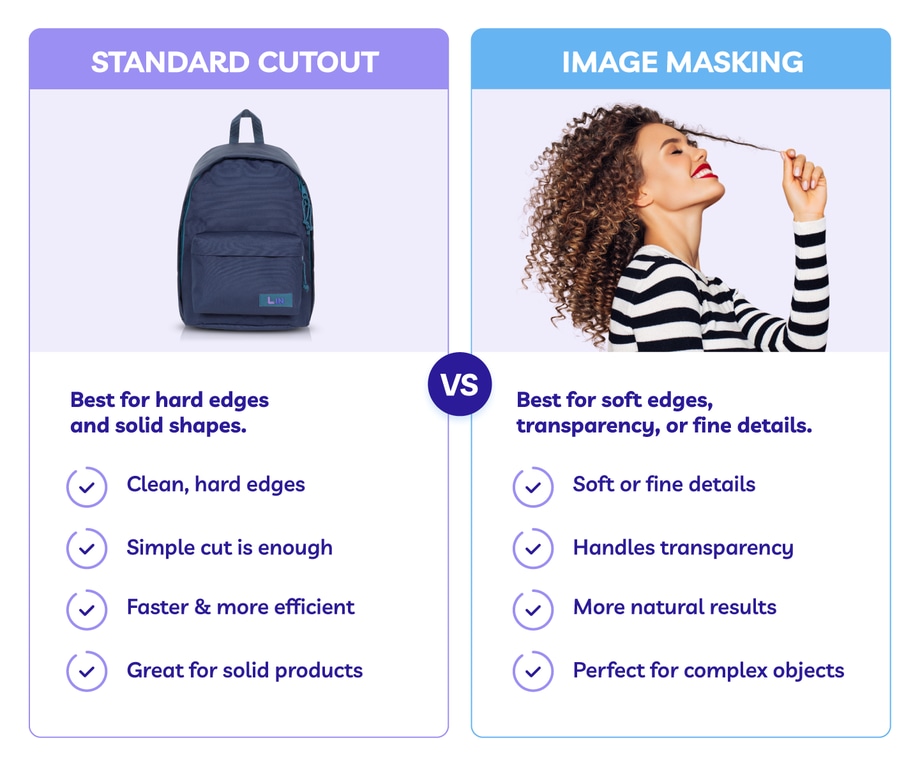
A standard cutout is often enough when the subject has a simple outline, but it usually starts to struggle when the edge is not clean and clearly defined. Soft edges, partial transparency, fine strands or fibres, and subjects that sit too close in tone to the background all make the job harder.
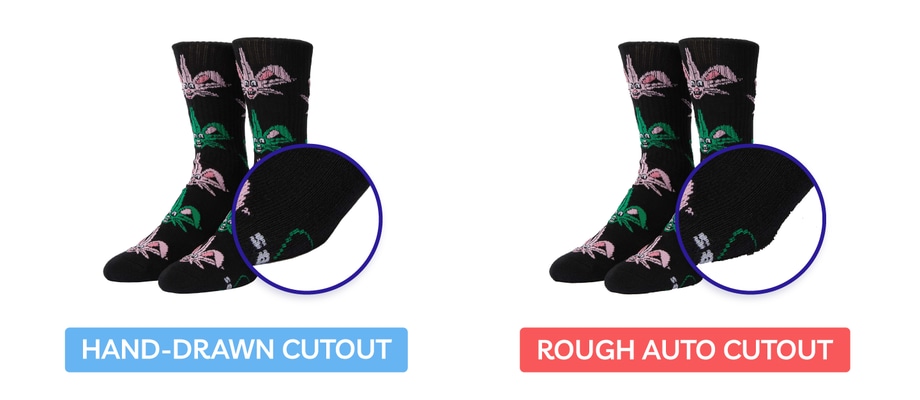
In those cases, a tighter cutout does not usually make the image look cleaner. It often does the opposite, leaving the edge looking rough, clipped, or slightly fake.
That is why some images seem fine at first glance and then start to fall apart once they are placed on white, exported, or viewed more closely.
What Kinds of Photography Usually Need Image Masking?
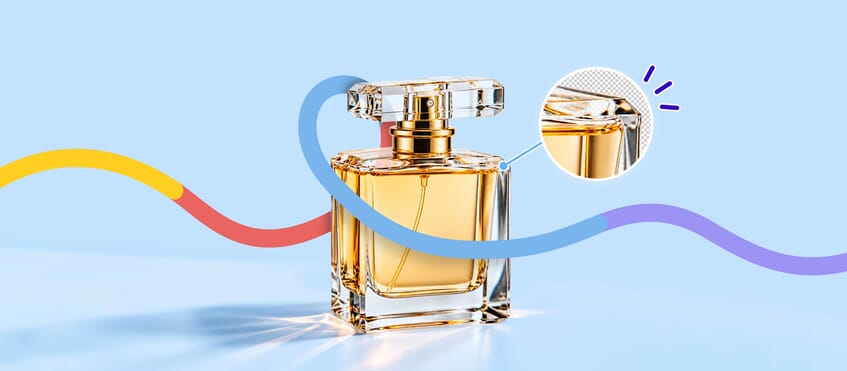
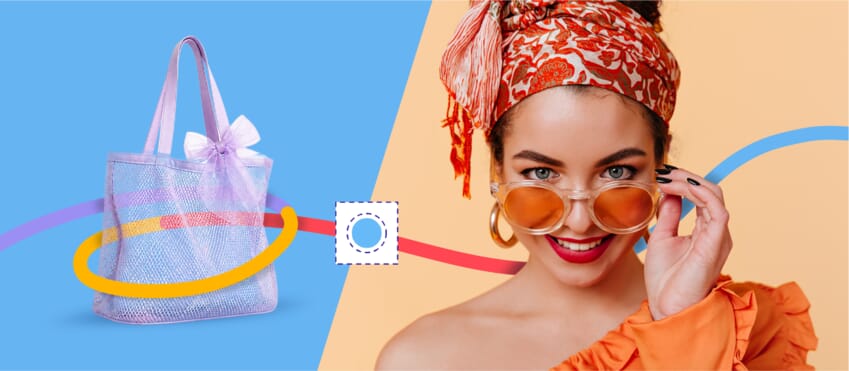
Image masking is often the better fit in situations like portrait photography with loose flyaways, beauty photography with soft detail around the face, fashion photography with lace, mesh, or sheer fabric, product photography with faux fur, fibres, or textured edges, and ecommerce images where the cutout needs to sit cleanly on white without losing realism.
Image suggestion: five-image reference grid showing the main photography situations where image masking is usually the better fit.
- Portrait photography with loose hair or flyaways
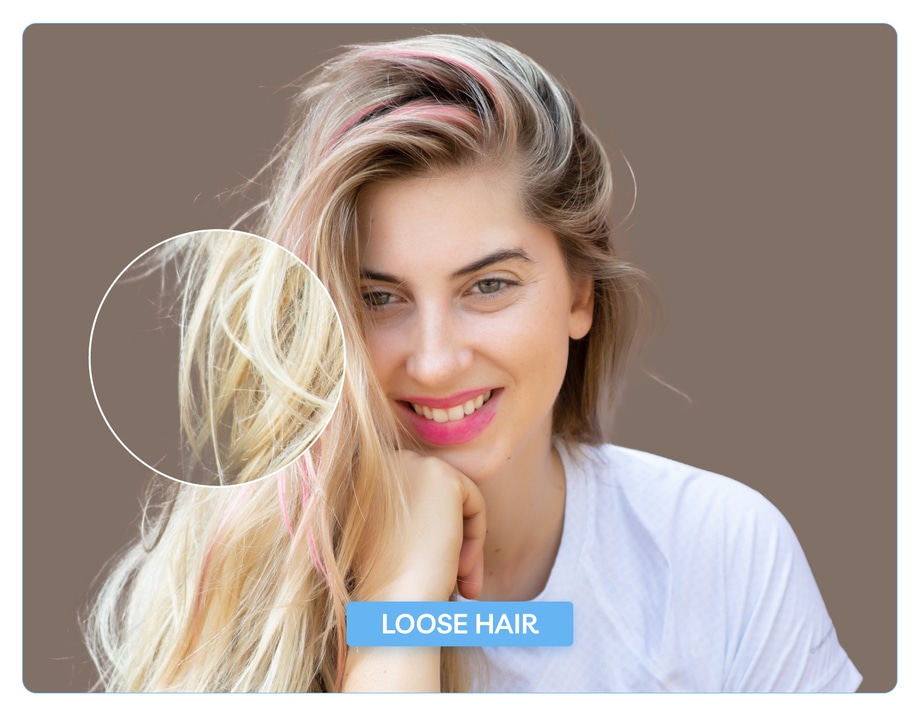
- Beauty photography with soft detail around the face

- Fashion photography with lace, mesh, or sheer fabric
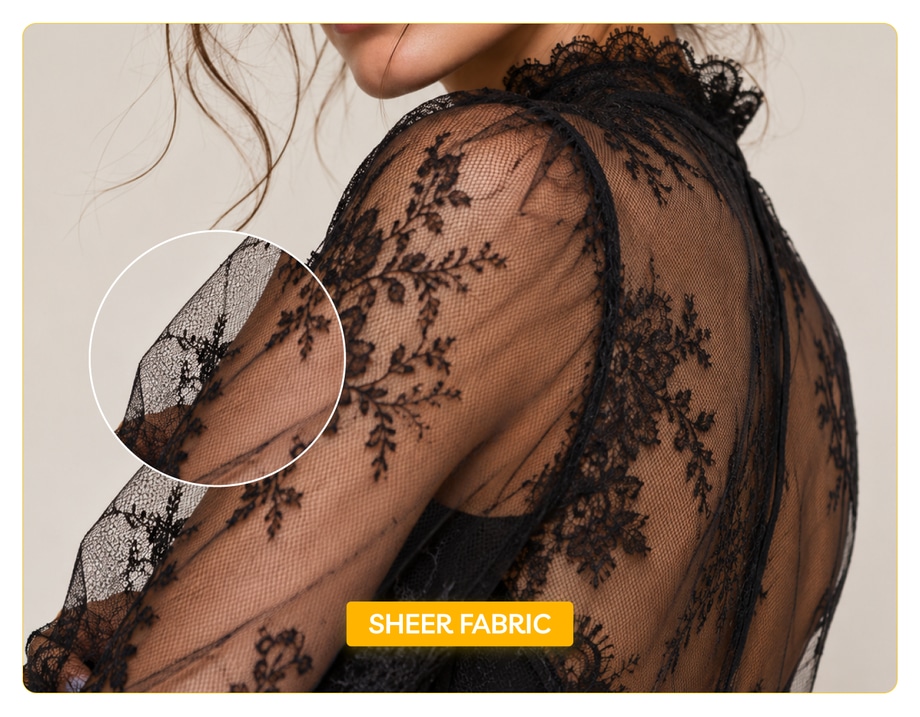
- Product photography with faux fur, fibres, or textured edges
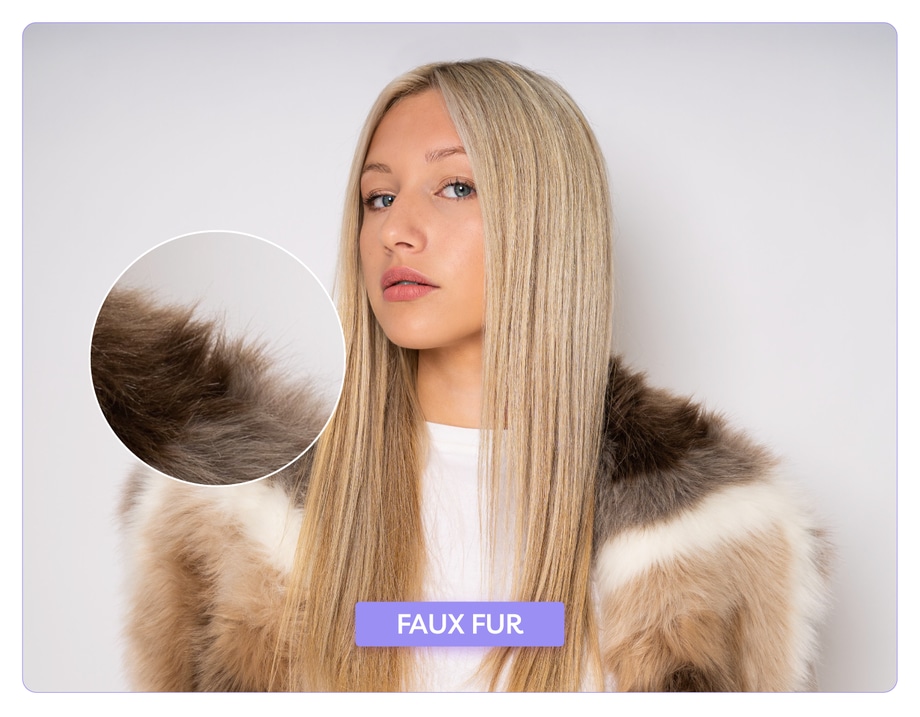
- Ecommerce images where the cutout has to look clean on white without losing realism

That is one reason masking shows up across different photography workflows. It is less about the type of image and more about the kind of edge problem you are dealing with.
When Image Masking Makes More Sense Than a Standard Cutout
Image masking usually makes more sense when the edge needs to stay soft, detailed, or believable rather than simply cut out cleanly.
That might mean keeping fine strands of hair intact, preserving transparency in fabric, avoiding hard cut lines around soft textures, stopping the subject from looking pasted onto the background, or keeping the image usable across different layouts and backgrounds.
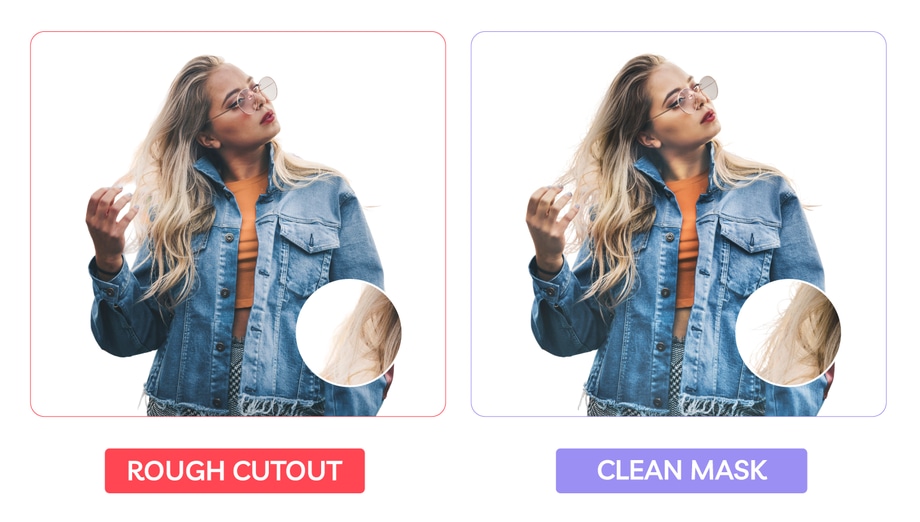
A standard cutout is often more about speed. Masking is more about edge quality when the edge itself is likely to go wrong.
That said, not every image needs masking. If the subject has a clear, hard outline and the edge needs to be crisp rather than soft, a clipping path cutout method may still be the better choice. Bottles, boxes, electronics, footwear, and other hard-edged products often fall into that category.

Reference: Amazon
That is why the real question is not whether masking is better in general. It is whether the image edge needs more than a basic cutout can give.
How to Tell Which Method the Image Needs
The edge usually gives the answer away.
If the subject has soft detail, transparency, or irregular edges, masking gives you a better chance of ending up with a cutout that still looks natural once the image is finished. If the edge is clean and hard, a simpler cutout may be enough.