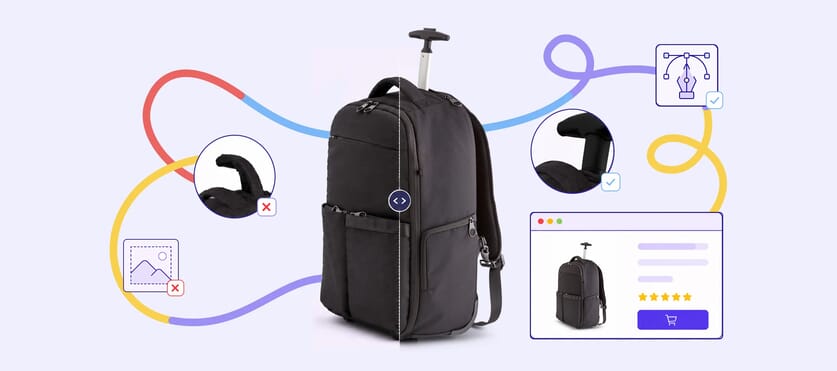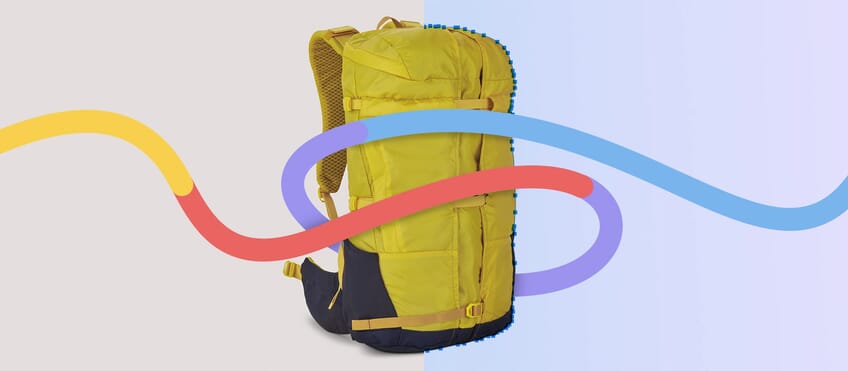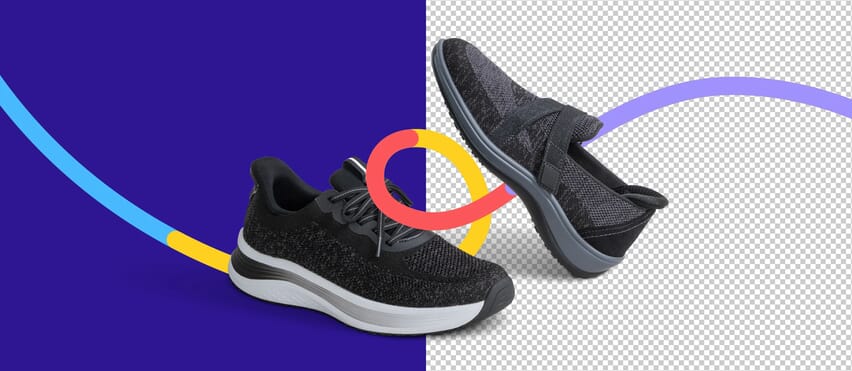
Photo clipping and background removal are often used as if they mean the same thing. They are closely related, but there is an important difference.
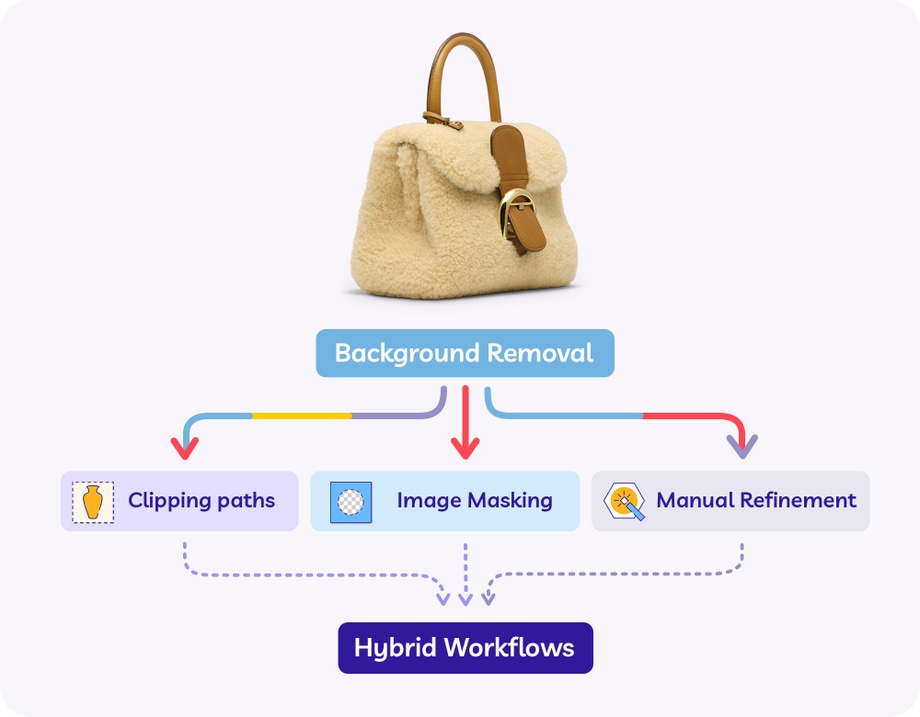
Background removal describes the result you want: separating the subject from its original background. Photo clipping is one technique that can be used to achieve that result.
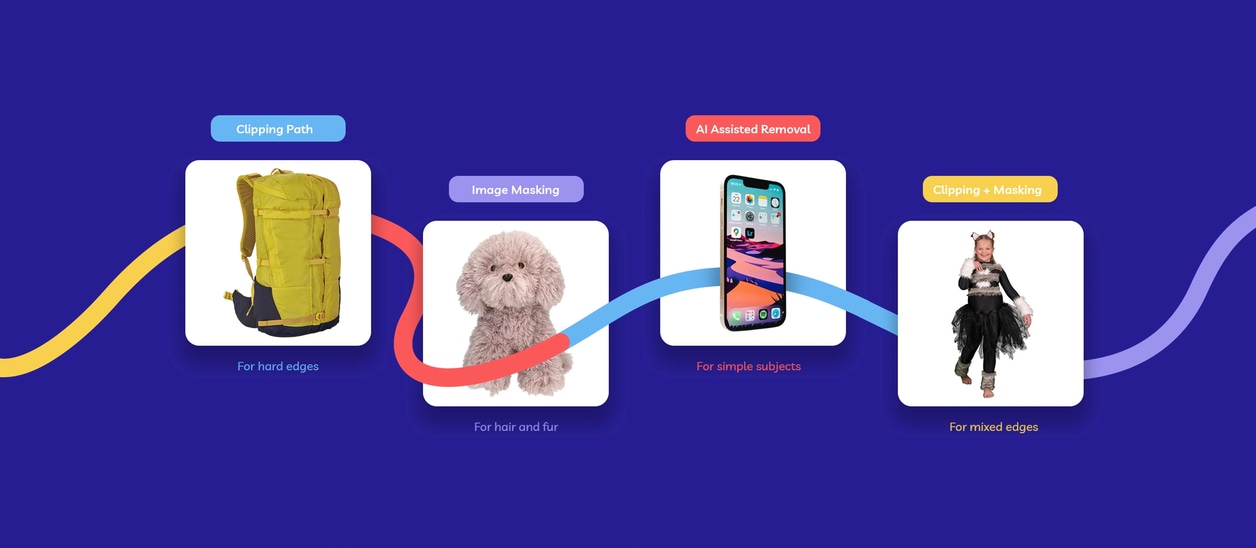
The right method depends on the image. A product with hard, defined edges may be best suited to a clipping path, while hair, fur or other fine details may require image masking. Some images need a combination of techniques, and simpler images may be suitable for AI-assisted removal followed by manual refinement.
So the real question is not which one produces the better-quality image. It is which technique will produce the cleanest, most accurate background removal for the image you are working with.
What Background Removal Usually Means
Background removal is the overall editing task: isolating the main subject by removing the existing background.
There is no single way to do it. Depending on the image, an editor might use:
- a clipping path
- image masking
- AI-assisted selections
- manual Photoshop selections
- or a combination of techniques
That is why asking for “background removal” describes what you want the finished image to look like, rather than exactly how the editor should get there.
For ecommerce images, the important part is choosing the right method for the subject so edges, fine details and product shapes remain accurate.
If you want a broader breakdown, our guide to What Is Background Removal? is a good place to start.
What Photo Clipping Usually Means
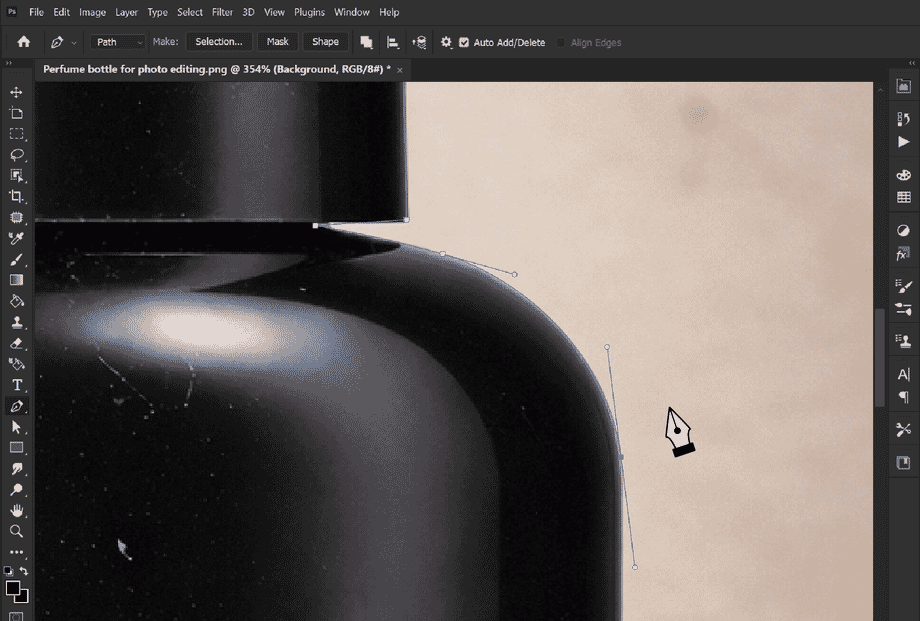
Photo clipping is more specific. It usually refers to isolating a subject by creating a precise path around its edges.
Clipping paths work particularly well for products with hard, clearly defined outlines, such as:
- boxes and packaging
- furniture
- electronics
- jewellery
- shoes
- many fashion accessories
The path gives the editor precise control over which parts of the image are kept and which are removed.
However, clipping is not the best technique for every subject. Fine or semi-transparent details such as hair, fur, feathers or soft fabric edges are generally better handled with image masking.
That is why professional background removal often involves choosing between clipping, masking or a combination of techniques rather than applying the same method to every image.
If you want to see the process in more detail, our tutorial on How to Create a Clipping Path in Photoshop walks through how clipping paths are created.
So What Is the Real Difference?
The simplest way to think about it is:
Background removal is the goal.
Photo clipping is one way of achieving it.
For a simple hard-edged product, a clipping path may be the most accurate and efficient choice. For a model with flyaway hair, clipping alone is unlikely to preserve the detail you need, so image masking may be more appropriate.
Some images contain both types of edges. In those cases, an editor might use a clipping path around the defined parts of the product and masking around softer or more complex areas.
AI can also speed up the initial selection process for suitable images, but the result may still need manual refinement to meet professional ecommerce standards.
The quality of the finished image therefore depends less on whether the job is called “photo clipping” or “background removal” and more on whether the right technique and level of refinement have been used for the image.
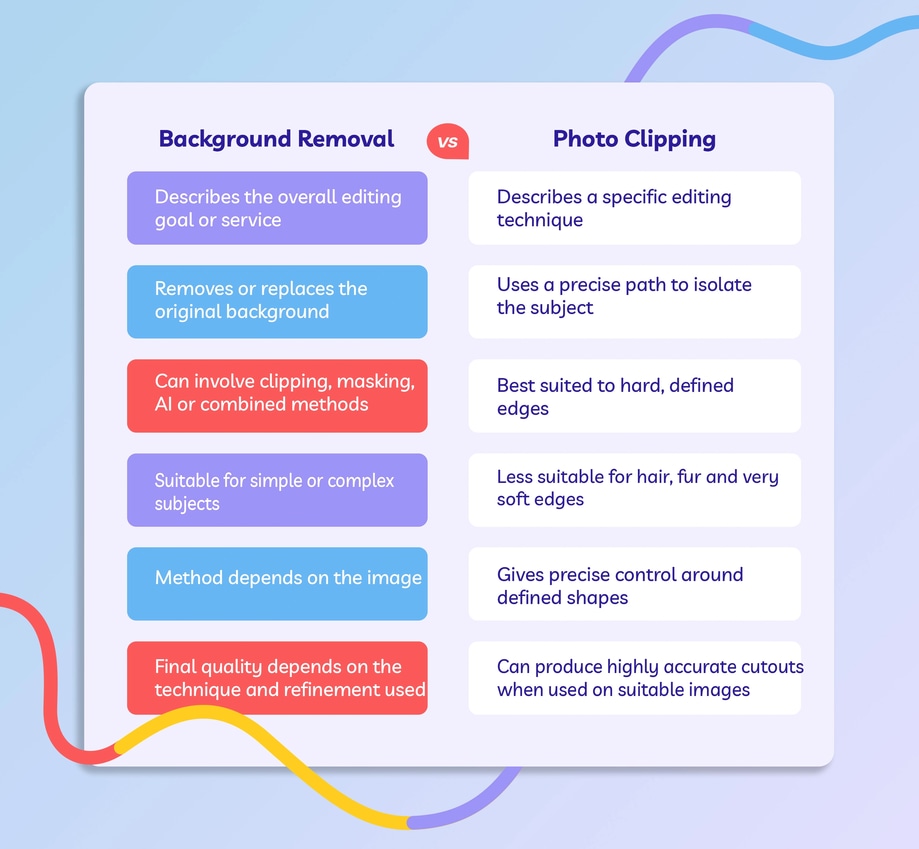
Background Removal vs Photo Clipping
| Background Removal | Photo Clipping |
| Describes the overall editing goal or service | Describes a specific editing technique |
| Removes or replaces the original background | Uses a precise path to isolate the subject |
| Can involve clipping, masking, AI or combined methods | Best suited to hard, defined edges |
| Suitable for simple or complex subjects | Less suitable for hair, fur and very soft edges |
| Method depends on the image | Gives precise control around defined shapes |
| Final quality depends on the technique and refinement used | Can produce highly accurate cutouts when used on suitable images |
Which Background Removal Method Should You Use?
The best method depends mainly on the type of edge you need to preserve.
A clipping path is usually the best choice when the product has a clear, defined outline and the editor needs precise control around its shape.
Image masking is better suited to complex or soft edges, including hair, fur, feathers, fibres and transparent or semi-transparent areas.
AI-assisted background removal can work well for simpler subjects and can speed up the initial editing process. Where greater precision is required, the result can then be manually refined by an editor.
And sometimes the best solution is a combination of methods. A single image might use clipping for the solid edges of a product and masking for softer details.
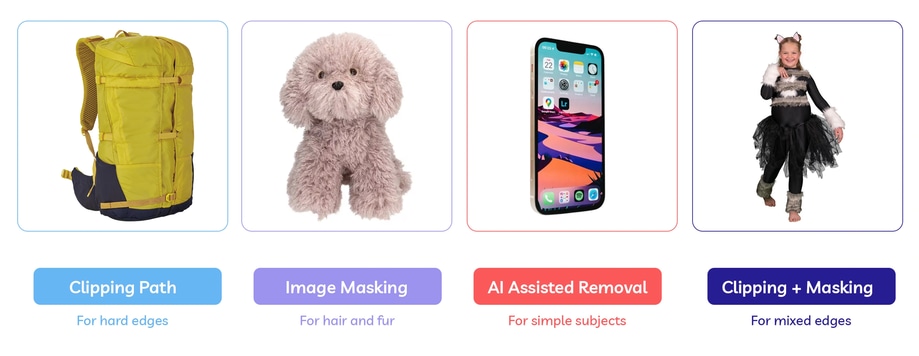
The aim is not to choose one method because it is universally “better.” It is to use the technique that preserves the subject most accurately while producing the clean, consistent result the image requires.
If you’re not happy with the finished result, check out our guide to why your background removal looks fake,
When Is a Clipping Path the Right Choice?
A clipping path is particularly useful when:
- the product has hard, defined edges
- its outline needs to be isolated precisely
- you are editing a large batch of similarly shaped products
- the cutout needs to remain consistent across a catalogue
- the image will be reused against different backgrounds
- precise control over the product boundary is important
This is why product clipping paths are widely used for ecommerce photography. For suitable products, clipping path services provide an accurate, repeatable way to separate the product from its original background.
For subjects with more complex edges, however, another background removal technique may produce a better result.
What Matters Most for Ecommerce Images?
For ecommerce, the editing method matters less to the customer than the finished image.
The product needs to look clean, accurate and consistent, whether the background was removed using a clipping path, image masking, AI-assisted tools or several techniques together.
Marketplace requirements can also influence the finished result. Amazon, for example, requires qualifying main product images to be presented against a pure white background. Achieving that cleanly starts with accurately isolating the product using the method best suited to the image.
So when choosing between photo clipping and other forms of background removal, start with the product itself. Hard, defined edges are ideal candidates for clipping paths. Complex or soft edges usually need masking. Mixed images may need both.
The best background removal is not defined by one particular technique. It comes from choosing the right technique for the image and refining the result to the standard required.
If you are preparing a larger ecommerce catalogue, you may also find our guide to Why White Backgrounds for Products Drive More Sales useful. And if you need to place your cutout onto something new, see our guide to adding a background after background removal.