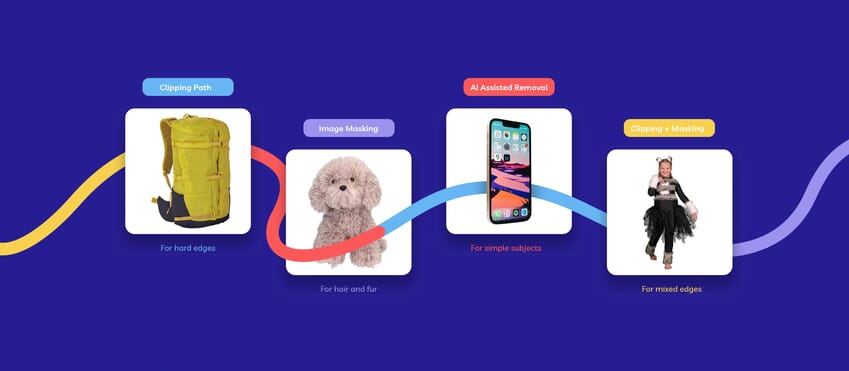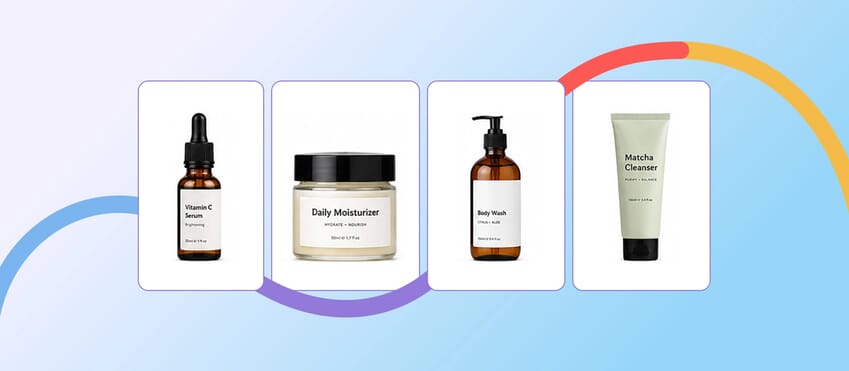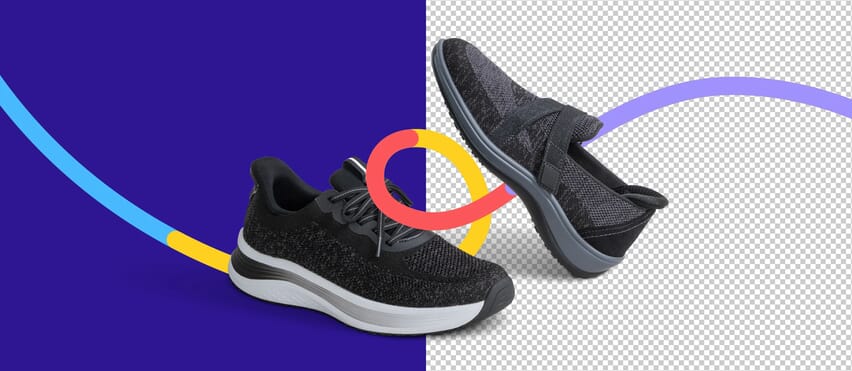
When people talk about clipping pictures for ecommerce, they are usually talking about one thing: cutting the product away from the background so it can be used cleanly on a store, marketplace, or product page.
On paper, that sounds simple enough, but in practice, a quick cutout is not always a finished image.
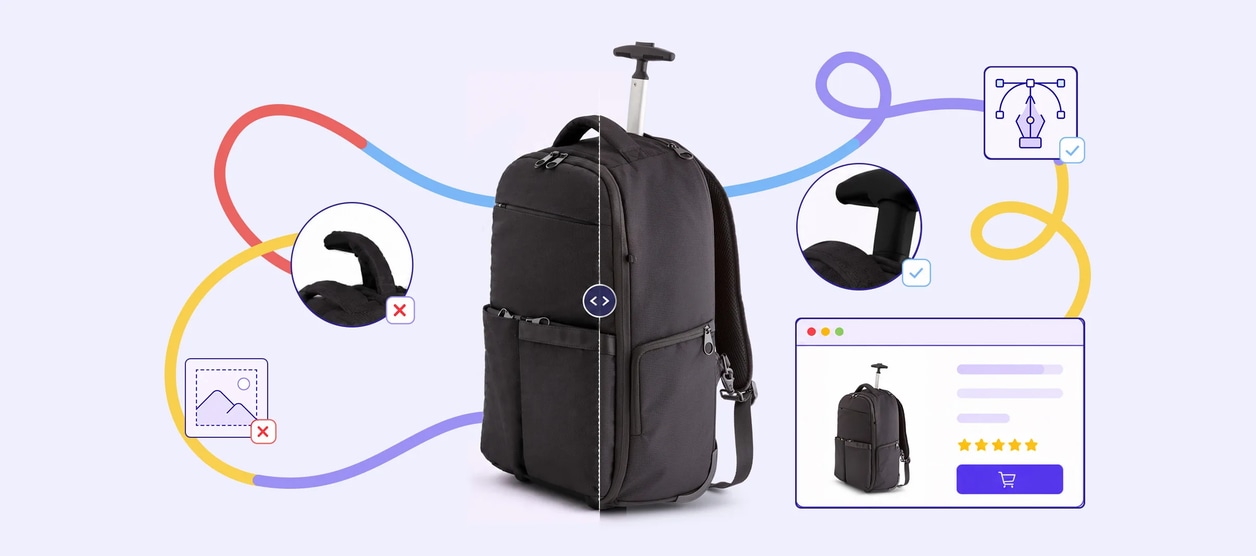
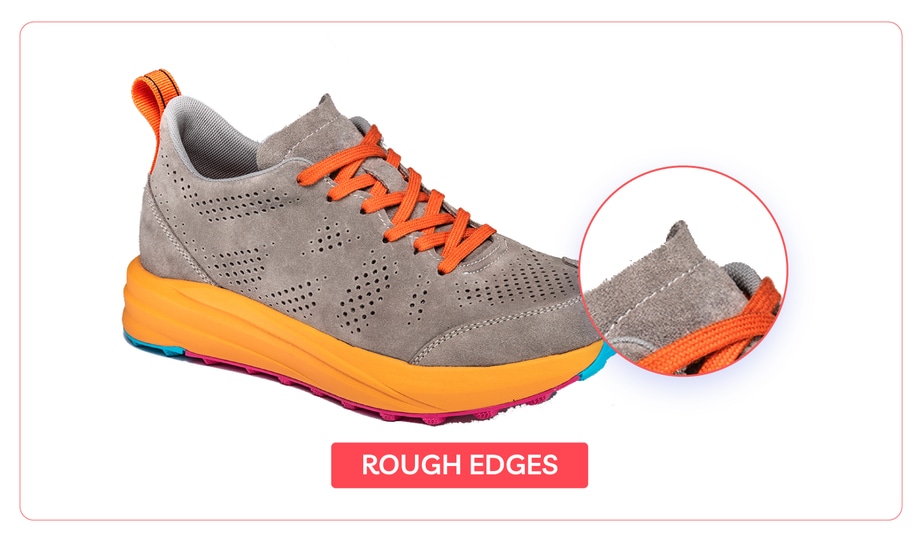
The background may be gone, but the edges can still look rough. The shape can still feel slightly off. And once the image sits beside the rest of the range, those small problems start to stand out.
That is where picture clipping, photo clipping, and image clipping stop being just about removing the background and start becoming part of a wider ecommerce cutout workflow.
What “Clipping Pictures” Usually Means in Ecommerce
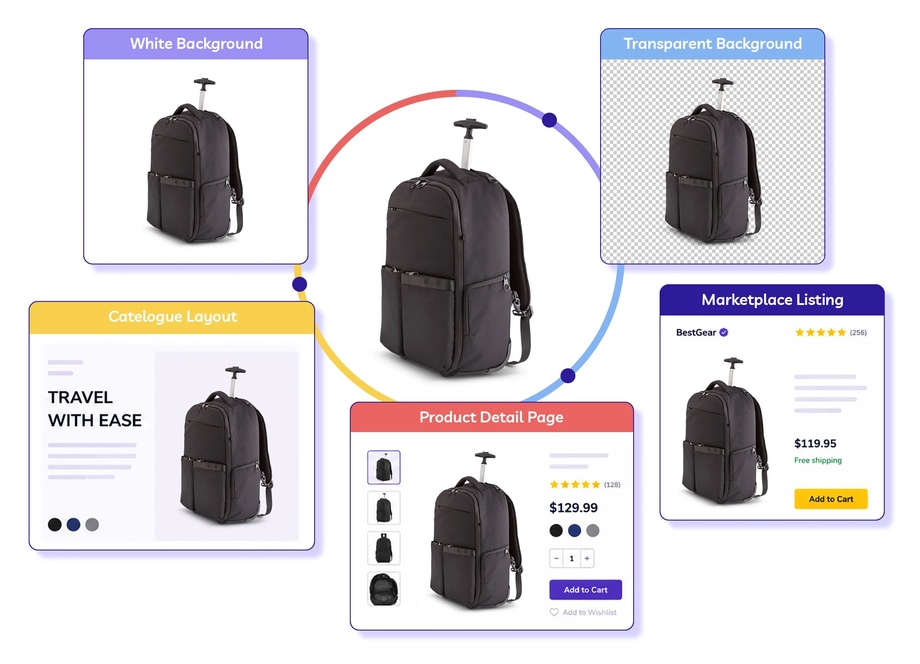
In ecommerce, clipping pictures usually means isolating a product cleanly enough that it can be reused across:
- a white background
- a transparent background
- a catalogue layout
- a product detail page
- a marketplace listing
The goal is not just to remove the background. It’s to make the image look clean enough to sell with.
Why Simple Cutouts Often Fall Short
A simple cutout can be enough for a draft, a mockup, or an internal placeholder. It is less dependable when the image is heading straight to a live product page.
That is usually when the problems start to show up:
- rough edges
- clipped corners
- halos
- inconsistent spacing
- shapes that look slightly too tight or too loose
- product images that do not sit well together across a range
A shopper probably will not describe any of that in technical terms. They just see an image that looks a bit off.
Where Photo Clipping Gets More Demanding
Some products are easy to isolate. Others are not.
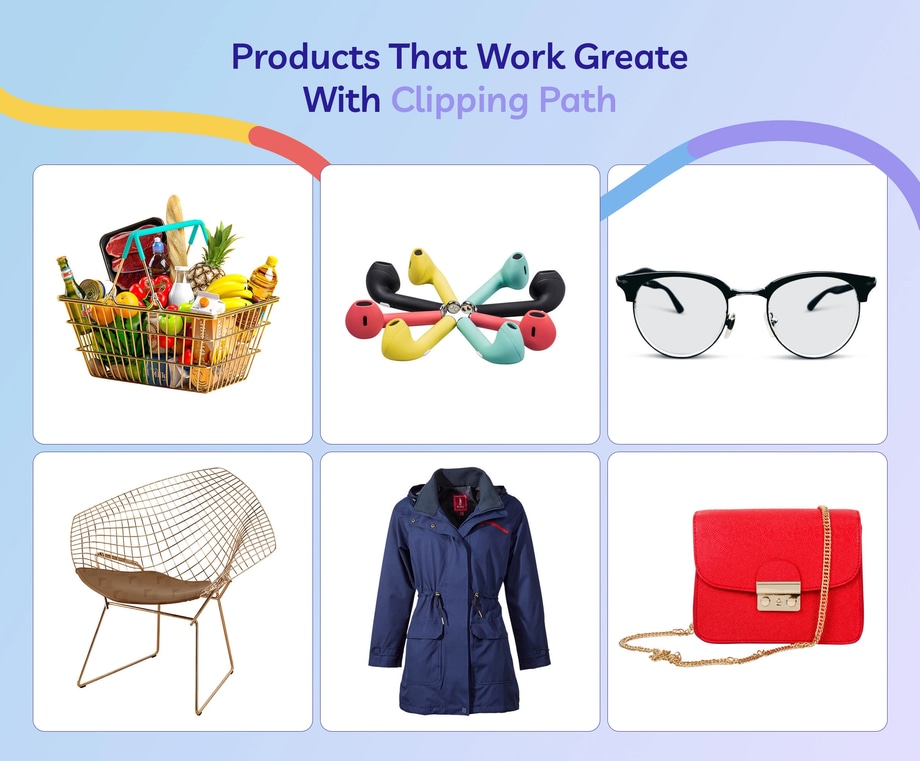
Hard-edged products like bottles, boxes, shoes, and electronics usually respond well to a clean clipping path. The harder images are the ones that raise the stakes:
- reflective surfaces
- complex outlines
- overlapping parts
- products that need consistent cutouts across a full batch
- marketplace or catalogue images where edge quality has to hold up under zoom
Automated cutouts are often chosen for speed and convenience, but they can leave imperfections that become much more obvious when shoppers zoom in, especially on product pages.
That is why a succesful ecommerce cutout workflow is not just about cutting the product out quickly. It is about choosing the method that will still look right once the image is live.
What Good Clipping Pictures Look Like in the Real World
You can see this more clearly on stronger ecommerce product pages, where the cutout quality holds up across the whole experience.
Shopify’s roundup of standout product pages highlights brands like Master & Dynamic, where polished product images play a big part in how premium the product feels.
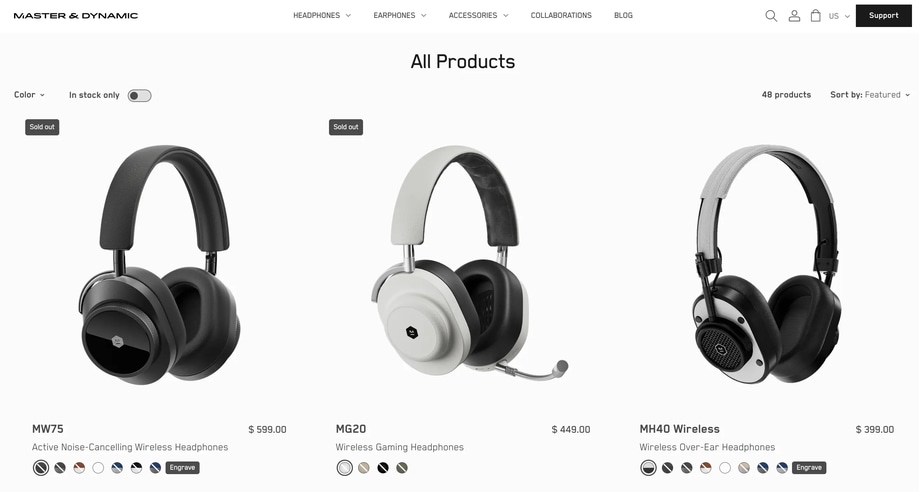
Shopify also points out that strong product pages do more than list features. The product imagery helps customers understand the product clearly and picture how it fits into real use.
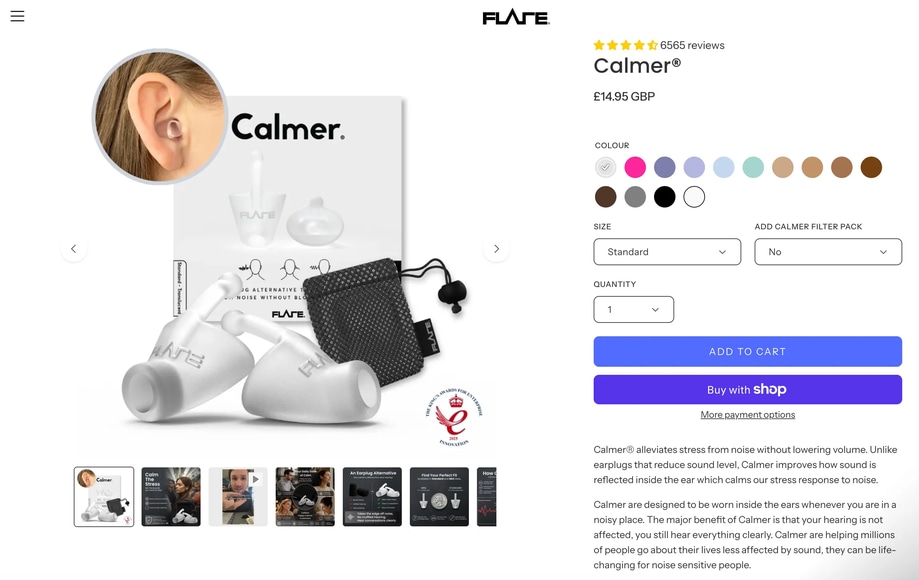
For example, Flare Audio uses a visual carousel on its Calmer earplugs page to show product variations as well as in-ear usage. That mix of clean product cutouts and lifestyle imagery helps shoppers understand both the product itself and how it looks in use.
Image suggestion: screenshot reference of the Flare Audio Calmer earplugs page showing product variations and in-use imagery.
Alt text: Ecommerce product page example showing clean product images alongside lifestyle imagery to help shoppers visualize product use.
When a Clipping Path Makes More Sense
A clipping path usually makes more sense when the edge itself needs to be clean, precise, and consistent.
That is especially true when:
- the product has hard, defined edges
- the image is going live on a product page or marketplace
- the cutout needs to stay consistent across a batch
- the file needs to be reused across multiple platforms
- edge quality needs to hold up under zoom
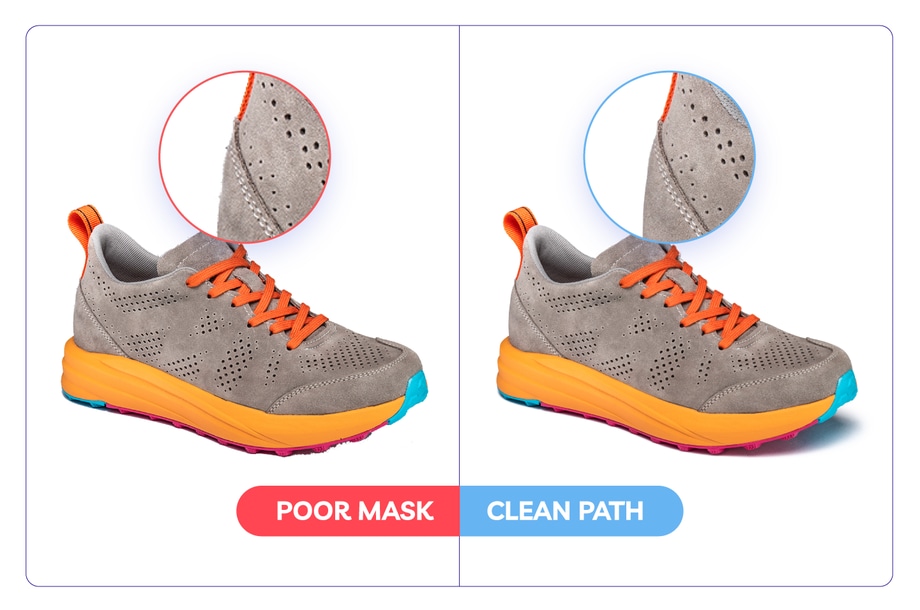
In those cases, a clipping path usually outperforms a quick one-click cutout. The background may be gone either way, but clipping path services usually provide better control over shape, spacing, and the overall finish of the image.
Image suggestion: side-by-side comparison showing a rough cutout beside a cleaner ecommerce-ready product image.
What Better Ecommerce Cutouts Come Down To
Clipping pictures for ecommerce is not just about getting the background out of the way.
It’s about whether the product still looks clean, natural, and consistent once the image is live.
If the cutout is only for a draft, a simple background removal may be enough. If the image is going on a product page, marketplace listing, or catalogue, the edge quality usually tells the story pretty quickly.
That is why some cutouts look fine in the file, then start to fall apart once they are used on a real product page.
The better ecommerce cutouts are not always the fastest ones. They are the ones that still look right once the product is sitting beside the rest of the range.
If the image needs to feel polished and ready to sell, a cleaner clipping workflow usually wins.