A photo clipping path can sound like a small technical detail. In product photography, it usually affects more than people expect.
Once an image is live, the cutout sits under a lot more pressure than it does inside Photoshop. It needs to look clean on a white background, consistent beside the rest of the range, and clear enough to hold up under zoom. That matters more than it used to.
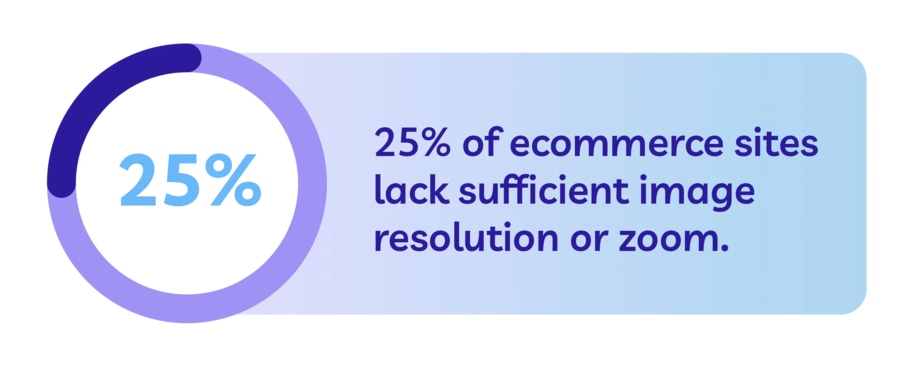
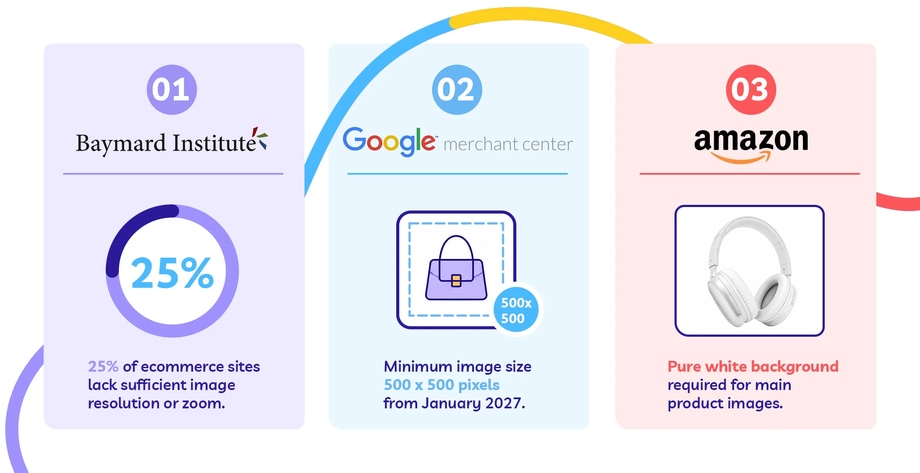
Baymard’s research found that 25% of ecommerce sites still do not provide product images with sufficient resolution or zoom, and that poor image quality can contribute to abandonment.
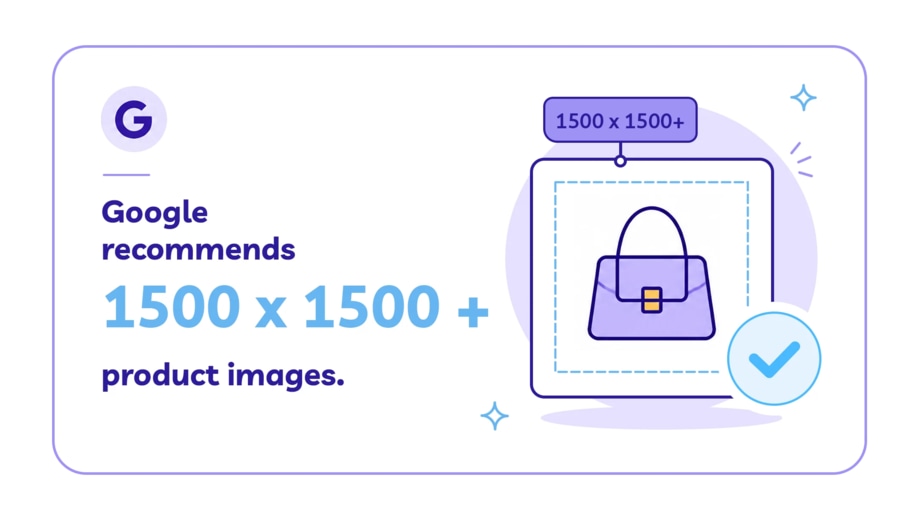
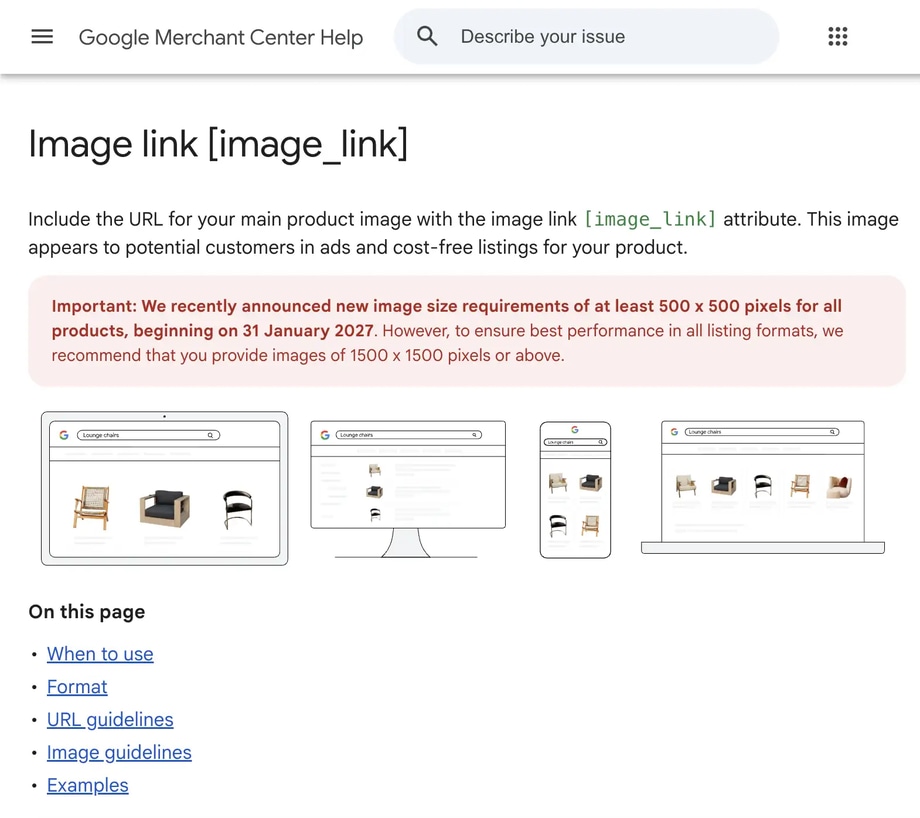
Google Merchant Center has also announced a new minimum image size of 500 × 500 pixels from 31 January 2027, while recommending 1500 × 1500 pixels or above for better performance in listings.
That is usually where cleaner clipping path work starts to matter more. The background may be gone either way, but the cleaner cutout is usually the one that still looks right once the customer sees it.
What Better Product Images Actually Need to Do
Baymard’s research found that 56% of users’ first actions on a product page involve exploring the images, yet 25% of ecommerce sites still do not give users enough image resolution or zoom to inspect products properly.
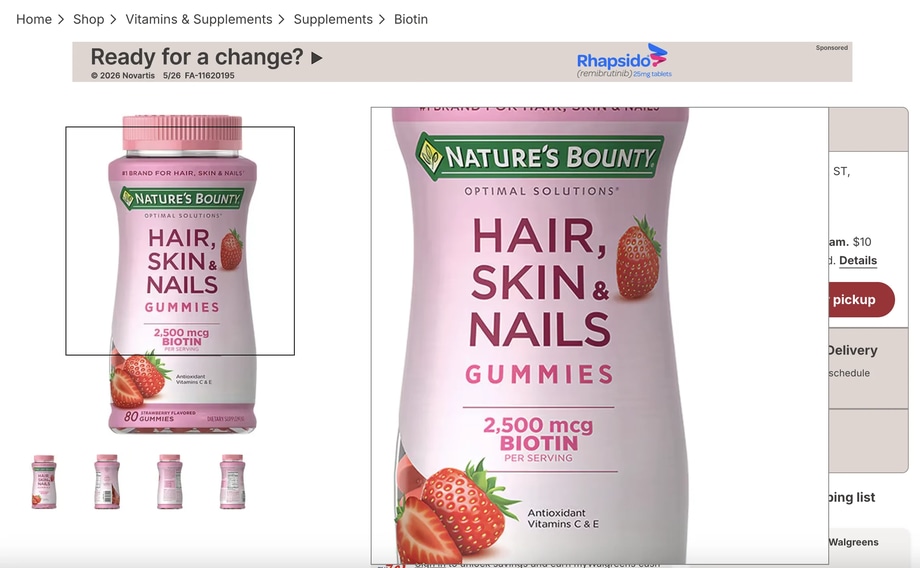
Better product images are not just there to make the page look tidy. They need to give customers enough visual detail to judge the product properly.
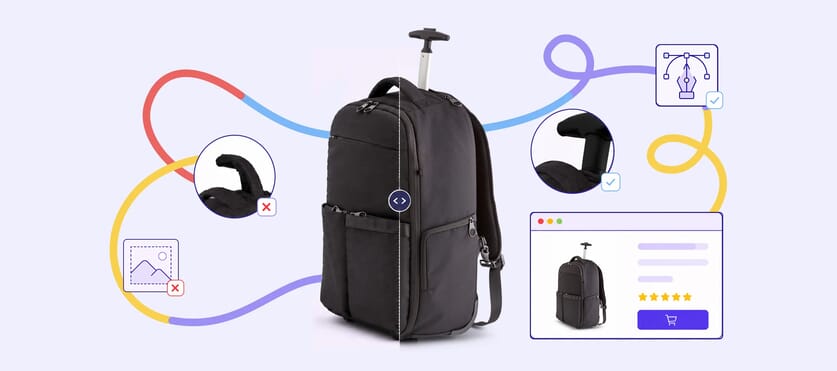
That is also where cleaner cutout work starts to matter. If the image itself is doing more of the selling, the edge quality has to hold up too - especially when zoomed into.
What a Photo Clipping Path Actually Is
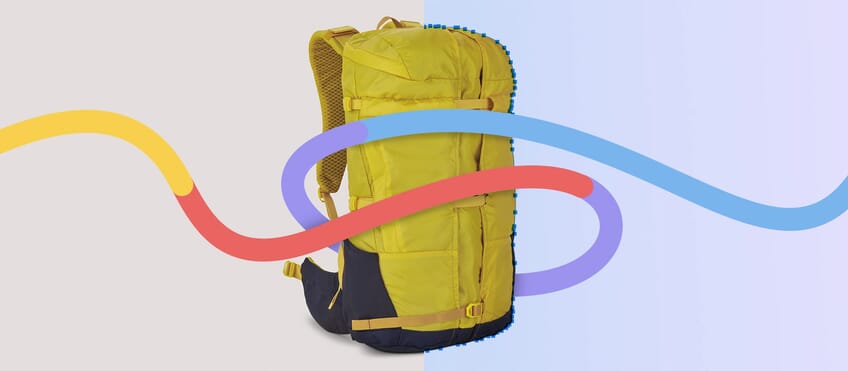
A photo clipping path is a hand-drawn vector path used to isolate a product from its background.
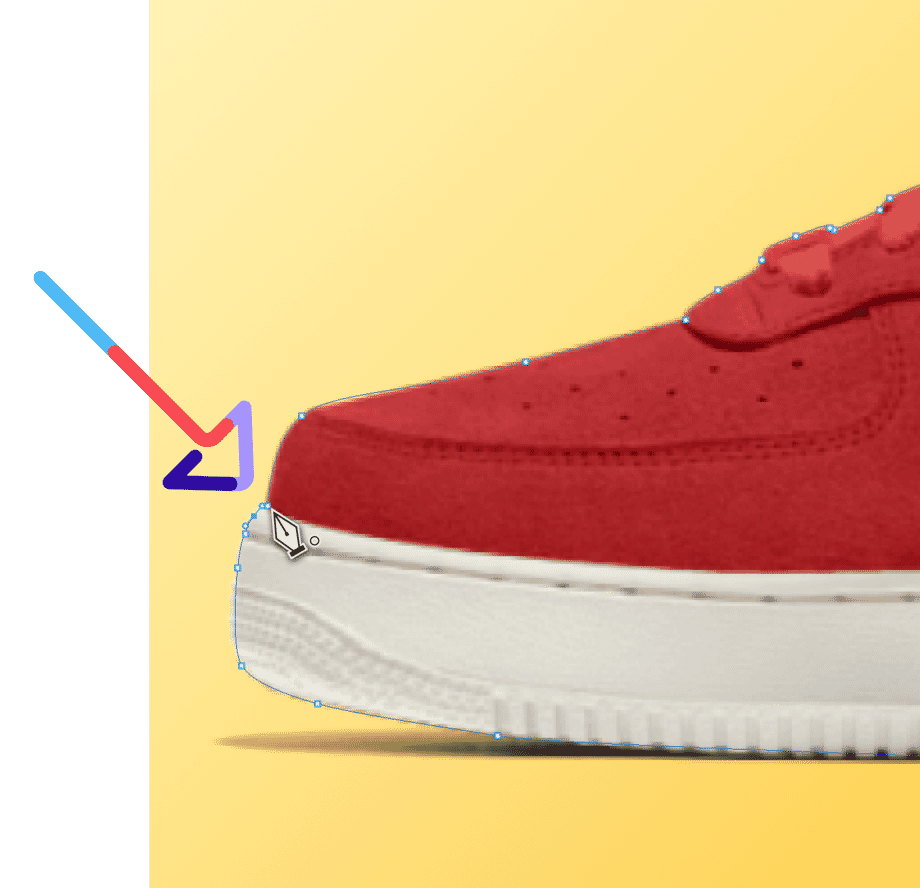
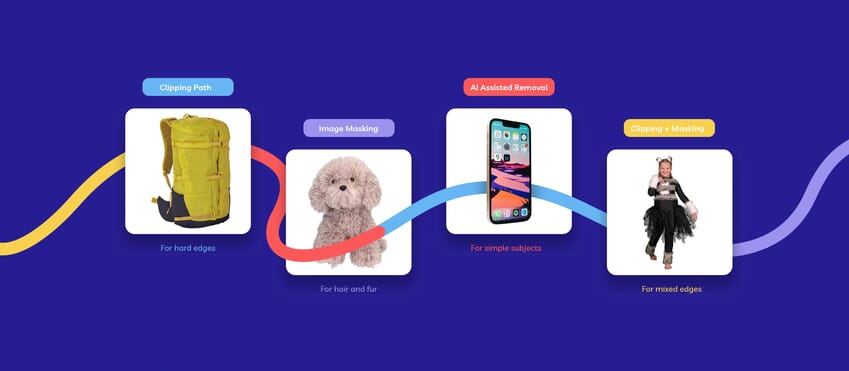
Usually, that path is drawn in Photoshop with the Pen Tool. The editor traces the outer edge of the product, saves the path, and uses it to cut the subject away cleanly. That is why the method tends to work best on hard-edged products like bottles, boxes, electronics, footwear, and packaging.
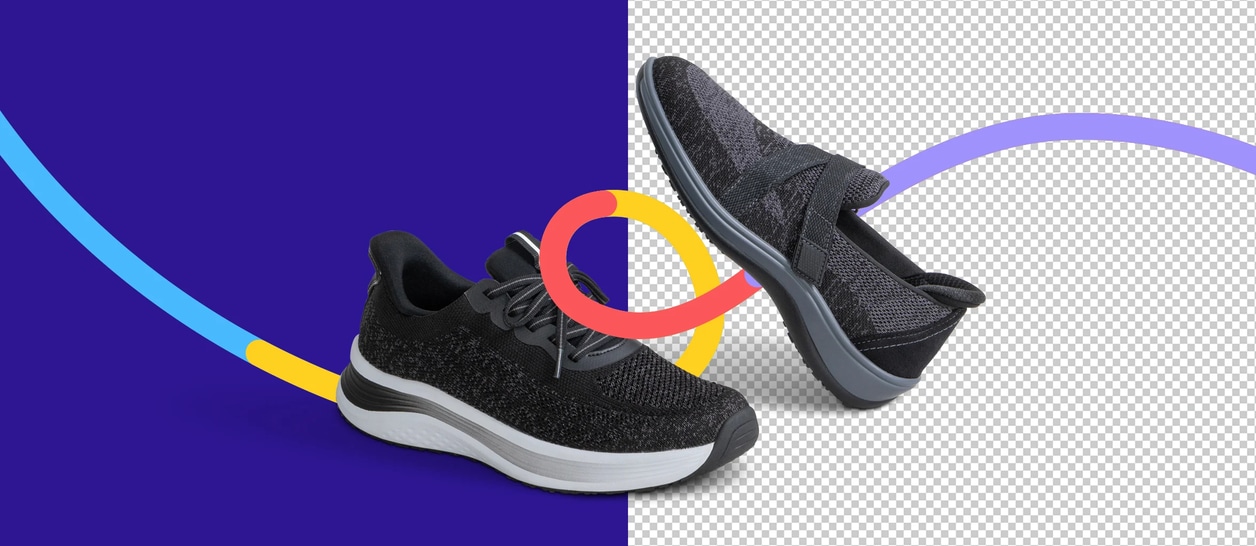
A clipping path is not the same thing as broad background removal. Background removal describes the outcome. A photo clipping path is one specific way of getting there, and often the cleaner one when the edge needs to stay crisp.
Why Product Images Put More Pressure on the Edge
A cutout that looks passable in a working file can start to fall apart once it is used for real.
There are a few reasons for that. Marketplaces and shopping feeds do not just want “a product with no background.” They want a product image that looks clear, professional, and easy to assess.
Amazon’s official guidance says every product must have a main image, recommends at least six images and one video, and requires the main image to have a pure white background.
Google Merchant Center also expects the image to accurately represent the product and meet minimum size requirements for listings.
Once the image is being used in that kind of environment, small edge problems become much easier to spot:
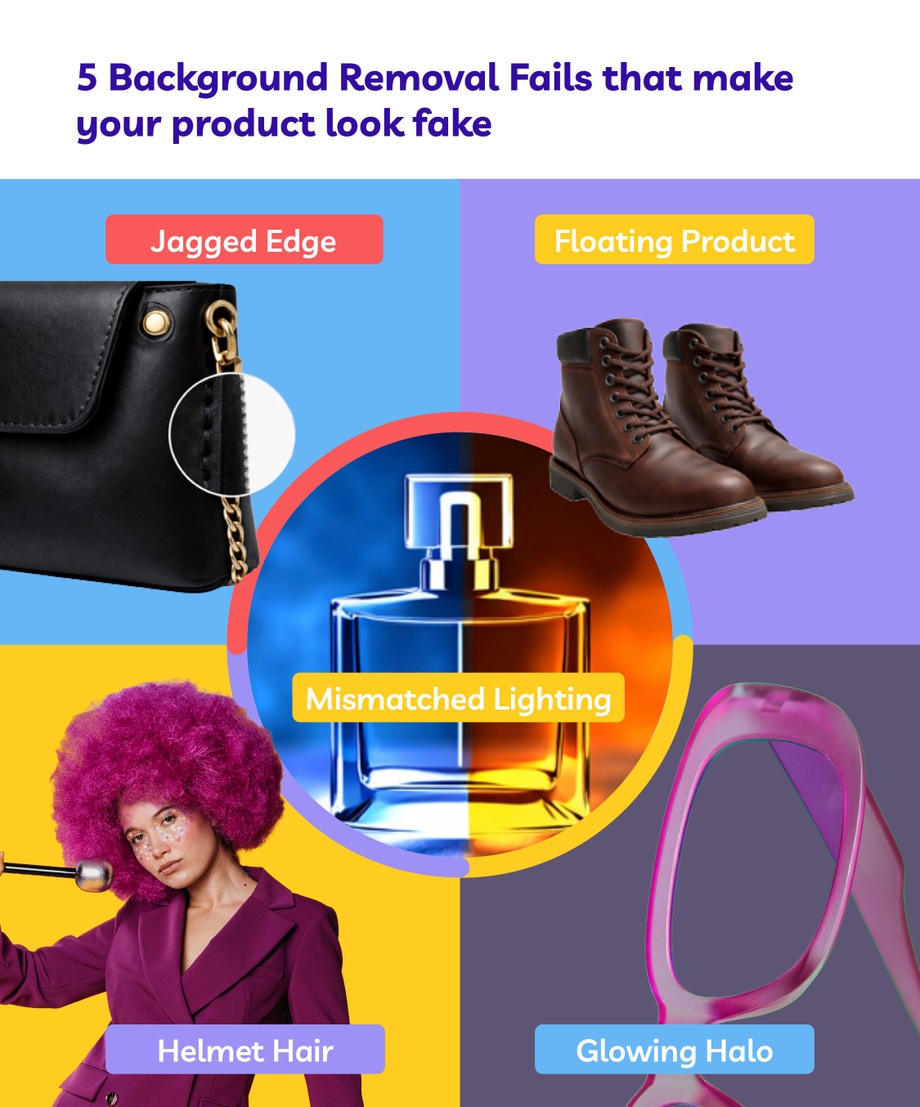
- rough outlines
- clipped corners
- faint halos
- product shapes that feel too tight
- inconsistent spacing across a batch
That is one reason our post on Why Your Background Removal Looks Fake (and How to Fix It) is useful for ecommerce teams dealing with cutout quality issues. The problem is rarely just “the background is still there.” More often, the edge looks wrong once the image is live.
Where a Photo Clipping Path Works Best
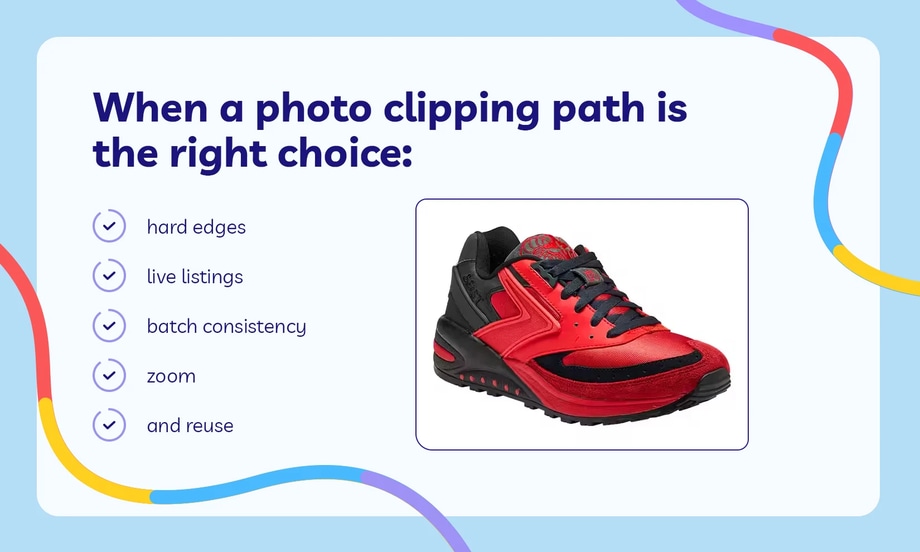
A photo clipping path usually works best when the product has hard, defined edges and the cutout needs to stay clean across more than one use.
That is especially true when:
- the shape is clear and easy to trace
- the image needs to stay consistent across a batch
- the product is going on a product page, marketplace, or catalogue
- the edge needs to stay clean under zoom
In those situations, the job is not just to remove the background. It is to end up with a product cutout that still looks clean wherever it is used.
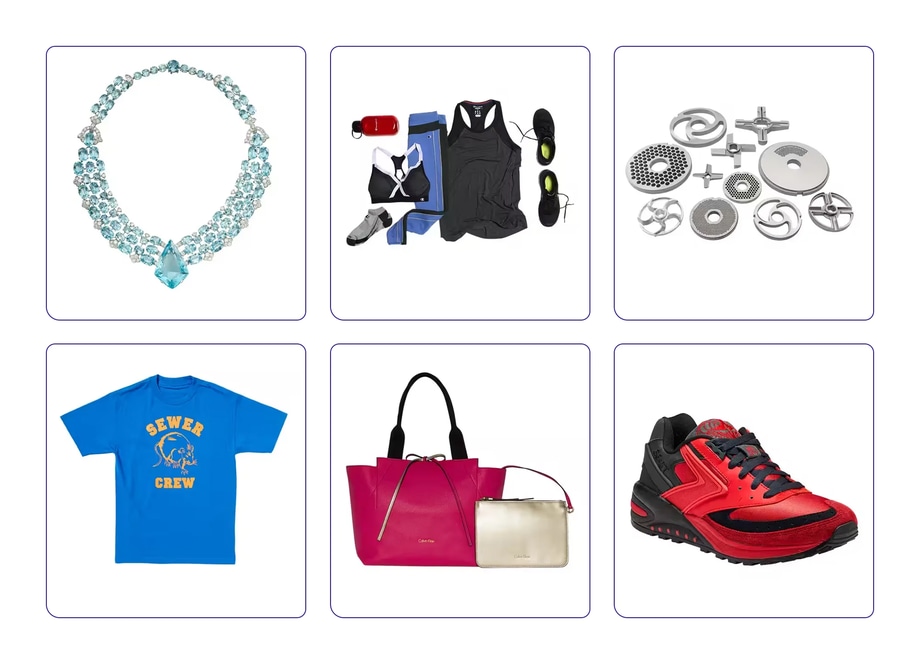
That is where product clipping paths for ecommerce photos start to make more sense than a rough one-off cutout. The value is not just in one image looking right. It is in the whole range feeling consistent.
When a Clipping Path Is Not the Best Fit
A clipping path is not the answer to every edge problem.
If the subject has hair, fur, transparent materials, smoke, mesh, or very soft detail, another method may be better.
A clean outer path works well for hard edges. More complex borders often need masking instead.
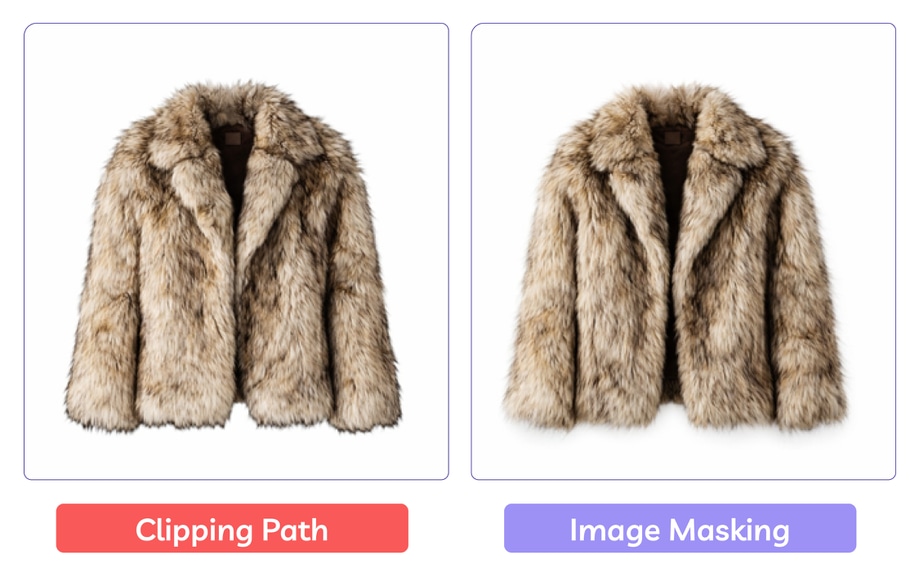
This is important because a lot of teams hear “clean cutout” and assume one method should cover every image. It usually does not.
What the Data Really Points To
The data is not saying every product image needs the same treatment. It is showing that image quality matters more once the customer is close to making a decision.
Baymard’s image research shows that low resolution and poor zoom still create real usability problems. Google’s image requirements show that platforms are continuing to push toward larger, clearer image assets. Amazon’s white-background rules show how tightly product presentation can be standardized on major marketplaces.
A photo clipping path fits neatly into that picture because it is one of the methods most likely to give hard-edged product images the kind of clean, repeatable finish those channels expect.
Related: Why White Backgrounds for Products Drive More Sales.
What a Cleaner Cutout Changes
What really matters is how the product image looks once it is live.
If the cutout is only for a draft, a quick removal may be enough. If the image is heading to a product page, catalogue, or marketplace listing, the edge usually needs more than that. It needs to look clean, consistent, and dependable across the full set.
A photo clipping path will not solve every product-image problem, and it does not need to. What it does well is give hard-edged product images a cleaner, more controlled finish. Once those images are live, that finish is often the difference between a cutout that simply removes the background and one that actually looks ready to sell.
That is where a clipping path service usually starts to make more sense than a quick automated cutout..
Frequently Asked Questions
What is a photo clipping path?
A photo clipping path is a hand-drawn vector path used to isolate a product from its background. It is most commonly used on hard-edged product images where the cutout needs to look clean and controlled.
What is the difference between a clipping path and background removal?
Background removal is the wider goal of separating the subject from the background. A clipping path is one specific method used to do that, usually when the edge needs to stay crisp and consistent.
When should I use a photo clipping path?
A photo clipping path usually makes the most sense when the product has hard, defined edges and the image is going live on a product page, catalogue, or marketplace listing.
Are clipping paths good for all product images?
No. Clipping paths are strongest on hard-edged products. If the subject has hair, fur, transparency, mesh, smoke, or other soft detail, masking may be the better method.
Why does cutout quality matter for ecommerce?
Once the image is live, the edge quality affects how polished and trustworthy the product looks. A rough cutout can make the image feel less professional, especially on white backgrounds or under zoom.
Can AI background removal replace a clipping path?
Sometimes, but not always. AI tools can be useful for simple images or quick drafts, but they do not always give the same level of edge control, consistency, or finish as a hand-drawn clipping path.
What file types keep a clipping path?
A clipping path is usually saved in formats like PSD, TIFF, or EPS, depending on how the file needs to be used later.
Why are clipping paths still used if there are faster tools?
Because speed is not the only issue. For many product images, especially those used in ecommerce, the cutout still needs to look clean, consistent, and ready to publish.