How to Create Multiple Product Color Variants From One Photo
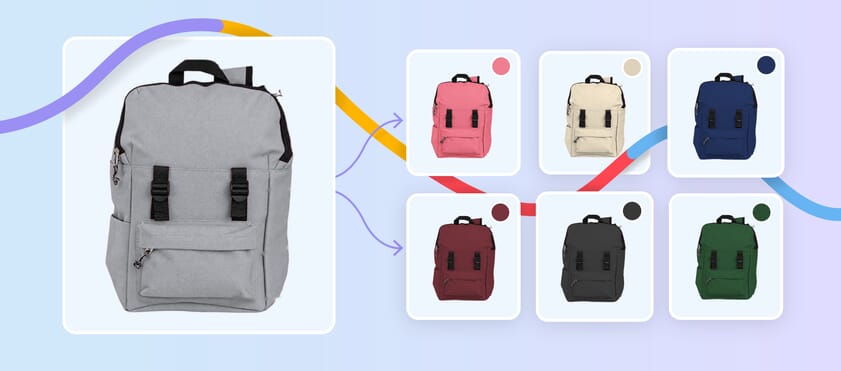
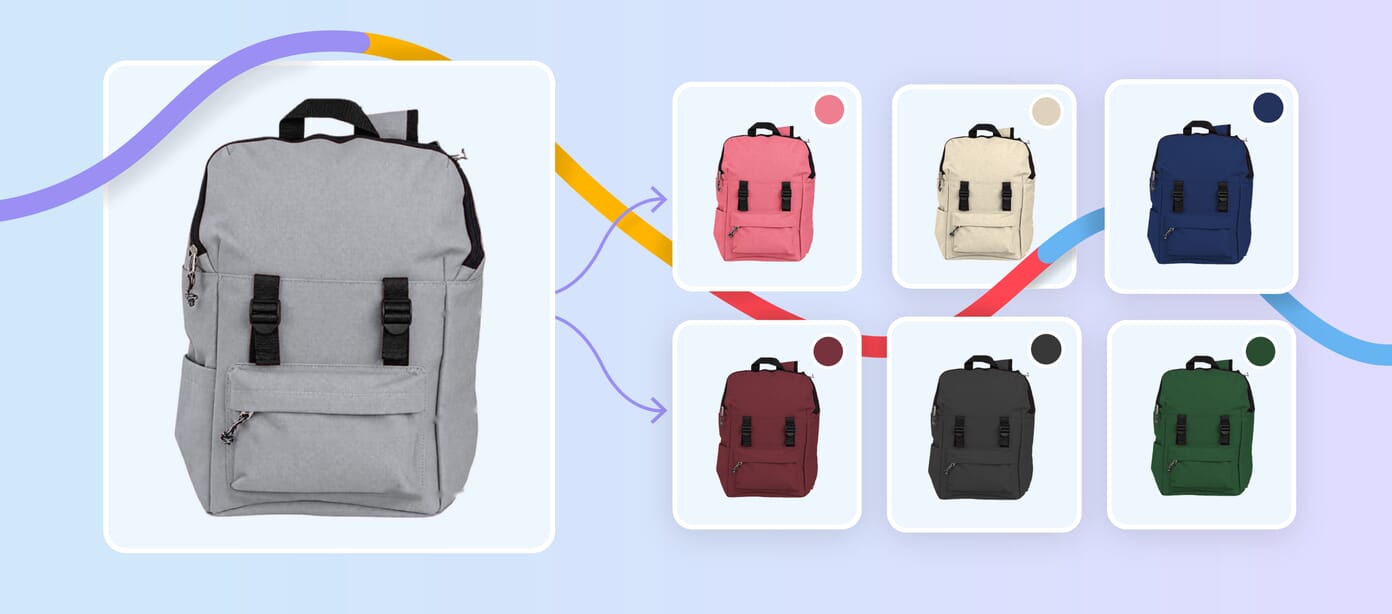
Learn how to create multiple product color variants from one photo while maintaining accurate colors, natural textures, consistent lighting, and professional ecommerce quality.

Learn how to create multiple product color variants from one photo while maintaining accurate colors, natural textures, consistent lighting, and professional ecommerce quality.

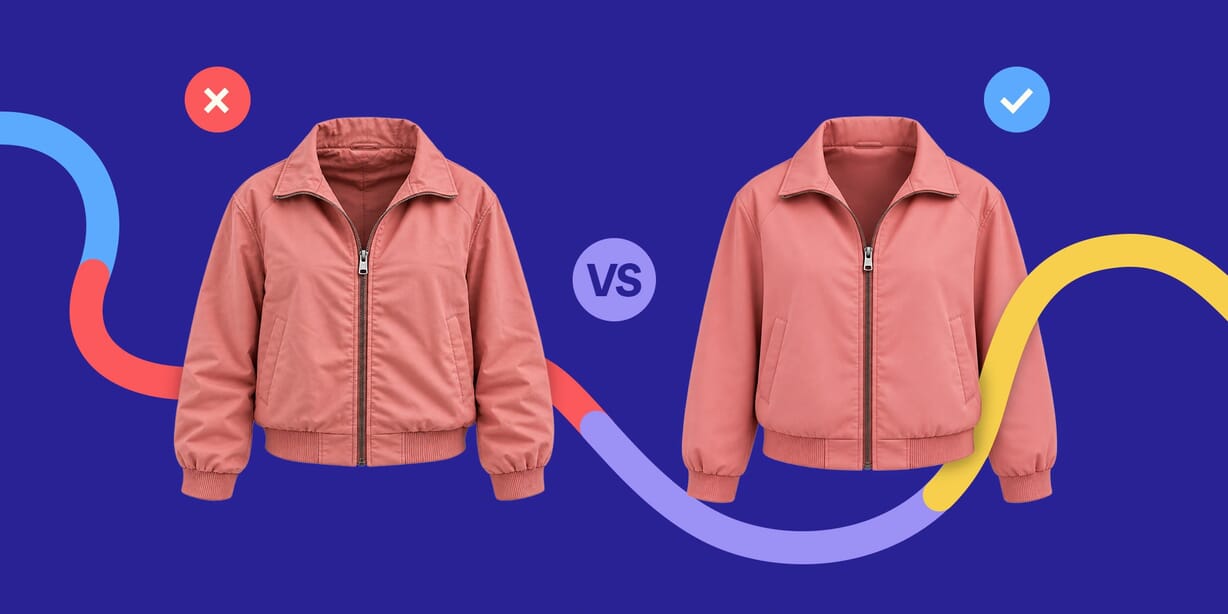
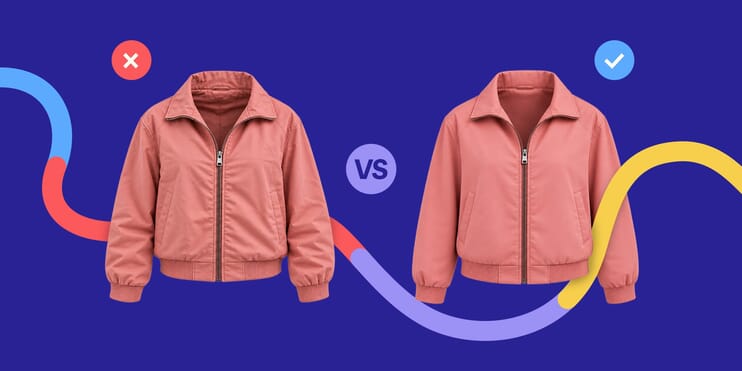
Not all ghost mannequin images are created equal. Learn the key details that make apparel photography look polished, professional and ready for ecommerce.

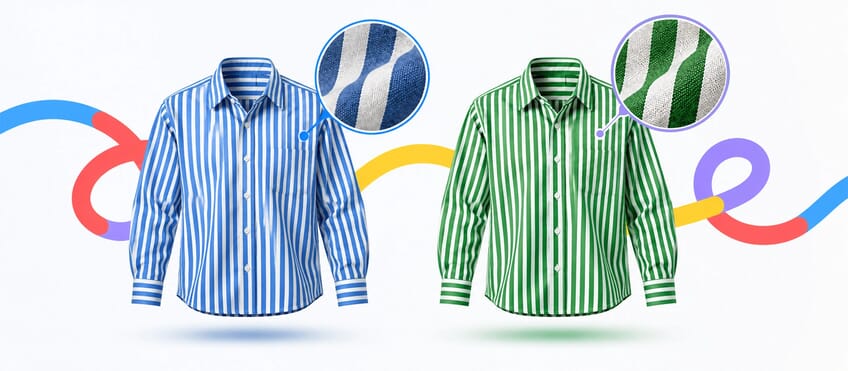
Learn how to change clothing colors while preserving fabric texture, folds, highlights, shadows, patterns, and fine details for realistic, professional results.

Ever wondered what happens between photographing a garment and the finished ghost mannequin image? Discover the complete editing workflow used to create professional ecommerce...

Learn how to change one specific color in Photoshop using Color Range, Hue/Saturation, and layer masks while protecting similar colors, product details, and the rest of your image.
240 articles