


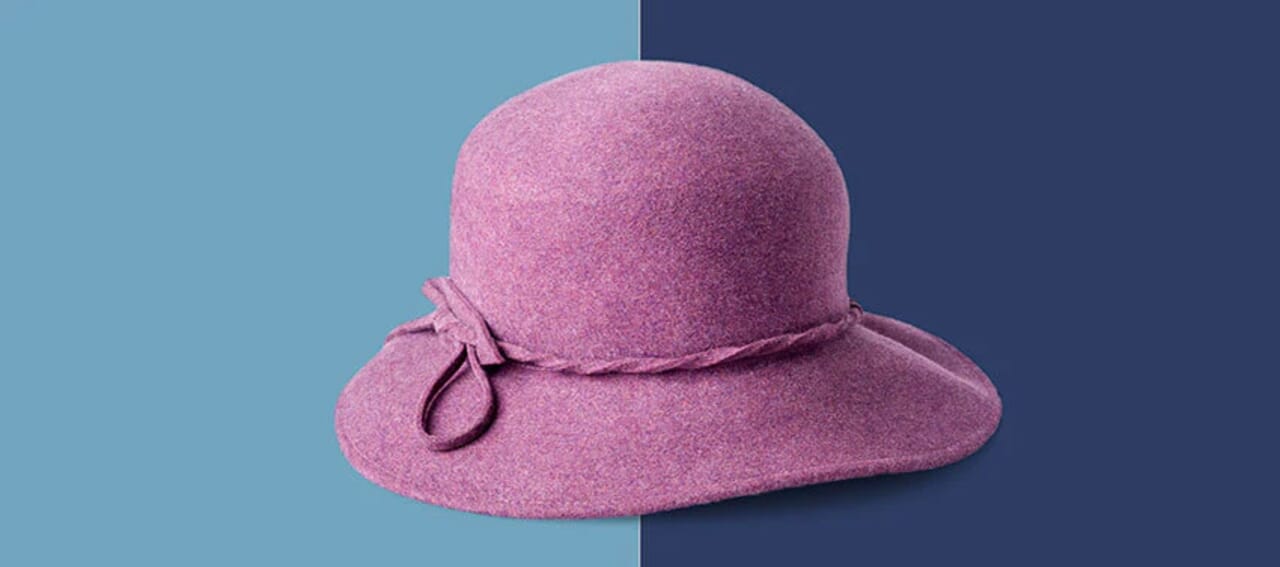
How to Change the Background Color of a Picture in Photoshop
No time or budget for a reshoot? Use Photoshop to give your product shots a whole new look and feel in minutes.
11 min readBy Becky Kilimnik
58 posts under Editing tips
No time or budget for a reshoot? Use Photoshop to give your product shots a whole new look and feel in minutes.

The little things you do before, during and after the shoot can make a big difference in how much time you spend editing.
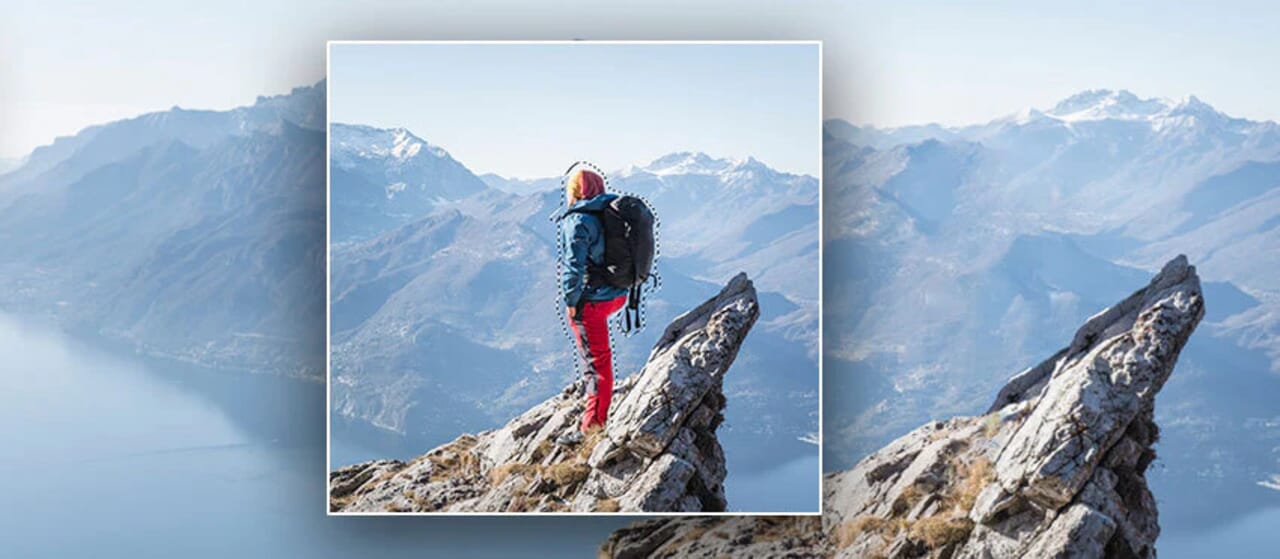
Need to get rid of an element in your shot? These three tutorials will show you how — no reshoot necessary.
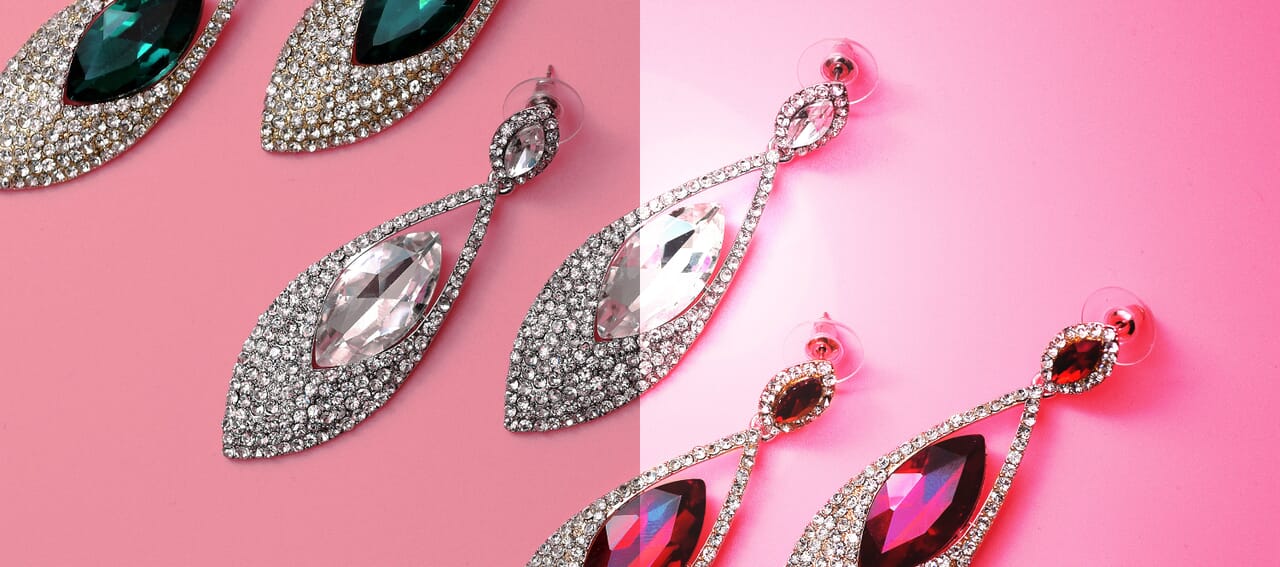
Learn how to fix lighting, change the color of lighting and create spotlight and lens flare effects on your product photos.

Fix blemishes, smooth skin, refine lines and even change the shape of a person’s face.
Whether you hate or love Photoshop, these 11 plugins will make your task of editing product photos a heck of a lot easier.
58 articles
